




A wholesale buyer needs to reorder a case of products at a negotiated price, send the purchase for approval, and charge it to an existing account. A storefront that handles consumer checkout beautifully might still need additional configuration to complete that order correctly.
For ecommerce sellers comparing B2B ecommerce platforms, the important question is not which platform has the longest feature list. It is which system can handle your actual customers, commercial terms, and fulfillment rules without creating avoidable work.
This guide compares seven options, explains their pricing models and constraints, and provides a practical test for choosing between them.
Key Takeaways
- Choose around account-specific pricing, purchasing permissions, reordering, and integration requirements before comparing storefront design.
- Confirm the exact subscription, extension, and implementation scope required for your workflows rather than treating an advertised starting price as the complete cost.
- Require vendors to demonstrate representative orders using your product and account data.
- Measure successful adoption through accurate orders, repeat purchasing, and processing effort, not simply the percentage of orders submitted online.
Which B2B Ecommerce Platforms Belong on Your Shortlist?
Shopify, BigCommerce, WooCommerce, Adobe Commerce, OroCommerce, Sana Commerce, and Salesforce B2B Commerce provide seven distinct starting points for evaluation. Consider Shopify, BigCommerce, and WooCommerce when extending an existing retail operation into wholesale; investigate Adobe Commerce and OroCommerce for more elaborate purchasing workflows; examine Sana Commerce and Salesforce when the systems already managing your business should strongly influence the choice.
A B2B ecommerce platform supports online transactions between businesses, with capabilities such as company accounts, negotiated pricing, purchasing controls, and payment terms. For example, Shopify’s B2B documentation describes company-based purchasing and personalized buying experiences rather than treating every visitor as an unrelated retail customer.
This is a different decision from launching products across multiple marketplaces. Here, you are selecting the infrastructure for your own wholesale ordering experience, including the rules that govern who can buy, what they pay, and how orders reach your operational systems.
Where B2B Buyers Lose Confidence
Evaluate the handoff between self-service ordering and human assistance, not just the checkout screen.
In McKinsey’s 2024 B2B Pulse research, among respondents likely to switch suppliers, 54% cited poor digital customer experiences, 51% cited missing customer tracking across channels, and 51% cited difficulty reaching the right person for help. These are stated concerns from a 2024 survey, not observed churn rates or 2026 benchmarks.
A useful demonstration should therefore include a buyer starting an order online, requesting help, and resuming without losing the agreed price or order context.
For consumer brands expanding into wholesale, product evidence and ecommerce social proof can help explain an assortment. Keep that evidence alongside, rather than in place of, the commercial details a retailer needs to place an order.
Seven B2B Ecommerce Platforms Compared
The following reviews use official product and pricing information checked on October 2, 2026. They are documentation-based evaluations, not hands-on performance benchmarks or a universal ranking.
Shopify
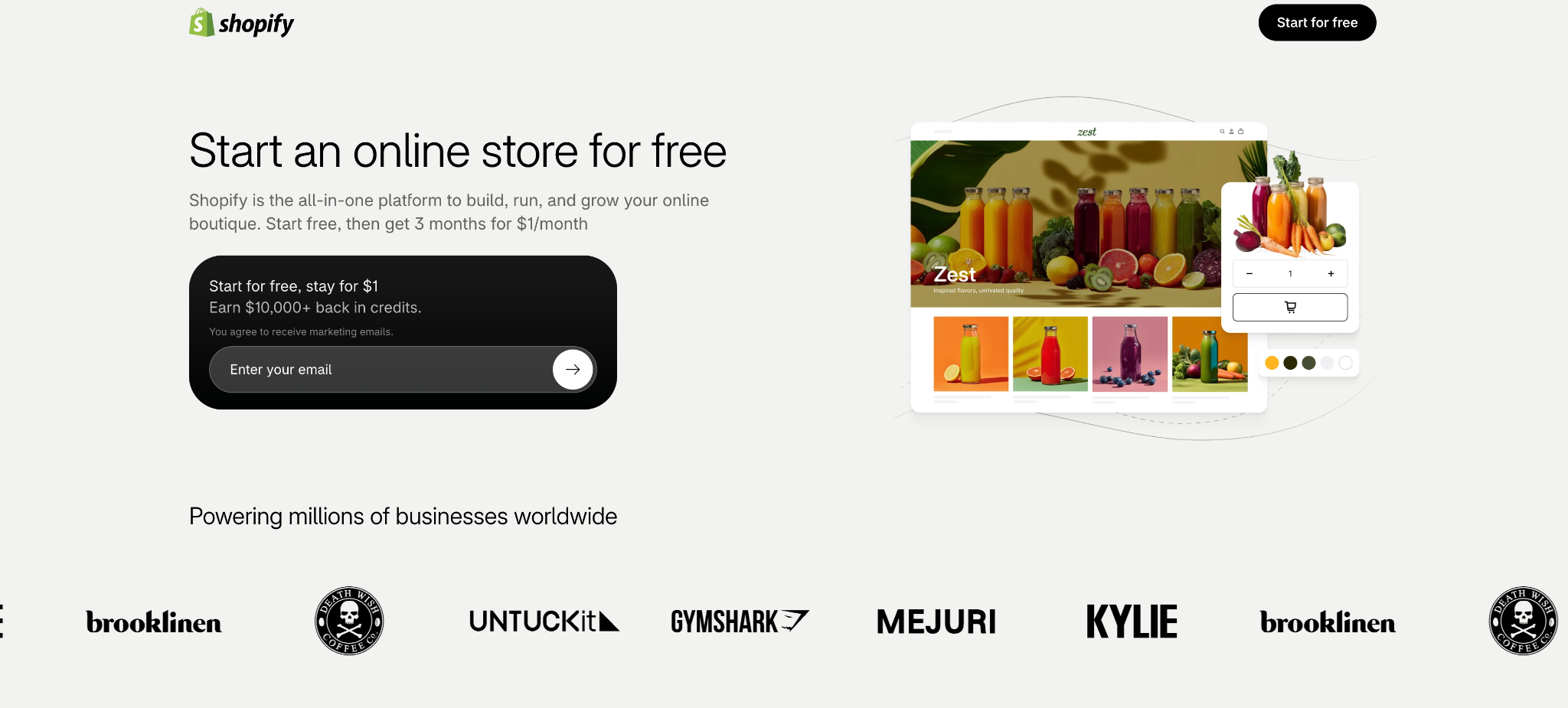
Shopify is worth examining when a brand wants to connect direct-to-consumer and wholesale selling. Its current B2B features-by-plan documentation lists B2B availability on Basic, Grow, Advanced, and Plus, so the old assumption that every wholesale store requires Plus is outdated. Basic, Grow, and Advanced support up to three active catalog assignments across all B2B markets and require the new Shopify Markets for those catalog features.
The important constraint is customer-level pricing: assigning catalogs directly to individual companies or company locations requires Plus, which also supports unlimited B2B market catalogs. That distinction matters when comparing a few wholesale price groups with individually negotiated customer agreements.
For standard setups, Shopify Plus pricing starts at $2,300 USD per month on a three-year term or $2,500 per month on a one-year term; more complex businesses may use variable platform fees. Those are Plus prices, not the minimum cost of accessing Shopify B2B. Scope apps, custom development, and integrations separately.
BigCommerce
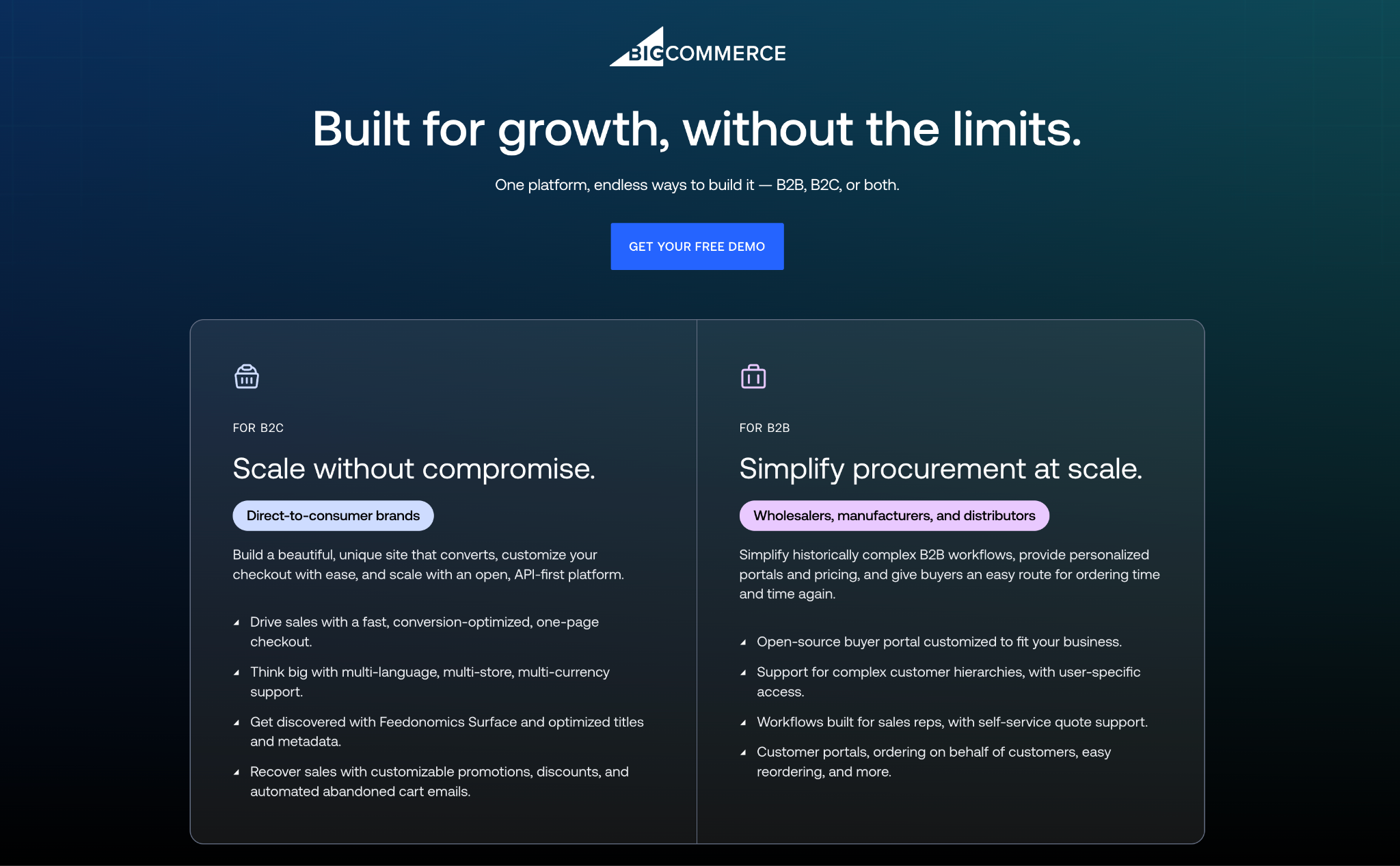
BigCommerce’s B2B offering combines buyer portals, account pricing, quoting, purchasing roles, and self-service ordering with the ability to manage B2B and B2C commerce. Its appeal is the combination of a hosted commerce platform and integration options for businesses that need wholesale functionality without treating their consumer and business operations as entirely separate systems.
The public BigCommerce pricing page lists Performance plans starting at $1,499 USD per month, billed annually. That starting figure should not be read as an all-inclusive quote for your B2B implementation. Request written confirmation of the B2B capabilities, storefronts, integrations, payment arrangements, and services included.
For a distributor, the decisive demonstration is whether the buyer’s account price and permissions survive the entire ordering process and arrive correctly in the back office. Ask which parts of that connection the vendor, an implementation partner, and your team will maintain.
Adobe Commerce
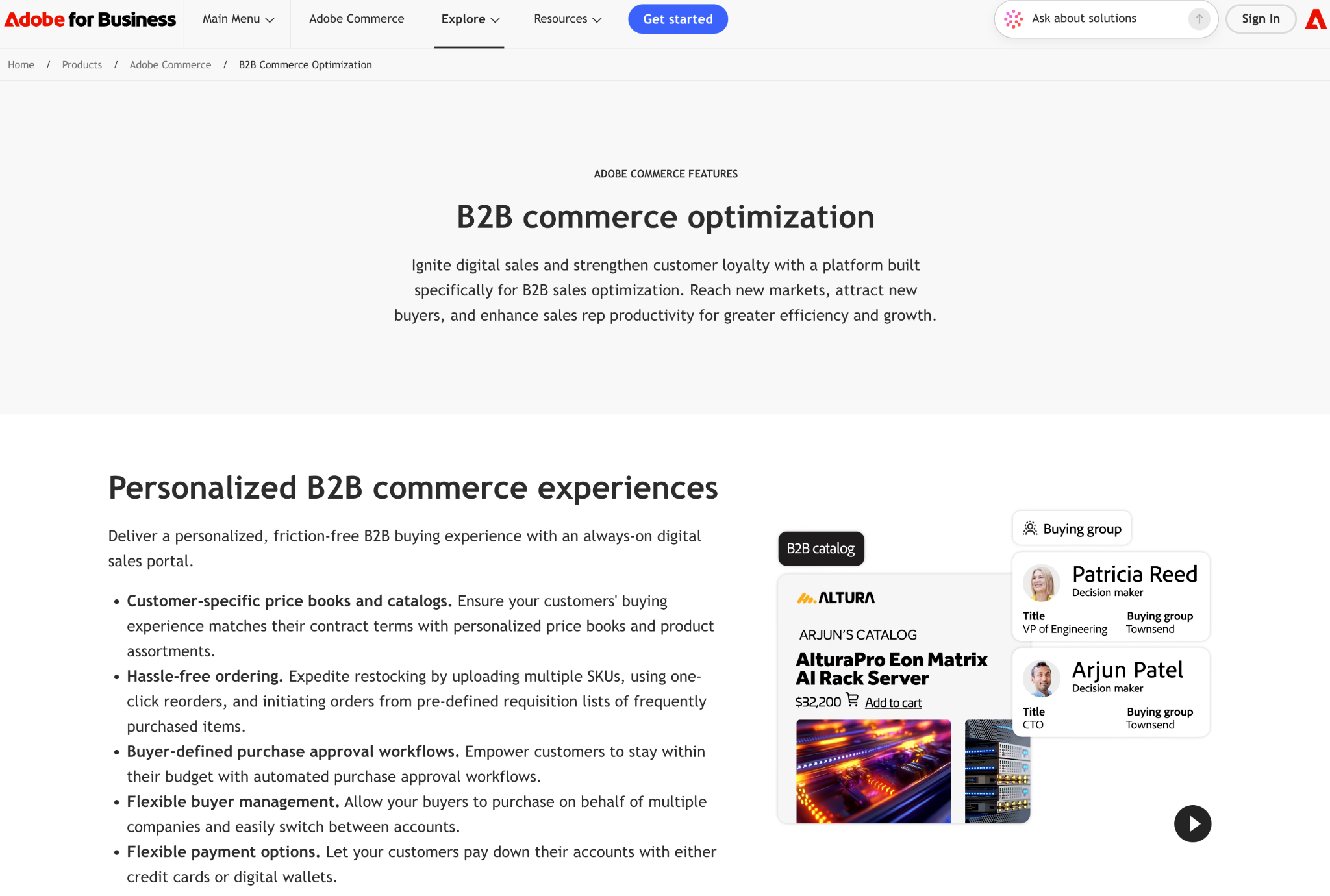
Adobe Commerce’s B2B capabilities include company-specific catalogs, negotiated quotes, purchasing approvals, requisition lists, and ordering through product-code uploads. These capabilities make it worth evaluating when wholesale buyers have structured procurement processes rather than a simple discount applied at checkout.
Be precise about the product being quoted. Adobe’s commerce packages and pricing distinguish Adobe Commerce as a Cloud Service, a multi-tenant software-as-a-service offering, from Adobe Commerce on Cloud, which uses dedicated cloud infrastructure. Adobe Commerce Optimizer is a storefront, catalog, and merchandising product that works with an existing transaction engine, not a like-for-like replacement for the complete commerce system.
Pricing requires a quote. The practical tradeoff is implementation scope: identify the deployment model, included B2B capabilities, integrations, and responsibility for custom workflows before comparing Adobe’s proposal with a simpler hosted-store subscription.
OroCommerce
OroCommerce is built around B2B workflows for manufacturers, distributors, and wholesalers. Its documented capabilities include a visual workflow engine, customer-specific and tiered pricing, units and order minimums, quote management, and a built-in customer relationship management system.
The workflow engine is the distinctive evaluation point. A business with different approval rules by customer, role, or order condition should ask Oro to demonstrate those rules using representative accounts rather than a generic storefront.
Oro bases pricing on factors including deployment type, gross merchandise value, and administrator count, with a quote required. Its flexibility still needs an owner: determine who will maintain the business rules, test changes, and resolve integration exceptions after launch. A configurable workflow does not remove the need to decide how that workflow should operate.
Sana Commerce
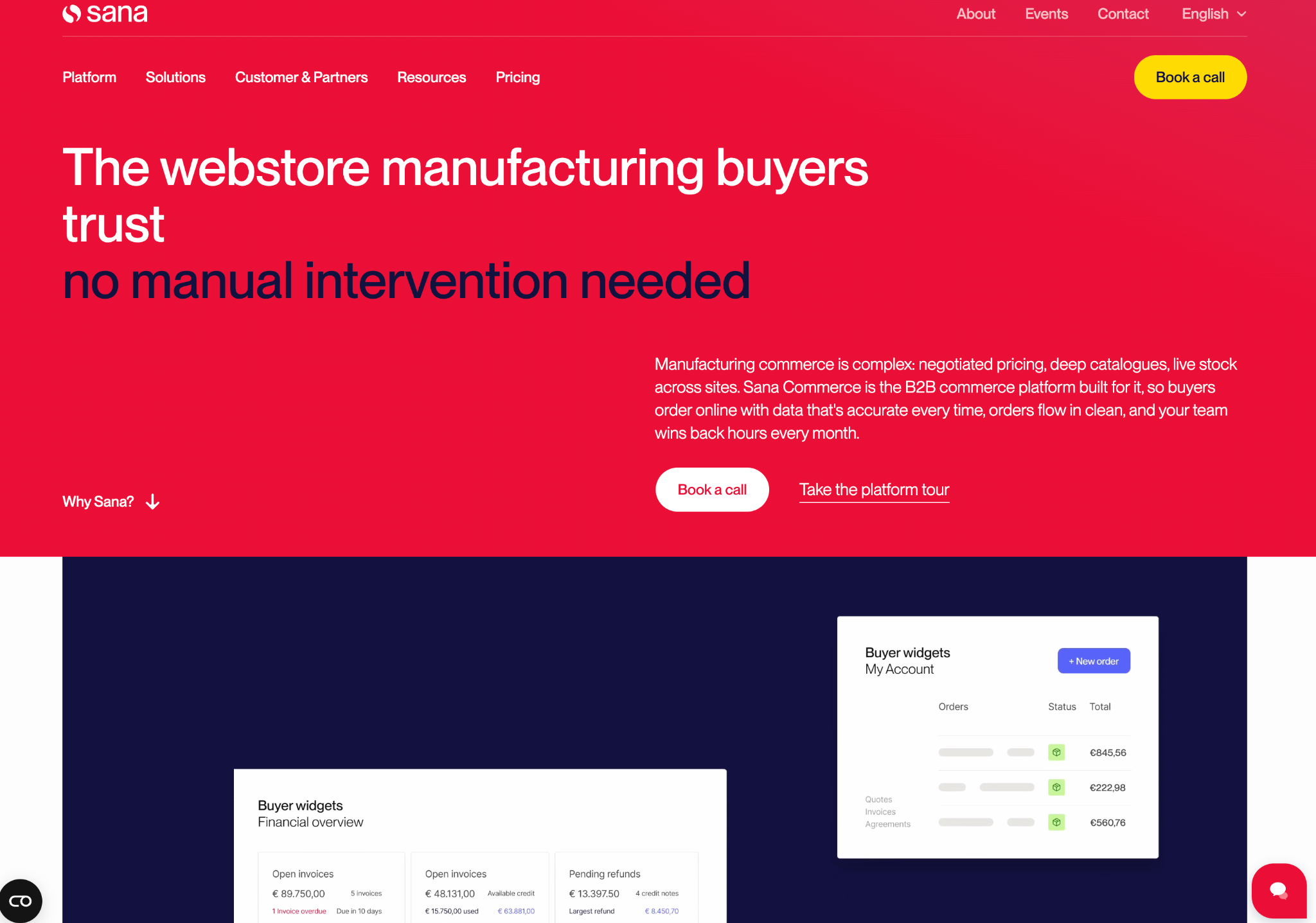
Sana Commerce centers its offering on integration with supported SAP and Microsoft Dynamics enterprise resource planning systems. ERP software manages operational records such as inventory, customer terms, and orders; Sana’s approach uses that existing business logic to power the buying experience.
That makes Sana a particularly relevant evaluation candidate when the ERP already contains the prices and customer rules the storefront must respect. The demonstration should show your actual ERP configuration supplying those values, including an account with unusual terms.
Sana’s pricing and package information uses Essential, Pro, and Advanced plans with pricing available by request. Supported ERP options and capabilities vary by package. Confirm the exact ERP version, customizations, and required functions before assuming that an ERP-centered architecture will fit your current environment without additional work.
Salesforce B2B Commerce
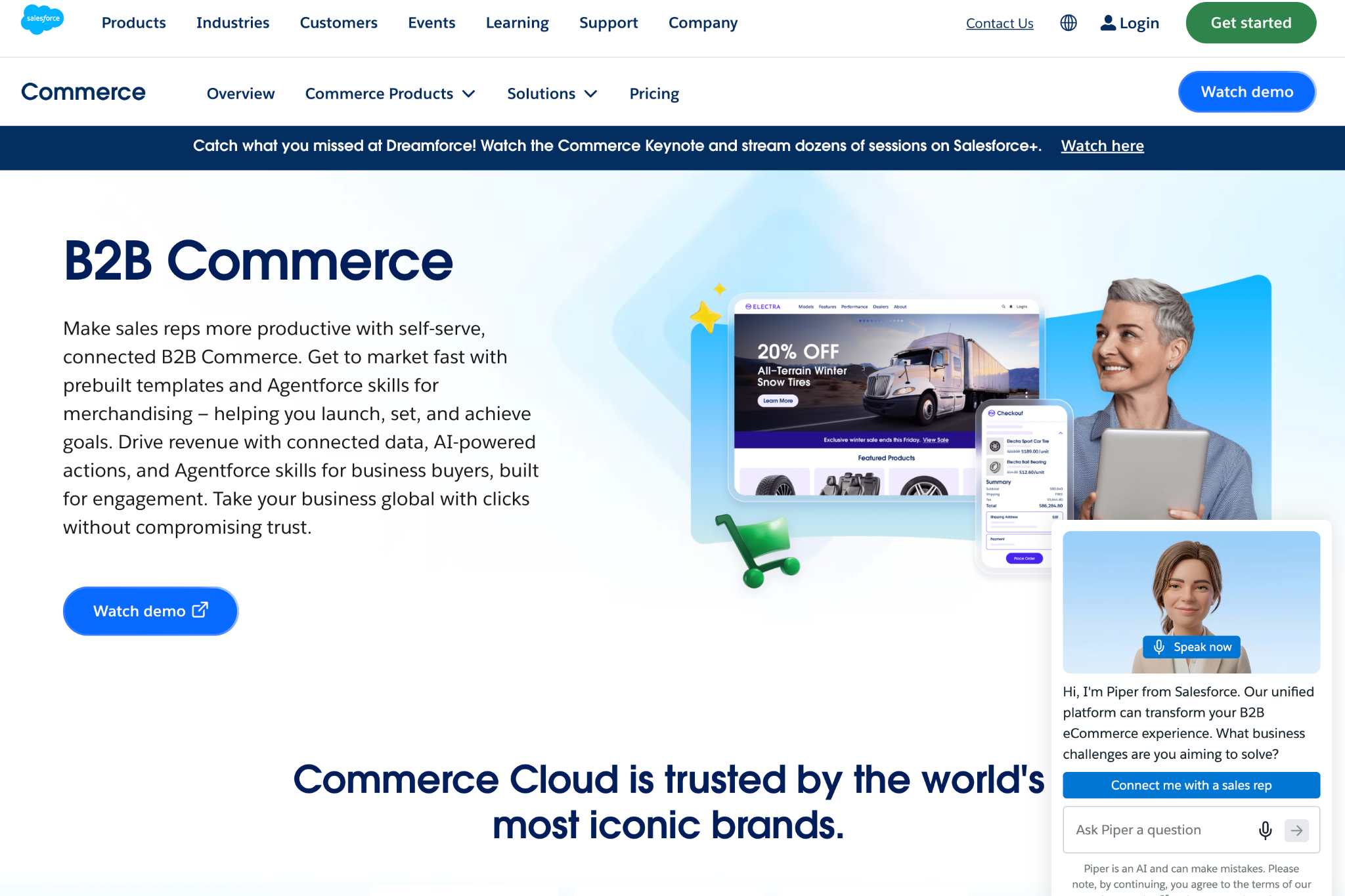
Salesforce B2B Commerce is worth considering when customer relationship management, sales assistance, and service interactions already revolve around Salesforce. Its documented buying capabilities include account-based product access, negotiated prices, purchasing for business locations, and splitting large orders into shipments.
The central question is whether connecting commerce to those existing customer records will remove meaningful handoffs. Ask the demonstration team to show how a sales-assisted order, a customer service request, and a buyer’s self-service activity remain connected.
The current Salesforce B2B pricing page lists Growth and Advanced editions with pricing by request and describes a gross-merchandise-value-based commercial model. Growth includes Order Management Lite, while Advanced includes full Order Management. Confirm edition entitlements, additional products, implementation services, and volume-based charges rather than assuming an existing Salesforce subscription already covers commerce.
WooCommerce

WooCommerce provides an open-source, WordPress-based commerce foundation with control over the storefront, code, and extensions. It warrants consideration when a seller already works in WordPress and wants to assemble a wholesale setup around specific requirements. Evaluate the complete configuration, however, rather than assuming the core platform includes every B2B purchasing function.
One documented option is B2B for WooCommerce by Addify, listed at $179 for a one-year plan. The extension includes capabilities such as registration approval, customer or role-based pricing, quotation requests, and quantity controls. That price is an extension license, not the cost of hosting, implementation, maintenance, or a fully managed wholesale operation.
The tradeoff is ownership of the combined setup. Include compatibility testing, updates, backups, and support responsibility in the budget, especially when several extensions affect pricing or checkout.
Comparison by Workflow
- Shopify: Evaluate for connected DTC and wholesale selling, with careful attention to catalog and company-pricing plan limits.
- BigCommerce: Evaluate for hosted B2B and B2C commerce with buyer portals and an integration-led implementation.
- Adobe Commerce: Evaluate for structured purchasing processes, while distinguishing the complete commerce products from Optimizer.
- OroCommerce: Evaluate for customer-specific commercial rules and configurable B2B workflows.
- Sana Commerce: Evaluate when supported SAP or Microsoft Dynamics systems should supply the storefront’s operational logic.
- Salesforce B2B Commerce: Evaluate when commerce should connect closely to Salesforce-centered customer, sales, and service records.
- WooCommerce: Evaluate for a WordPress-based setup whose extensions and technical maintenance have clear owners.
The Five-Order Acceptance Test
Use the Five-Order Acceptance Test as a demonstration brief for your finalists. Instead of asking whether a platform “supports wholesale,” require it to complete five representative orders from start to finish.
- The Account-Specific Reorder: An existing customer buys a familiar assortment at the correct contract price, in the correct case quantities, using the correct shipping address. Confirm what happens when the old order contains a discontinued item.
- The Newly Approved Buyer: A new buyer joins a company account and receives only the catalog, ordering permissions, and payment options they should have. Test that the buyer cannot access another company’s prices or invoices.
- The Negotiated Quote: A buyer accepts an approved quote and turns it into an order without losing the agreed quantities, price, expiration conditions, or purchasing approval.
- The Split Shipment: Part of an order ships now and the remainder later. Check inventory allocation, buyer notifications, invoice handling, and the information passed to the fulfillment system.
- The Corrected Order: An order is amended or returned after submission. Confirm that the storefront and operational records reconcile, including when an integration message is retried.
Replace any irrelevant scenario with one of your own recurring exceptions. The point is representative coverage, not forcing unnecessary complexity.
For every test, record whether the solution is native, configuration-based, extension-based, or custom-built. Ask for the implementation cost, ongoing owner, and evidence of the completed transaction. A requirement that depends on unpriced custom work is not equivalent to a demonstrated included feature.
What Will the Platform Cost Beyond Its Subscription?
The useful comparison is the cost of running your required workflows, not the advertised software fee alone.
Separate implementation, migration, integrations, recurring licenses, hosting where applicable, maintenance, payment-related charges, and internal processing work. Ask how costs change with sales volume and payment arrangements; BigCommerce’s current pricing terms, for example, distinguish payment-provider fees by plan and provider category.
Then examine manual correction work. Without measured vendor-specific exception rates, the following illustrative scenario shows how to calculate that component without pretending it is an industry benchmark.
Assume Configuration A costs $400 per month in software and requires manual correction on 20% of orders. Configuration B costs $1,200 per month and requires correction on 4%. Each exception takes 15 minutes, with fully loaded labor valued at $36 per hour.
These are hypothetical inputs, not vendor prices, measured platform performance, or Stack Influence results.
Under those assumptions, exception labor costs $1.80 per order for A and $0.36 for B. At N monthly orders, modeled monthly software-plus-exception costs are $400 + $1.80 × N for A and $1,200 + $0.36 × N for B.
At 200 orders per month, A costs $760 and B costs $1,272. At 500 orders, A costs $1,300 and B costs $1,380.
At 1,000 orders, A costs $2,200 and B costs $1,560. At 2,000 orders, A costs $4,000 and B costs $1,920.
The two configurations cross at approximately 555.56 monthly orders, making B less expensive on these modeled costs at 556 whole orders or more. That conclusion depends entirely on the assumed correction rates, handling time, labor value, and fixed fees.
This is not a total-cost-of-ownership calculation. It excludes implementation, other operating expenses, payment processing, taxes, fulfillment, and ordinary order handling. Reduced correction work creates capacity; it does not automatically reduce payroll or produce additional sales.
Launch With Clear Ownership of Account and Product Data
Assign an authoritative system to each important record before migration. Decide where customer prices, company permissions, available inventory, product identifiers, and invoice status are maintained, then document how other systems receive changes.
Pay particular attention to the difference between individual units and cases. A successful checkout is not a successful integration if the warehouse receives the wrong unit of measure.
Run the Five-Order Acceptance Test again with migrated data, not just demonstration records. Include customers with unusual terms, products with pack-size restrictions, and orders that require assistance.
During the pilot, define a fallback for missing or stale information. A price lookup failure should trigger an agreed exception process rather than silently substituting a public retail price.
Also assign responsibility for failed updates, duplicate messages, and order reconciliation. Launch approval should depend on the end-to-end result and recovery process, not simply whether the storefront is online.
Measure Adoption at the Company Level
Measure whether buying companies can complete useful work, not just whether employees create logins. Start with a stable company identifier, consistent with the company-based account structure described in Shopify’s B2B documentation.
Use three connected measurement layers:
- Activation: Track invited accounts, activated accounts, first completed orders, and time to first order. Keep the denominator explicit so a large account with several buyers does not look like several new customers.
- Order Quality: Track the share of orders completed without manual correction, exception minutes per order, and quote-to-order completion. A rising online-order share is less useful when correction work rises with it.
- Commercial Outcomes: Track repeat ordering by account cohort, contribution after relevant costs, and account retention over a full normal purchasing cycle.
Review failures daily during the initial pilot. Use the first 30 days to identify stability and adoption problems, then examine 90-day cohorts where that window covers a meaningful reorder cycle. Extend the window for less frequent purchasers.
For acquisition reporting, connect campaign identifiers to the company record and completed order wherever possible. Preserve sales-assisted interactions rather than assigning all credit to the final website visit.
Compare results with a documented baseline and account mix. Changes in pricing, assortment, customer demand, or sales activity can affect outcomes, so improved results after migration do not establish that the platform alone caused them.
Keep Wholesale Ordering Separate From Consumer Demand
For DTC brands selling through retail partners, the wholesale portal and the consumer marketing program should have different objectives. The portal supports purchasing and account service; a Shopify influencer marketing program should be planned around consumer discovery, content, traffic, and attributable customer actions.
Stack Influence’s automated product-seeding workflow supports the campaign side through creator coordination, product purchase and reimbursement workflows, and verification of completed social posts. Treat that as complementary to the commerce infrastructure, with a separate campaign budget and performance review.
A useful operating step is to coordinate inventory before activating creators while preserving stock allocated to wholesale commitments. Also specify where creator assets will be used; the planning considerations in a UGC advertising brief help separate content production from the permissions and deliverables needed for later campaigns.
Choose the Platform That Passes Your Orders
The right B2B ecommerce platforms to evaluate are the ones that match your customer agreements, purchasing processes, and existing systems. The final choice should rest on demonstrated order handling and a complete commercial proposal, not a polished storefront or an attractive starting fee.
Use the Five-Order Acceptance Test to narrow the shortlist, replace illustrative cost assumptions with your own measurements, and verify that every important integration has an owner.
Send your finalists the same test orders and ask them to demonstrate, price, and document each workflow before you commit. That makes the comparison more useful and the implementation easier to hold accountable.