
The latest info on influencer marketing trends, micro influencer news, and the world of social media

Are you passionate about fashion and looking to take your social media presence to the next level?
Look no further than the Shein Influencer Program! With its massive popularity and wide range of trendy clothing, Shein offers an incredible opportunity for aspiring influencers to collaborate with a well-known fashion retailer.
In recent years, influencer marketing has exploded, with brands recognizing the power of social media influencers in reaching their target audience authentically.
According to GRIN between 2016 and 2020, the influencer marketing industry grew by more than 550%. This indicates the significant influence that influencers wield over consumer behavior.
Shein, an online fashion retailer, has successfully tapped into this trend by launching its own Influencer Program.
This program aims to create mutually beneficial partnerships between Shein and content creators who can showcase their products to their engaged followers.
As an influencer, collaborating with Shein can open doors to a broader audience and provide exciting opportunities for growth.
By promoting their products and showcasing your personal style, you can capitalize on Shein's brand recognition to expand your reach and engage with a highly active and fashion-forward community.
Moreover, given Shein's commitment to diversity and inclusivity in their marketing campaigns, becoming a Shein influencer allows you to support and amplify these values.
With Shein's range of sizes, styles, and affordable options, you can inspire and empower individuals from all walks of life to express themselves through fashion.
By following the step-by-step guide outlined in this article, you can navigate the process of becoming a Shein influencer and unlock exciting opportunities for growth and engagement.
Before embarking on your journey to become a Shein influencer, it's crucial to familiarize yourself with the brand, its products, and its target audience. Shein, an online fashion retailer known for its affordable and trendy clothing, has taken the fashion industry by storm.
Understanding what makes Shein popular among consumers and influencers will help you tailor your content and engage with the brand effectively.
Shein has become a global sensation, reaching a wide range of customers around the world.
By leveraging the power of social media, Shein has gained an impressive following. With over 20 million followers on Instagram alone, Shein has established itself as a go-to brand for fashion enthusiasts seeking stylish and budget-friendly clothing options.
One of the key factors contributing to Shein's success is its ability to provide a vast selection of clothing items. Shein offers thousands of items to cater to diverse fashion preferences, body types, and style aesthetics.
This strategy allows influencers to appeal to a wide range of audiences and leverage Shein's extensive product catalog.
Moreover, Shein's commitment to inclusivity and diversity in their marketing campaigns has contributed to their popularity. By featuring models of various sizes and ethnicities, Shein has resonated with customers seeking representation and inclusivity in the fashion industry.
As an influencer, aligning yourself with Shein's inclusive values can help you foster a strong connection with your audience and promote body positivity and diversity.
To familiarize yourself with Shein, explore the brand's website and immerse yourself in their products and style. Take note of the latest trends, fabric choices, and seasonal collections.
By understanding Shein's aesthetic and target audience, you can tailor your content in a way that aligns with the brand's vision and engages your audience authentically.
Additionally, research the experiences of other influencers who have collaborated with Shein.
You can find testimonials and reviews shared by influencers on social media or through online forums and communities. Learning from their experiences can provide insights into the partnership process, content expectations, and the potential benefits of collaborating with Shein.
In conclusion, familiarizing yourself with Shein is an essential first step in becoming a Shein influencer.

When aiming to become a Shein influencer, creativity is key in capturing your audience's attention and standing out in the crowded world of social media. Your content should not only align with Shein's aesthetic but also showcase your unique style and personality.
Here's how to focus on content creativity and elevate your presence as an influencer:
Visual content is crucial in the fashion and lifestyle space. Utilize high-quality images and videos to tell a compelling visual story. Whether it's showcasing Shein outfits in diverse settings, creating fashion lookbooks, or sharing styling tips, your visual content should be engaging and inspiring.
Authenticity resonates with audiences. Share genuine and relatable moments, whether it's discussing body positivity, sharing fashion highs and lows, or providing behind-the-scenes glimpses into your life. Embracing your authenticity makes your content more accessible and relatable to a diverse audience.
The fashion and influencer industry has seen a growing emphasis on diversity and inclusivity. Embrace and celebrate diversity in your content by featuring individuals from various backgrounds, body types, and ethnicities. By doing so, you contribute to a more inclusive and representative influencer landscape.
Shein offers a wide range of styles and pieces. Demonstrate the versatility of Shein products by creating diverse content that appeals to different fashion preferences, body types, and occasions. Showcasing the adaptability of Shein's offerings can attract a broader audience and highlight the brand's inclusivity.
Take advantage of interactive features on social media platforms to engage your audience. Conduct polls, Q&A sessions, and interactive challenges to encourage participation. Creating interactive content not only boosts engagement but also fosters a sense of community among your followers.
Encourage your followers to share their Shein outfits and experiences with you. Repost and showcase user-generated content on your profile, giving credit to the original creators. This not only strengthens your relationship with your followers but also provides a real-life perspective on Shein products.
Keeping up with the latest fashion trends and social media content trends is essential. Incorporate trending themes, challenges, and styles into your content while infusing your personal touch. By staying current, you position yourself as a relevant and forward-thinking influencer.
Remember, creativity is not confined to a specific style or approach. It's about expressing yourself authentically and resonating with your audience while staying true to the brand you're promoting.
By focusing on content creativity, you'll be able to captivate your audience and demonstrate your potential as a Shein influencer.
Engaging with your audience is a fundamental aspect of becoming a successful Shein influencer. Establishing genuine connections, fostering a sense of community, and actively interacting with your followers are pivotal in building a loyal and dedicated audience.
Here's how to effectively engage with your audience and cultivate a vibrant social media presence:
Communication should be a two-way street. Encourage your followers to share their thoughts, fashion inspirations, and Shein experiences. Respond to their comments, direct messages, and inquiries, fostering open communication and making your audience feel valued and heard as recommended by Hubspot.
Host live question-and-answer (Q&A) sessions or "Ask Me Anything" (AMA) events to directly interact with your audience in real-time. These sessions offer a dynamic platform for addressing inquiries, sharing insights, and building a more personal connection with your followers.
Timely and thoughtful responses to comments and messages exhibit your dedication to engaging with your audience. Acknowledge compliments, address concerns, and express gratitude for the support you receive. Demonstrating genuine interest in your followers builds a stronger rapport with them.
Showcase your followers' experiences with Shein products by sharing their testimonials and stories. Whether through reposting their content or featuring their testimonials in your own posts, acknowledging your audience's experiences reinforces their importance and strengthens brand credibility suggested by Later.
Hosting occasional giveaways and contests encourages active participation from your audience. Whether it's a Shein product giveaway or a styling contest, incorporating these interactive elements attracts excitement and engagement among your followers.
Embrace diversity and inclusivity within your engagement efforts by highlighting a wide range of followers and their unique perspectives. Celebrate the diversity of your audience by featuring individuals with different styles, backgrounds, and fashion preferences.
Collaborating with your followers on content creation fosters a deeper sense of community. Feature their content, involve them in styling challenges, or seek their input on future content ideas. Involving your audience in your creative process promotes an inclusive and collaborative environment.
Utilize social media analytics to understand your audience's preferences, behaviors, and interests. Tailor your content to align with their expectations and engage them more effectively. Understanding your audience's demographics and engagement patterns empowers you to create content that resonates with them.
By actively engaging with your audience, you build a loyal and supportive community while also showcasing your potential as a Shein influencer who values authenticity and genuine connections.
When aspiring to become a Shein influencer, leveraging tags, mentions, and hashtags strategically can significantly amplify your content's visibility, reach, and engagement. Implementing these elements effectively is essential for increasing your exposure and connecting with a wider audience.
Here's how to optimize the use of tags, mentions, and hashtags to maximize your impact as a Shein influencer:
Tagging Shein and relevant brands, influencers, and collaborators in your posts can help expand your content's exposure. Whether you're showcasing Shein outfits, collaborating with other influencers, or featuring complementary brands, strategic tagging can facilitate cross-promotion and collaboration opportunities.
Encourage your followers to use specific tags or mentions when sharing their Shein experiences and outfits. By curating user-generated content that features these tags and mentions, you not only amplify your reach but also demonstrate the breadth of Shein's impact within a diverse audience.
Hashtags play a pivotal role in making your content discoverable to a broader audience. Incorporating relevant and trending hashtags related to fashion, lifestyle, and Shein's offerings can enhance your content's visibility on social media platforms. Research popular industry-specific hashtags and tailor them to suit your content.
Crafting a unique branded hashtag specific to your Shein-related content can unify your posts and those of your followers under a cohesive theme. Encourage your audience to use your branded hashtag when sharing their Shein looks, enabling you to easily track and feature their content on your profile.
In addition to broader trending hashtags, consider utilizing localized and niche hashtags to target specific communities and demographics. For instance, incorporating geographically relevant hashtags or specific fashion niche tags can help you connect with audiences who align with your content's focus.
Regularly monitor the performance of the hashtags you employ. Track the engagement and reach of posts associated with different hashtags to identify which ones resonate most with your audience. This data-driven approach allows you to refine your hashtag strategy for optimal impact.
Actively engage with posts and conversations within relevant hashtag communities. Liking, commenting on, and sharing content from these communities can expand your visibility and foster meaningful connections with individuals who share similar interests and aesthetic preferences.
Strategically leveraging tags, mentions, and hashtags is a powerful tool for elevating your content's reach and engagement as a Shein influencer. By incorporating these elements thoughtfully and authentically, you can enhance your presence within the fashion and lifestyle influencer landscape.

Applying for the Shein Influencer Program can open doors to exciting opportunities and collaborations, allowing you to establish a closer relationship with the brand and gain access to exclusive perks.
To increase your chances of being selected as a Shein influencer, follow these steps:
Before applying, take the time to understand the Shein Influencer Program's requirements, objectives, and expectations. Familiarize yourself with the program's core values, brand aesthetic, and target audience to ensure that your content aligns with their vision.
A strong social media presence is crucial when applying for the Shein Influencer Program. Focus on creating high-quality, visually appealing posts that showcase your personal style and creativity. Regularly engage with your audience, posting consistently, and optimizing your content to resonate with your followers according to Later.
Demonstrate your passion for Shein fashion by featuring Shein products in your content. Highlight your ability to style different pieces creatively and incorporate Shein outfits into your everyday wardrobe. This showcases your experience and genuine affinity for the brand.
In a saturated influencer market, emphasizing your authentic voice and unique perspective is essential. Be genuine in your storytelling and connect with your audience through relatable and engaging content. Show your followers why they should trust your recommendations and value your input as a Shein influencer.
Shein values influencers who have an engaged and active following. Include relevant statistics, such as your follower count, average engagement rate, and reach, in your application. This data demonstrates your ability to drive meaningful conversations and influence your audience.
Collaborating with other brands can strengthen your influencer portfolio. It showcases your ability to successfully partner with different businesses and opens up opportunities for co-branding campaigns. Highlight these collaborations in your application to demonstrate your versatility and business acumen.
When applying, make sure to create a compelling application that clearly communicates your passion for Shein, your unique value as an influencer, and how you plan to promote the brand authentically. Highlight key experiences, creative projects, and any previous collaborations that exemplify your ability to represent Shein effectively.
The Shein Influencer Program receives numerous applications, so it's important to stay patient and persistent. If not selected initially, continue creating high-quality content, engaging with your audience, and refining your influencer skills. Additional experience and growth can strengthen your future applications.
Applying to be a Shein influencer is an exciting opportunity to work closely with the brand and be a part of their creative journey.
By showcasing your unique perspective, passion for Shein, and ability to engage with your audience, you increase your chances of becoming a valued Shein influencer.
Crafting a compelling media kit is essential when aspiring to become a Shein influencer. A well-designed media kit acts as a professional presentation of your brand, showcasing your strengths, reach, engagement, and value proposition as an influencer.
Here's how to create an impactful media kit that resonates with Shein and potential collaborators:
A media kit serves as your influencer resume, providing brands and potential collaborators with a comprehensive overview of your influencer persona, content style, audience demographics, and past collaborations. It's a powerful tool for showcasing your unique brand and value as an influencer and you can learn how to make your own with Influencer.co.
Your media kit should include key information such as your bio, contact details, social media handles, audience demographics (age, gender, location), follower count, engagement rate, reach, and any relevant awards or recognitions. Additionally, highlight your niche, expertise, and the unique perspective you bring to the table.
Feature a selection of your best content in your media kit. Include high-resolution images, videos, and posts that exemplify your creativity, aesthetics, and ability to authentically promote products. These examples are a visual representation of your skills and influence.
Utilize statistics and insights from your social media analytics to provide a clear picture of your audience. Details such as their interests, behaviors, and purchasing habits can help brands understand the potential impact of collaborating with you. Sharing these insights demonstrates your understanding of your audience and their preferences.
Brands value influencers who can drive meaningful engagement. Include relevant engagement statistics, such as average likes, comments per post, and engagement rate, to showcase your ability to foster genuine interactions with your audience. High engagement rates indicate an active and receptive audience.
If applicable, include testimonials or case studies from past brand collaborations. Positive feedback from previous partners can bolster your credibility and demonstrate your professionalism and effectiveness as an influencer. Case studies exemplify successful campaigns and their impact on brand awareness and sales.
A visually captivating and easy-to-navigate media kit leaves a strong impression. Incorporate your brand's aesthetics and personality into the design while ensuring clarity and professionalism. Visual elements such as your logo, color scheme, and cohesive layout contribute to a polished and impactful presentation.
Keep your media kit current by updating it with your latest statistics, achievements, and collaborations. Additionally, customize your media kit for specific collaborations or pitches to align with the unique needs and objectives of each brand.
Crafting a comprehensive media kit that reflects your strengths, authenticity, and audience appeal is pivotal to positioning yourself as a sought-after Shein influencer.
This strategic asset communicates your value and potential as a brand collaborator, setting the stage for successful partnerships and opportunities in the influencer industry.
Congratulations, you've been selected as a Shein influencer! Collaborating with Shein presents exciting opportunities to unleash your creativity, showcase your fashion expertise, and reach a wider audience.
Here are essential tips for delivering results as a Shein influencer:
This strategic asset communicates your value and potential as a brand collaborator, setting the stage for successful partnerships and opportunities in the influencer industry.
Carefully read and understand the collaboration brief provided by Shein. It outlines the campaign's objective, requirements, goals, and deliverables. Familiarize yourself with the brand's messaging, aesthetic, and target audience to ensure that your content aligns with their vision.
Collaborating with Shein is a chance to showcase your unique style, creativity, and perspective. Highlight your strengths, and create content that epitomizes your personal brand while incorporating Shein products. Showcase your ability to style, mix and match pieces, and make the brand's offerings relatable to your followers.
Shein offers a wide range of fashion products with unique styles and designs. Make sure that the products are the primary focus of your content. Highlight the uniqueness of the products, their quality, and why they appeal to your audience. When your audience is excited about the products, it increases the chances of driving sales for the brand.
Authenticity is crucial when creating content for Shein. Stick to your brand voice, and communicate through your writing, images, and videos in a way that reflects who you are as a person and as an influencer. Influencer Marketing Hub suggests being genuine in your storytelling, and interact with your audience in an organic and relatable way.
Consistency is key when it comes to content creation. Ensure that you regularly engage with your audience by posting high-quality and relatable content that aligns with Shein's objectives. Consistency also helps to build and maintain your relationship with the brand by showcasing your commitment to delivering quality content.
Measuring your impact is essential to track the effectiveness of your partnership with Shein. Use the best social media analytics tools to track your reach, engagement, and other metrics to understand how much traction each post generates. Analyzing these metrics allows you to identify high-performing content that resonates with your audience and to improve where necessary.
The ultimate goal of collaborating with Shein is to deliver results. Ensure that you do this with each post, campaign, or project you undertake. Drive the brand's message, raise brand awareness, and encourage your followers to take action to buy Shein products. Use all the actionable information provided and apply yourself to achieve measurable success.
Collaborating with Shein presents a fantastic opportunity to demonstrate your creativity, expand your audience and demonstrate the effectiveness of your influencer brand.
Following these tips will not only maximize your experience with the brand but can help you get more future collaborations with Shein and others.
As a Shein influencer, it's essential to continually grow and evolve to stay relevant in the ever-changing world of social media. By adapting to new trends, embracing innovation, and expanding your reach, you can take your influencer career to new heights.
Here are some key strategies to help you grow and evolve as a Shein influencer:
Fashion is constantly evolving, and it's crucial to stay on top of the latest trends. Keep a close eye on the fashion industry, follow fashion blogs, magazines, and influencers to get inspiration and insights. By showcasing the latest trends in your content, you'll attract a wider audience and demonstrate your fashion expertise.
Building a strong and engaged community is essential to your growth as a Shein influencer. Respond to comments, answer questions, and engage in conversations with your followers. Take the time to understand their needs, preferences, and feedback. By fostering a genuine connection with your audience, you'll create loyal supporters who will advocate for your brand.
Collaborating with other influencers can be a great way to expand your reach and tap into new audiences. Look for influencers with complementary styles or target audiences and explore opportunities for co-creating content or participating in joint campaigns. It allows you to tap into their followers and introduce your brand to new potential fans according to BuzzSumo.
Don't be afraid to experiment with different types of content formats. Whether it's photos, videos, IGTV, or Reels, diversifying your content helps you cater to different types of followers and keeps your feed fresh and engaging. Stay open to new ideas, platforms, and trends, and find creative ways to showcase Shein products.
While Shein may be your primary brand collaboration, consider exploring partnerships with other brands outside the fashion industry. By diversifying your collaborations, you can expand your network, reach new audiences, and showcase your versatility as an influencer. Look for brands that align with your values and can provide unique opportunities.
Keep an eye on emerging platforms and technologies that can enhance your content creation and audience engagement. For example, consider incorporating augmented reality (AR) filters or virtual try-on experiences to showcase Shein products in an interactive and innovative way. Being at the forefront of technology can set you apart from other influencers.
Continual personal growth is vital for long-term success as a Shein influencer. Attend conferences, workshops, and online courses to learn new skills, stay updated with industry trends, and network with other influencers. Developing your business acumen, negotiation skills, and content creation abilities will help propel your influencer career forward.
By embracing these strategies, you'll keep evolving as a Shein influencer, capturing the attention of new followers, and staying on top of industry trends.
Remember, the influencer landscape is dynamic, and it's essential to adapt, innovate, and continually refine your approach to achieve long-lasting success.
Becoming a Shein influencer is an exciting journey that offers opportunities for creativity, collaboration, and growth.
Throughout this guide, we've explored the essential steps to establish yourself as a Shein influencer, from building your online presence to collaborating with the brand and continually growing your influence.
As you embark on this influencer journey, remember that success is not just about numbers – it's about creating genuine connections with your audience, shaping trends, and making a positive impact in the fashion industry.
Statistics show that influencer marketing continues to be a powerful tool for brands to reach and engage with their target audience.
According to Impact, 70% of teenage YouTube subscribers say they relate to YouTubers more than traditional celebrities, highlighting the influence that influencers have in shaping consumer behavior. This underlines the importance of authenticity and relatability in influencer content.
As you venture into the world of influencers, it's crucial to maintain authenticity and transparency in your collaborations.
According to a study by Rakuten Advertising, 81% of consumers have made a purchase based on an influencer's recommendation.
This highlights the trust that consumers place in influencers, emphasizing the need for transparent and genuine recommendations.
Furthermore, diversity and inclusion have become increasingly important in the influencer space. Embracing diverse perspectives and representing a variety of backgrounds and body types in your content can resonate with a broader audience and contribute to positive social impact.
According to a report by Launchmetrics, there has been a 44% increase in diversity and inclusion-focused influencer campaigns in the beauty, luxury, and fashion sectors, indicating a growing trend towards inclusivity in influencer marketing.
By leveraging the strategies outlined in this guide and staying true to your authentic voice, you can make a significant impact as an influencer.
As you continue on your journey, remember that the influencer landscape is constantly evolving.
Stay informed about industry trends, embrace innovation, and remain open to new opportunities for growth. Being flexible and adaptable will position you for long-term success as a Shein influencer.
So, go ahead – infuse your unique style, share your genuine experiences, and foster a community that celebrates individuality and creativity.
Your journey as a Shein influencer is just beginning, and the possibilities are endless.
If you felt your social strategy constantly shifting this year, you’re not alone. The social media platform updates of 2026 brought sweeping changes across major networks. From TikTok’s e-commerce push to Instagram’s algorithm tweaks, platforms rolled out new features that e-commerce brands, Amazon sellers, and content creators can’t afford to ignore. In this blog, we’ll break down what changed in 2026 on key social platforms – and how these updates affect micro-influencers, influencer marketing strategies, and user-generated content (UGC) in the year ahead. By the end, you’ll know exactly how to adjust your marketing to stay ahead in 2026.
Instagram underwent significant updates in 2026 aimed at boosting video content and refining discovery. Short-form video took center stage as Instagram doubled down on Reels and creative tools. Notably, the app began testing a Reels-first home feed (in some regions, like India) where users opening Instagram land directly on Reels instead of the traditional feed. This signals Instagram’s intensified focus on short videos to drive engagement. Supporting that shift, Instagram extended the maximum Reel length to 20 minutes, giving creators far more flexibility beyond the old 90-second cap. Longer Reels mean influencers and brands can post more in-depth product demos, tutorials, and storytelling content on Instagram without splitting into multiple clips.
Another headline change was Instagram’s surprising crackdown on hashtag usage. Historically, Instagram allowed up to 30 hashtags per post, but in 2026 they announced new limits of just 3–5 hashtags per post. This move aims to curb spam and encourage more meaningful tagging. Instagram’s own chief Adam Mosseri has noted that overly generic hashtag blasts don’t boost reach like they used to, as today’s feed algorithms rely more on AI and user behavior signals than on hashtags alone. For marketers, this means quality over quantity in hashtags – focusing on a few highly relevant keywords rather than stuffing captions with every tag. It’s a shift toward context and content quality for discovery.
Instagram also rolled out new ways to share and connect. In 2026 they debuted a Repost feature that lets users re-share others’ feed posts and Reels to their own followers – much like a retweet. Reposted content even gets its own tab on your profile now. This TikTok-inspired update makes it easier for brand advocates and micro-influencers to amplify posts they love, spreading UGC and product mentions organically. Another community-focused addition was the Friends Reels tab (accessible at the top of Reels), where you can watch videos your friends have liked or posted. Instagram even introduced a Friends Map in DMs – an opt-in feature to share your location with close friends and see location-tagged posts on a map. For brands, these features highlight the continued importance of genuine community engagement and peer recommendations.
Importantly for businesses, Instagram made strides in discoverability beyond the app. In 2026, public Instagram posts (from professional accounts) became indexed by Google search. In other words, your Instagram content can now surface in Google results, extending your reach outside the Instagram platform. This is a big SEO opportunity for e-commerce brands and creators – by crafting keyword-rich captions and alt text on Instagram posts, you could attract search traffic to your products or profiles. It effectively bridges social content with broader web discovery. Lastly, Instagram continued integrating with its new sister app Threads (launched late 2023). Throughout 2026, Meta added features to Threads like a web version, DMs, and topic-based Communities to rival X (Twitter). While Threads is still growing, Instagram’s cross-posting and comment syncing with Threads (and even Facebook) became smoother in 2026, indicating Meta’s vision of a more interconnected ecosystem for creators.
Why it matters: Instagram’s 2026 updates reinforce a few themes. First, video content (Reels) is king – even more than before – so brands should invest in short-form videos and maybe even longer Reels for tutorials or unboxings. Second, the focus on authentic engagement and discovery (friends’ activity, reposts, and Google indexing) means that quality content and UGC are rewarded. Micro-influencers who create relatable, niche content stand to benefit from these changes, as their posts can now reach audiences via search and friend networks. And with fewer hashtags allowed, influencer marketing campaigns should emphasize genuine captions and context over hashtag clouds. In summary, Instagram in 2026 favors depth, discoverability, and community-driven content – a win for brands that prioritize authentic storytelling.
TikTok continued its explosive evolution in 2026, layering in features that make the app not just an entertainment platform but also a serious e-commerce and search engine. One of the biggest trends was TikTok’s push into social commerce. In 2026 TikTok fully rolled out TikTok Shop in more regions, and introduced new tools to help sellers succeed. For example, TikTok launched educational resources for TikTok Shop creators and merchants, offering step-by-step guides to improve their shop performance. This came right ahead of the holiday season, hinting how much TikTok wants businesses to thrive on its platform. The app even experimented with in-app travel booking – partnering with Booking.com so users could book hotels directly on TikTok (and allowing creators to tag hotels in videos for affiliate commissions). And to boost shopper confidence, TikTok began testing “Trusted Seller” badges for merchants who meet certain quality criteria, making it easier for users to identify reputable sellers. All these updates indicate TikTok is becoming a full-fledged marketplace where product discovery and purchase happen seamlessly through content. For Amazon sellers and DTC brands, TikTok’s social commerce features open a new sales channel – one where engaging videos and influencer collaborations can directly drive checkouts.
TikTok also doubled down on creator monetization to retain talent on the platform. A notable change in 2026 was TikTok increasing the revenue share for creators on paid subscriptions. They announced U.S. creators can now earn up to 90% of subscription revenue from their fans (base 70% plus bonuses), which is a huge incentive for influencers to build subscriber communities. More creators monetizing on TikTok means more content for users and more opportunities for brands to partner via paid content or affiliate deals. Additionally, TikTok rolled out a new “TikTok Go” creator program that allows mid-tier creators (1k+ followers) to earn commissions on product promotions. This program further integrates e-commerce with influencer marketing – essentially turning TikTok into an affiliate platform where even micro-influencers can drive product sales and get rewarded. For brands, these updates provide scalable ways to work with a long tail of creators who are now financially motivated to promote products.
Another big theme for TikTok in 2026 was AI-powered content and personalization. The app introduced multiple AI features to keep users engaged and make content creation easier. For instance, TikTok added an AI text and image-to-video generator right in the creation tools, letting users turn written prompts or photos into short videos automatically. They also launched an “AI Alive” effect that can animate still photos (making a picture subtly move or blink) for use in TikTok Stories. These AI features help creators (and brands) pump out eye-catching videos and repurpose static images or product photos into dynamic clips without heavy editing skills. On the algorithm side, TikTok’s famous “For You” feed kept evolving with more personalization. In 2026 TikTok even added Trending Content tips in Analytics – showing creators what topics or formats are hot, so they can capitalize on trends. All of this underscores that TikTok wants both users and creators to spend more time on the app through smart recommendations and easy content tools.
Why it matters: TikTok’s 2026 updates solidify its role as the platform where entertainment, shopping, and influence converge. For e-commerce brands and Amazon sellers, TikTok is no longer just a “nice to have” – it’s becoming a major sales channel. Features like TikTok Shop, in-app checkout, and trusted seller badges mean you can showcase and sell products directly through engaging videos, while consumers can discover new items in a fun, organic way. Micro-influencers and content creators are crucial in this ecosystem, as their authentic videos drive the discovery that leads to sales. The fact that TikTok is heavily incentivizing creators (90% sub revenue and new commission programs) means there’s a growing army of influencers ready to collaborate on campaigns. Brands should consider partnering with TikTok creators to produce product demos, unboxings, and reviews – essentially UGC-style ads that feel native to the feed. And with TikTok’s AI advancements, creating content (or repurposing existing content) has never been easier. Even small businesses can leverage the AI tools to create videos from product images or run creative effects. Overall, TikTok in 2026 became a one-stop social commerce platform. To capitalize on it, focus on short-form video content, tap into the influencer community, and make the buying process seamless for the scroller-turned-shopper.
2026 was the first full year of Twitter operating under its new name X, and the platform saw dramatic changes reflecting Elon Musk’s vision of an “everything app.” The most impactful update for marketers was a major algorithm change: X began using AI (via Musk’s “xAI” Grok model) to sort content in users’ Following feed. In practical terms, even if you switch to the chronological “Following” tab, X will now algorithmically rank those posts by “predicted relevance,” rather than showing every tweet in real time. This means brands and creators might no longer appear in followers’ feeds purely by posting often; engagement signals and AI curation play a larger role. Many users noted that X started defaulting everyone back to the algorithmic “For You” feed and even the Following feed isn’t truly chronological now. This shift has been controversial – some long-time users miss the real-time firehose of news, which was Twitter’s hallmark. From a marketing standpoint, however, it underscores the importance of engagement quality on X. Content that sparks replies, favorites, or interest (especially within your niche audience) is more likely to get algorithmic boost. Simply blasting out promotional tweets won’t cut it, since the algorithm might down-rank less engaging posts. Brands should monitor their X analytics closely and focus on content that their followers find genuinely relevant or interactive.
X in 2026 also rolled out numerous new features as it transforms into a multi-purpose platform. Early in the year, X expanded the length of tweets (now allowing very long posts and even article-style posts for premium users), and encouraged more media sharing. By mid-2026, X introduced a new Creator Studio in testing, aiming to give creators better tools to publish and monetize content. The company also rebranded Direct Messages to “X Chat”, integrating it more with the overall app experience. In fact, X is working on spinning off a standalone X Chat app similar to WhatsApp or WeChat, aligning with Musk’s goal of turning X into a super-app for messaging, payments, and more. We saw X integrate payment and commerce features as well – for example, enabling the playback of YouTube videos in-app (to keep users on X), and testing features like in-app purchases and tip jars. Another quirky addition: a “Certified Banger” badge that X started applying to posts that go ultra-viral – a playful way to acknowledge trending content.
Perhaps the most significant investments were around AI integration. Musk’s separate venture, xAI, is now deeply woven into X. By late 2026, X’s algorithm was to be fully powered by xAI’s Grok model, and the platform rolled out AI features for content creation. Users can now find options like “Turn image into video with Grok” when posting images, meaning X can use AI to animate or extend media. X also hinted at features where you can ask the AI to adjust your feed or summarize discussions. These moves blur the line between social media and AI assistants on the platform. From a content perspective, brands might soon be able to leverage AI to create posts or customer service responses on X, and users could discover content through AI-curated experiences rather than manually searching hashtags.
Why it matters: X (formerly Twitter) in 2026 is a case of rapid transformation. For marketers and content creators, the biggest adjustment is learning to navigate a landscape where algorithmic curation dominates visibility. If you rely on X for organic reach, you’ll need to create conversation-worthy content – think polls, questions, bold takes – that prompts engagement. Partnering with influencers on X (especially those who foster active discussions in your industry) can help your message cut through the algorithm by tapping into their engaged follower base. Also, consider that X’s user demographics and behaviors may be shifting; some reports suggest overall usage is down, but the platform remains influential in certain niches (tech, crypto, news). The introduction of more AI means customer interactions on X might get automated – e.g., AI customer support agents or personalized content feeds. Brands should stay informed on X’s new tools like Creator Studio or payment features; those could open new avenues for social selling or community building. Finally, keep an eye on emerging competitors (like Threads or other networks) if X’s changes don’t align with your audience’s preferences. But as long as X remains a hub for real-time conversation, adapting to its algorithm changes – and perhaps investing in X’s ad products to guarantee reach – will be essential in 2026.

While Instagram, TikTok, and X grabbed the limelight, other social platforms also introduced updates in 2026 that marketers should note:
Bottom line: Across the board, 2026’s social updates favored authentic content, video engagement, and seamless shopping. Whether it’s Facebook pushing original posts, Pinterest making search more intuitive, or YouTube enhancing Shorts, the trend is clear – platforms want users to find value (and products) through content that feels real and engaging. Brands should take a platform-by-platform approach, leveraging each network’s unique features: e.g. use LinkedIn for B2B storytelling, Pinterest for visual shopping inspiration, YouTube for longer tutorials or product reviews, and so on. And remember that micro-influencers play a role on all these platforms, not just Instagram or TikTok. A niche YouTube creator or a knowledgeable LinkedIn micro-influencer can drive considerable trust and traffic. The diverse updates in 2026 ultimately give marketers more tools to reach audiences in whatever format or context they prefer.
From all these updates, one thing is certain – social media in 2026 demands agility. Platforms are constantly tweaking algorithms and adding features to favor the content that users find most genuine and engaging. For e-commerce brands and Amazon sellers, this is a clear signal to evolve your marketing playbook. In conclusion, the social media updates of 2026 have created a landscape full of opportunities for those prepared to innovate. By focusing on authentic engagement (with micro-influencers and UGC), embracing new platform features (especially around video and shopping), and staying agile with your strategy, you can turn these changes into competitive advantages. The brands that thrive will be those that not only keep up with the trends but also anticipate the needs of their audience in this ever-changing social ecosystem. Now is the time to refresh your strategy – start planning those Reels, reach out to that niche creator, and make 2026 the year you harness social media’s power to drive real growth.
Influencer marketing is booming – the industry is projected to exceed $24 billion globally by 2026. For e-commerce entrepreneurs and Amazon sellers, partnering with content creators and micro-influencers can drive authentic user-generated content (UGC), reviews, and sales. But how much do influencer marketing platforms cost, and which pricing model makes sense for your brand? Pricing can range from under $100 per month on self-serve platforms to enterprise plans costing tens of thousands. In this guide, we’ll break down influencer marketing platform pricing in 2026 – highlighting actual platforms, what they charge, and why their strategies work for brands. By the end, you’ll know which type of platform (from pay-per-post networks to all-in-one SaaS tools) fits your budget and goals.
Not all platforms charge the same way. It’s important to understand the common pricing models before comparing providers:
Now, let’s compare top influencer marketing platforms – their pricing breakdowns and why their strategies succeed. (For clarity, “$/month” refers to monthly subscription fees, while other models are noted.)
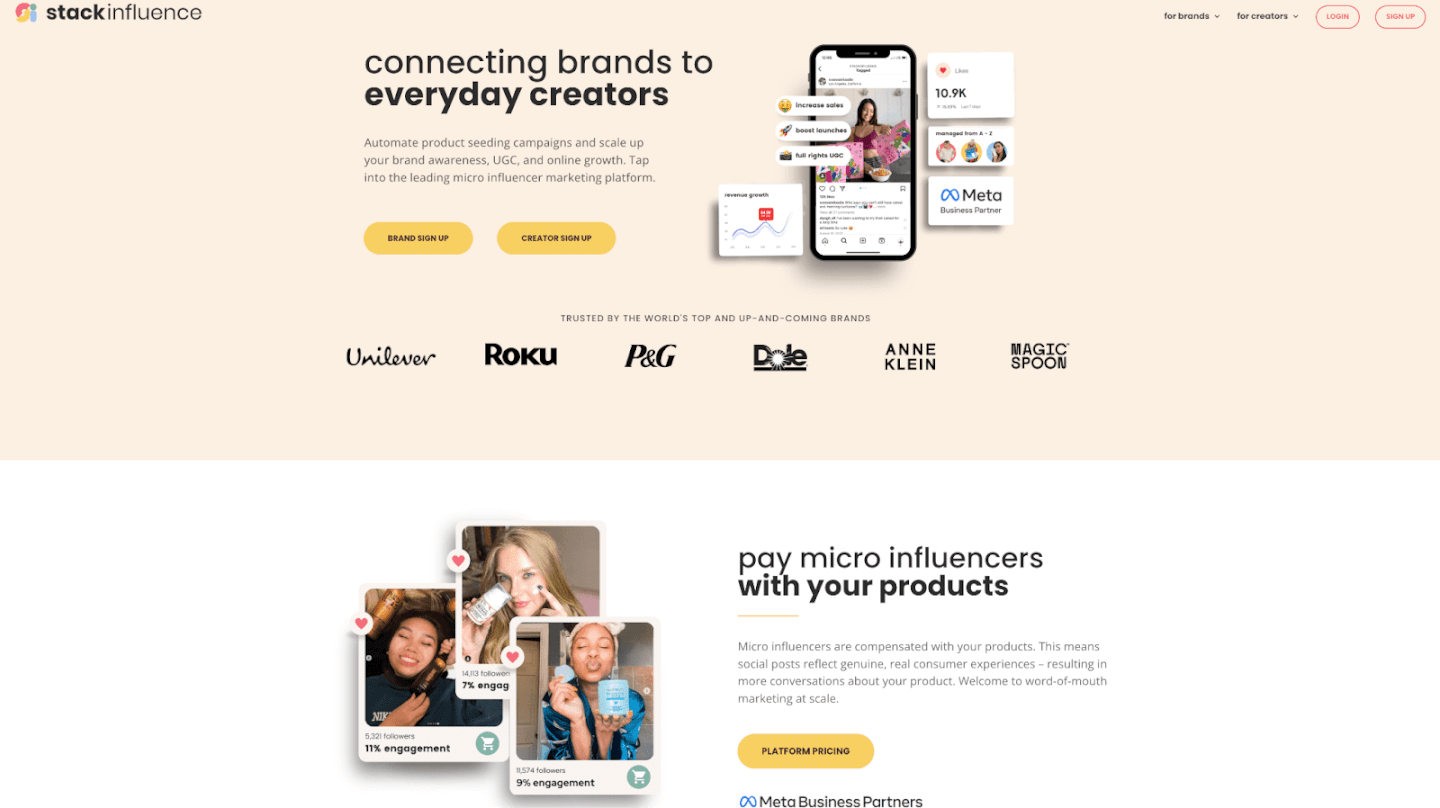
Price: Stack Influence has a unique performance-based pricing model: $39 per successful micro-influencer post (with volume discounts as you scale). There are no upfront SaaS fees – you pay only when an influencer delivers a post, aligning costs directly with results. Brands also cover product costs to gift to influencers (the platform handles reimbursing influencers for the product once they post). If an influencer doesn’t end up posting, you aren’t charged for that promotion. This flexible, pay-as-you-go approach means even small e-commerce brands can run campaigns without large contracts.
Why it works: Stack Influence’s strategy centers on micro-influencers and authentic product seeding. By compensating creators with free products, the content feels like genuine word-of-mouth – posts reflect real consumer experiences, not high-paid endorsements. This drives higher engagement and trust. The platform is fully managed, automating outreach, tracking, and UGC collection for campaigns “from A to Z”. For a busy Amazon seller or DTC founder, that means less hands-on work. Stack Influence’s focus on everyday “nano” and micro creators can yield excellent ROI: their audiences are small but highly engaged, and brands get a library of user-generated content (UGC) to repurpose in ads, social media, and product pages. Overall, Stack Influence’s pay-per-post model minimizes risk – you’re essentially buying outcomes (social posts and content), not just software access. This model is especially appealing in 2026 as many creators (over 80%) are open to product-only deals, letting brands obtain authentic influencer content cost-effectively.
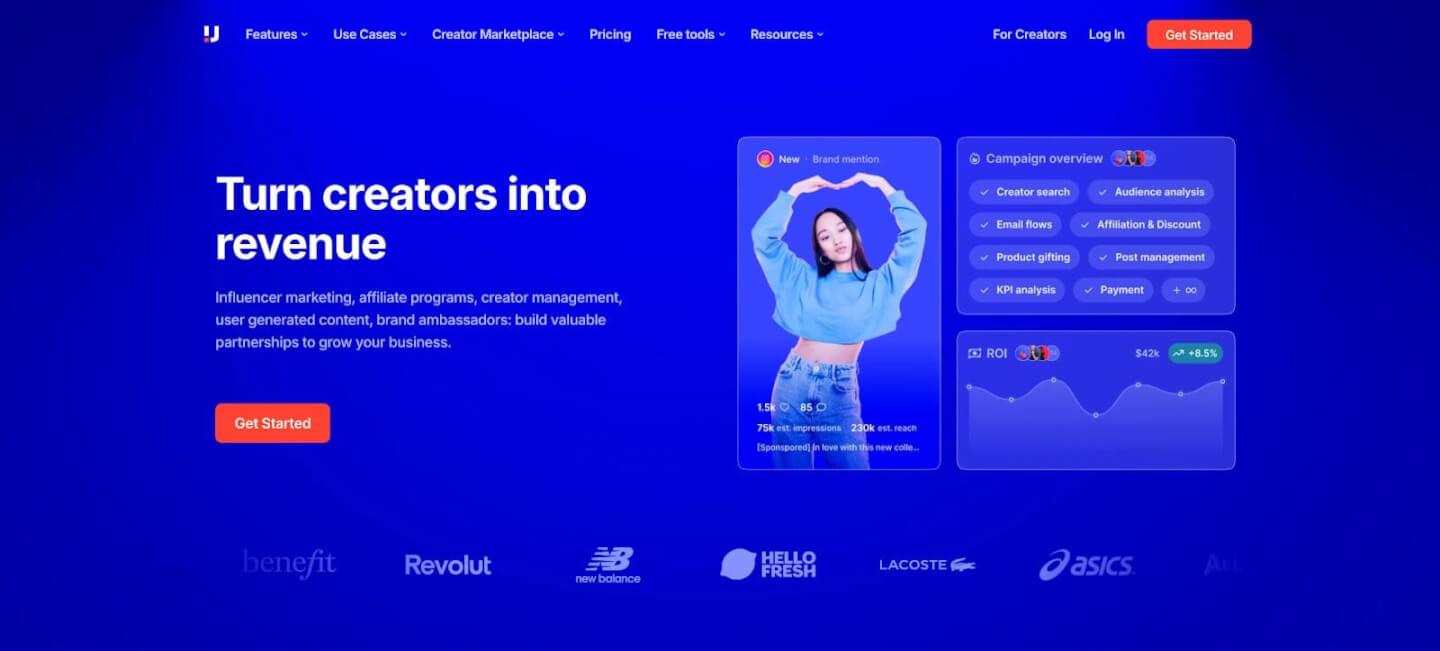
Price: Upfluence is a well-known SaaS platform with robust features. Its plans typically range from $2,000 to $3,500+ per month (often with an annual contract). In other words, brands should expect around five figures per year for Upfluence. (Exact pricing is custom – one user reported ~$3,000/month for a full suite, and a basic package can start lower, but generally it’s a sizable investment for the full capabilities.) Upfluence does not include influencer fees – the subscription gives you access to their software and massive influencer database; you still negotiate or compensate influencers separately.
Why it works: Upfluence’s strategy is to empower brands with a comprehensive in-house tool. It boasts access to over 12 million influencer profiles and advanced search filters to pinpoint creators by niche, audience demographics, and engagement. Brands love features like the Chrome extension that lets you analyze influencers directly on Instagram/YouTube, plus deep e-commerce integrations. For example, Upfluence’s Shopify app can automatically identify influencers among your customers, sync sales data, and track influencer-driven revenue. This makes it ideal for online stores and Amazon sellers who want to measure ROI from influencer campaigns in terms of actual sales. Upfluence also includes an influencer relationship management (CRM) system and bulk email outreach tools, which help larger teams manage hundreds of influencer partnerships efficiently. In short, Upfluence’s high pricing is justified for mid-size to large brands or agencies that need robust analytics and scalability. Its strategy works by streamlining large-scale campaigns – when you’re juggling dozens of influencers, a platform like Upfluence saves time and provides data to optimize performance. Just note that it’s a tool-only (no “done-for-you” services), so there is a learning curve and you’ll need internal resources to fully leverage it.
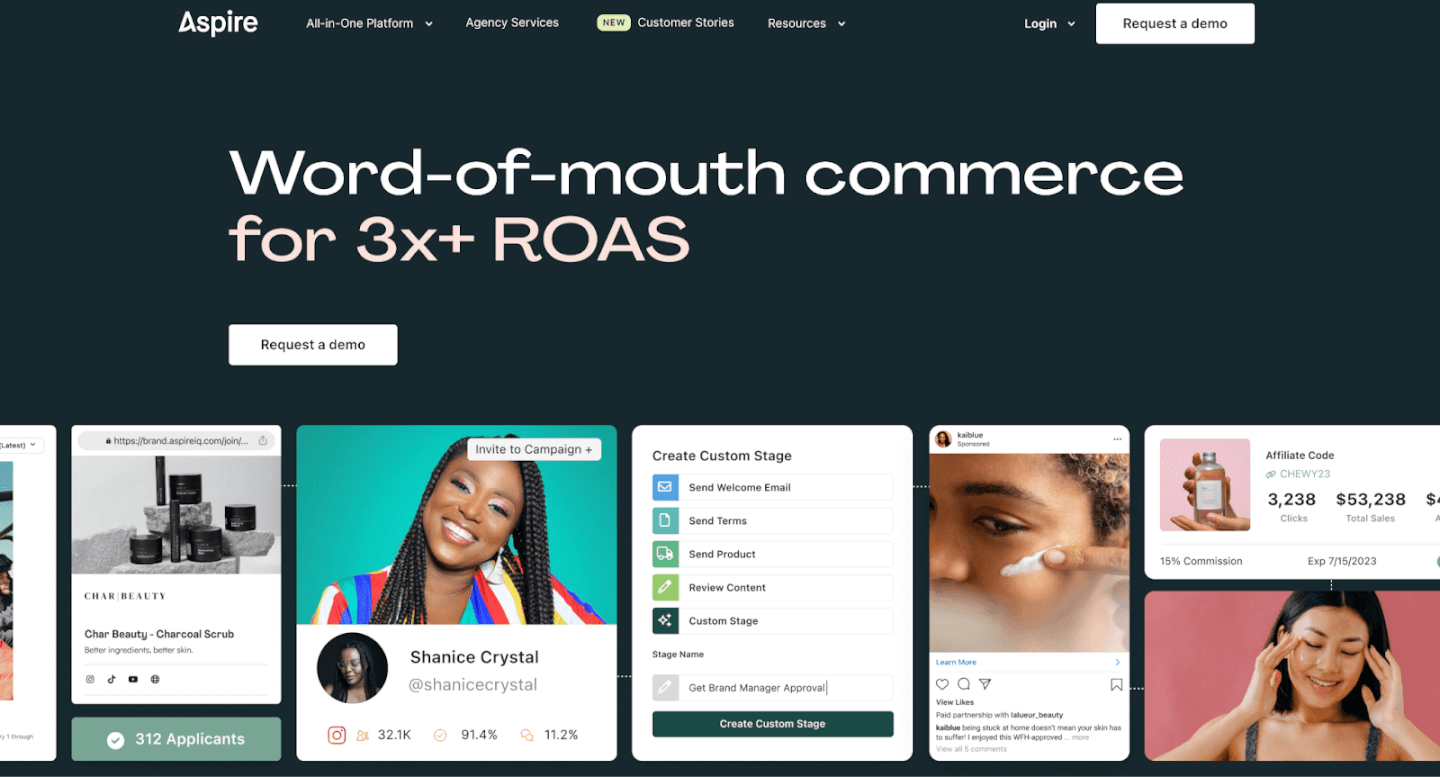
Price: Aspire’s pricing starts around $2,000 per month (annual contract required) for brands. This base allows access to their influencer search, outreach, and campaign management features. Pricing can increase for higher tiers or additional modules (for example, adding advanced integrations or managed services). Aspire is in a similar price bracket to Upfluence and Grin – geared toward serious DTC brands investing in influencer programs.
Why it works: Aspire stands out by helping brands build long-term creator communities. It’s often praised as the best platform for Shopify stores, DTC brands, and even Amazon sellers. The dashboard is user-friendly and covers the full workflow: from discovering influencers and sending product gifts, to collaborating on content and tracking sales. Aspire has strong features for content collaboration and UGC collection – for instance, you can organize all the photos and videos influencers create for easy reuse in your ads or social media. Its optional Shopify integration lets you track when influencer-driven visitors make purchases, tying influencers to actual revenue. Aspire also supports affiliate programs (discount codes, referral links), which aligns with a trend: more brands are blending affiliate marketing with influencer marketing for performance-based rewards. This strategy works well because it encourages creators to act as true brand ambassadors, not one-off promoters. By focusing on long-term relationships and providing the CRM tools to manage them, Aspire helps brands generate ongoing UGC and repeat promotions. For example, brands can turn their best influencers into affiliates or ambassadors, driving 71% more affiliate revenue year-over-year in influencer programs. Overall, Aspire’s slightly pricey platform pays off if you aim to nurture a community of creators who consistently post about your products (which often delivers the highest ROI in influencer marketing).
Price: Grin is a premium all-in-one platform. It doesn’t publicly list prices, but quotes typically start around $2,500 per month, with an annual commitmentinfluencer-hero.com. There are no pay-as-you-go options – you sign a yearly contract, and free trials aren’t offered. In practice, that means at least $30,000+ per year for most Grin clients (and costs can rise for larger influencer limits or additional modules). This high-end pricing squarely targets medium to large e-commerce businesses that are ready to invest heavily in influencer marketing.
Why it works: Grin’s strategy is to be a one-stop platform to run influencer programs at scale. For brands with significant needs, Grin can replace a whole suite of tools. It integrates directly with e-commerce platforms (Shopify, Cs-Cart, WooCommerce, Magento, etc.) so you can manage product seeding and fulfillment within the app. For example, you can generate unique discount codes for each influencer and track sales they drive, or even ship products to influencers and track delivery – all through Grin. It also features a content library for user-generated content (UGC), storing all the posts influencers create so your team can easily repurpose that content across marketing channels. Additionally, Grin supports affiliate tracking and payments, managing influencer commission payouts for sales – crucial for performance-based campaigns. Essentially, Grin centralizes every aspect: influencer discovery (though this is one of its weaker points), outreach and email integration, contracts, posting schedules, product shipment, link tracking, sales attribution, and even payments to creators. This end-to-end capability means large brands can scale up to hundreds of influencers without the process breaking down. The ROI of Grin comes from efficiency and control: it automates repetitive workflows (like generating trackable links, or updating you on each influencer’s posting status) so that a small team can manage a big ambassador program. Brands that succeed with Grin often have many micro-influencers posting regularly, creating a steady stream of UGC and sales. Grin’s approach works for those who want to own their influencer relationships in-house and integrate influencer marketing deeply with e-commerce operations (for example, syncing influencer campaigns with Shopify orders and inventory). Just be prepared to invest the time and money – Grin’s comprehensive features come with complexity, and its high cost and annual lock-in may be prohibitive for smaller businesses.
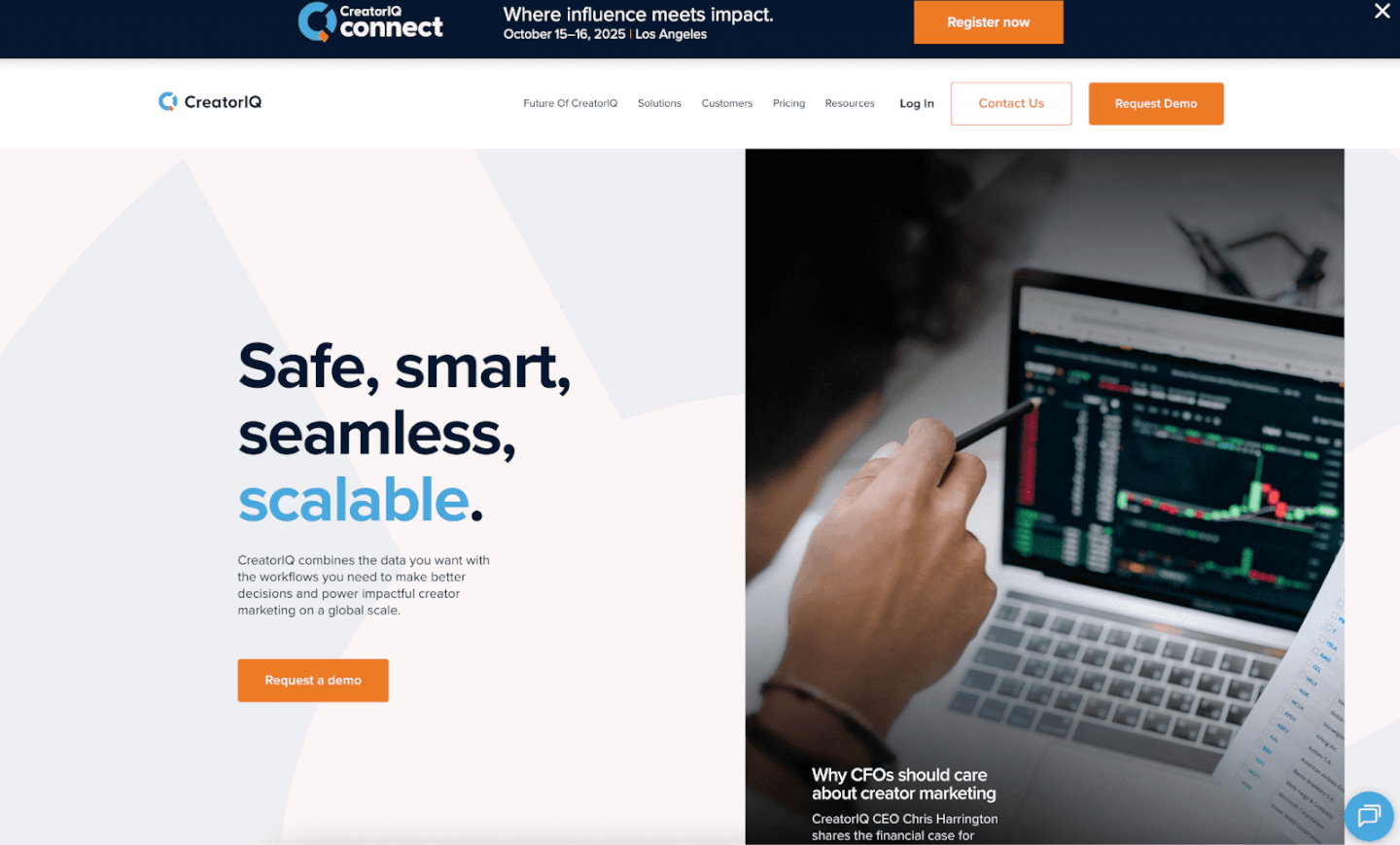
Price: CreatorIQ is positioned for enterprise clients, with pricing roughly in the $2,500 to $5,000+ per month range. Like Grin, it requires an annual contract and custom pricing based on your needs (number of users, influencers, etc.). Large global brands could pay well above $60,000 per year for CreatorIQ, especially if they utilize custom integrations and additional modules. This platform is generally out of budget for small or midsize businesses and aimed at Fortune 500 or companies with advanced influencer programs. (For perspective, another enterprise tool Traackr has packages starting at $32,500 per year for 5 users, which shows how enterprise pricing can reach tens of thousands annually).
Why it works: CreatorIQ’s strategy is to deliver top-notch data, AI insights, and integration at scale – everything an enterprise team would need. It offers one of the most powerful analytics dashboards in the industry, with the ability to track fine-grained performance metrics, compute influencer campaign ROI, and even detect fake followers or fraudulent engagement through advanced algorithms. Security and compliance are also key: enterprise clients appreciate features like audit trails, customizable user roles/permissions, and compliance monitoring (for FTC disclosure, brand safety, etc.). CreatorIQ supports API integrations with other enterprise systems (CRM, attribution tools, etc.), allowing influencer data to flow into your broader marketing stack. The platform’s AI-powered discovery engine helps identify influencers that perfectly match your brand criteria, which is vital when you’re running global campaigns and need precision. Why does this matter for ROI? Because large brands often care about quality over quantity – avoiding the wrong influencers (e.g., those with fake engagement) can save millions in wasted spend. CreatorIQ’s clients often run complex campaigns across multiple countries and social networks, and this platform excels at handling that complexity. It’s highly customizable and scalable; for instance, a company can tailor the reporting to their specific KPIs or integrate with internal data warehouses. The result is a platform that can prove the value of influencer marketing to C-level executives by showing clear data on impressions, engagement, clicks, and conversions attributed to each influencer. CreatorIQ’s strategy works for enterprises because it provides confidence and control – something needed at that level of investment. However, for a typical e-commerce SMB or Amazon seller, a tool like this would likely be overkill (and cost-prohibitive). Those brands might get more value from a mid-tier or performance-based platform instead.

Price: Influencity is a platform known for its analytics, offered in tiered plans to accommodate different budgets. Plans start around $168 per month for a basic package, and go up to $500–$800+ per month for more advanced or unlimited usage. (Current listings show a Professional plan ~$318/mo and Business around $798/mo when billed annually.) There’s also an enterprise option for larger clients. Importantly, Influencity often allows month-to-month subscriptions and even free trials, which gives growing brands some flexibility to try it out. This means you could spend just a few hundred dollars in a given month to run a campaign and pause if needed.
Why it works: Influencity’s approach is all about data-driven influencer selection and campaign optimization. The platform claims an enormous database (200+ million social profiles) with deep audience filters. Brands can analyze potential creators’ followers in detail – ensuring you pick genuine influencers and avoid those with fake followers or misaligned audiences. For marketers who “love data,” Influencity provides metrics like audience demographics, engagement rates, influencer authenticity scores, and even predictive analytics to forecast campaign results. This strategy is effective because it brings performance marketing rigor into influencer marketing. Rather than just hunting for popular creators, you can use Influencity to find the right micro-influencers who have real influence over your target niche. The platform’s reporting dashboard then tracks your campaign reach, impressions, and engagement, helping you optimize content or switch out underperforming influencers. Another big plus is that Influencity’s pricing is relatively accessible – even smaller agencies or brands can start with the basic plan and scale up if they see success. By lowering the entry cost (compared to enterprise tools), it enables more brands to tap into influencer marketing in a measurable way. In sum, Influencity’s strategy of “better data for better influencer campaigns” works by increasing campaign efficiency. When you can identify high-fit, high-engagement creators and measure results, you’re more likely to achieve a strong ROI (and justify whatever you’re spending on the software). It’s a solid choice for data-savvy teams and any e-commerce brand that wants to ensure their influencer spend is optimized.

Price: Intellifluence markets itself as an affordable influencer marketplace for everyone. It offers a free plan (very limited), and paid plans ranging from $99/month (Starter) up to $599/month (Advanced). The popular Regular tier is $249/month, which unlocks managing more campaigns and influencers. Notably, these subscriptions are month-to-month with no long-term contract – you can cancel or upgrade as needed. Even the top $599 plan is far cheaper than most enterprise platforms, making Intellifluence one of the lowest-cost options to run influencer campaigns. On top of the subscription, you may pay influencers a fee per post (especially for cash collaborations), but many micro-influencers on Intellifluence are open to product-only or small payments.
Why it works: Intellifluence’s strategy is to be a “small-business-friendly” marketplace, simplifying influencer marketing so anyone can do it. Brands can post a campaign offer, and interested influencers from Intellifluence’s network (over 90,000 registered creators) can apply to collaborate. This flips the typical outreach script – instead of spending hours emailing influencers, a small brand can let the creators come to them. The platform provides basic campaign workflow tools (brief creation, messaging, content submission) and importantly, it has options to facilitate product reviews. Intellifluence uniquely supports campaigns where influencers review your product on platforms like Amazon (and even on their own blogs or YouTube). For Amazon sellers, this can be a game-changer: you can recruit micro-influencers to try your product (often just for the cost of the product) and share an honest review or social post, boosting your product’s visibility and credibility. This focus on product/UGC reviews is a smart strategy – it directly drives social proof, which is valuable on marketplaces like Amazon. While Intellifluence doesn’t have the advanced analytics of pricier platforms (it’s fairly light on data metrics), it succeeds by keeping influencer marketing very accessible. A solo entrepreneur can run a campaign without needing an agency or a big budget. The low starting cost and ease of use means more brands can dip their toes into influencer marketing. This broad appeal has allowed Intellifluence to grow its network, which in turn attracts more brands – a virtuous cycle for a marketplace. In essence, Intellifluence works because it’s low-risk and straightforward: you pay a modest fee, list what you need (e.g. “looking for 10 micro-influencers to post an Instagram photo of our product in exchange for the product + $20 each”), and manage the responses in one dashboard. For many small e-commerce brands, that beats trying to cold-contact creators on Instagram. It’s truly “influencer marketing for everyone,” and while you shouldn’t expect concierge service or fancy AI, it delivers on enabling micro-influencer campaigns at scale for very little cost.

Price: Social Cat is another platform tailored to small brands, especially those interested in gifted (product-only) collaborations. Its plans start at $49/month (Start-Up), which gives about 10 micro-influencer matches monthly. The Growth plan is $99/month for up to 25 matches, and higher-tier plans go up to a few hundred dollars for more volume. Crucially, Social Cat offers a 7-day free trial – a zero-commitment way for brands to try it out. You can cancel before paying if it doesn’t meet your needs. This low entry price and trial make Social Cat one of the most accessible platforms for new or cash-strapped businesses.
Why it works: Social Cat’s strategy addresses a major pain point for small businesses: finding and contacting willing micro-influencers. The platform acts as a matchmaker – you create a brand profile and campaign, and Social Cat’s algorithm exposes it to vetted micro-influencers who then send collaboration requests if interested. All influencers on Social Cat are pre-screened for authenticity and quality (the team checks their followers and engagement), which means brands get matched with real, relevant creators rather than having to wade through fake or inactive accounts. Social Cat is one of the few platforms that explicitly focuses on both gifted and paid collaborations with micro-influencers. Many small brands start with gifted deals (free product in exchange for a post) as a cost-effective way to generate UGC and social buzz. Social Cat makes this easy by highlighting creators who are open to product-for-post deals – you can literally filter or see if an influencer prefers gifted or paid, avoiding awkward negotiations. This strategy works wonders for UGC generation: brands can get authentic user-generated content at a fraction of the cost of traditional campaigns. For example, instead of paying $500 for a single professional photoshoot, a brand might spend $49 on Social Cat and send out 5 product units to micro-influencers, resulting in 5 different pieces of content and social posts in return. Additionally, Social Cat’s messaging and reporting tools help maintain accountability – if an influencer ghosts after receiving a product, the platform’s team can intervene and there’s a system to report no-shows. This gives small brands peace of mind that they won’t be easily taken advantage of. Finally, Social Cat’s focus on Instagram and TikTok micro-creators aligns with where many DTC brands want to grow their presence. By tapping into the TikTok and Insta micro-influencer scene, brands can reach younger, engaged audiences. In summary, Social Cat works by removing the friction for small brands to run micro-influencer campaigns: it finds the influencers for you, facilitates purely product-based deals, and keeps everything on track – all for a very low fee. It’s an excellent starter platform to gather UGC and initial buzz as an e-commerce brand.
Influencer marketing platforms come in all shapes and price points. As we’ve seen, influencer marketing platform pricing can range from under $100 a month on self-service tools up to $5k+ per month on enterprise software.
In 2026, one trend is clear: brands are prioritizing authenticity and efficiency. Working with micro-influencers and integrating influencer-generated content into broader marketing can dramatically boost engagement and trust. The right platform should help you do this at scale and within budget – whether that’s a flexible pay-per-post network like Stack Influence or a robust software suite like Aspire or Grin. The goal is to invest in a solution that amplifies your marketing efforts, turning influencers into a reliable growth channel rather than a one-off experiment.
Finally, remember that success isn’t just about picking a platform – it’s about how you use it. Whichever option you choose, maximize its value by nurturing relationships with creators, monitoring results closely, and feeding those influencer insights back into your business (for example, using UGC in your website and ads, or doubling down on creators who drive the best ROI). Influencer marketing thrives on authenticity and consistency, so choose a platform that enables you to build those long-term partnerships. With the comparisons and insights in this guide, you’re well-equipped to make an informed decision and take your influencer campaigns to the next level. Now go forth and turn content creators into your brand’s most powerful advocates!
For today’s e-commerce brands and Amazon sellers, maintaining a consistent presence on Instagram and Facebook is crucial. But manually posting on each platform or managing separate messages can eat up valuable time. The solution? How to link Instagram to Facebook for a seamless, unified social media strategy. This guide will show you exactly how to connect your Instagram account to your Facebook page (step by step), and explain why this simple integration can amplify your influencer marketing efforts, leverage micro influencers, and streamline content creation. By the end, you’ll know how to save time with cross-posting, tap into new audiences, and even unlock shopping features on Instagram – all by linking your accounts.
Connecting your Instagram and Facebook accounts isn’t just a technicality – it’s a smart strategy that offers multiple benefits for brands. Here are some key advantages of linking Instagram to Facebook:
Ready to connect your Instagram account to Facebook? The process is straightforward and only takes a few minutes. Below we walk through linking an Instagram Business account to a Facebook Page – the ideal setup for e-commerce brands. (If you have a personal Instagram you want to link to your Facebook profile for cross-posting, the steps are similar – you’ll use the Instagram app’s Accounts Center to add your Facebook account.)
Before You Start: Make sure you have admin access to the Facebook Page you want to connect, and that your Instagram is a Professional account (Business or Creator). You can convert your Instagram to a business profile for free in Settings > Account if you haven’t already. Having a professional account unlocks insights and linking capabilities.
Once that’s set, follow these steps to link Instagram to Facebook:
Enable Cross-Posting (Optional): Now that the accounts are linked, you can choose to automatically share your Instagram content to Facebook. In the Instagram app, go to Settings > Accounts Center > Sharing across profiles. Ensure your Instagram and Facebook are listed, then toggle on options like “Automatically share Instagram stories to Facebook” or share posts by default. This setting lets you instantly post Stories or feed posts on both platforms – a huge time-saver for content creators who want maximum reach.
Alternative: Link via Facebook Page Settings: You can also initiate the connection from the Facebook side if you’re on desktop. Log in to Facebook and navigate to your Page. Go to Settings (under Manage Page), then find Linked Accounts in the menu. Click Instagram, then Connect Account. Facebook will prompt you to log into the Instagram account you want to link – enter your IG credentials and confirm. After a moment, your Facebook page and Instagram will be connected. This method achieves the same result, so use whichever interface you prefer (Instagram app or Facebook site).
Tip: If you encounter any issues linking the accounts, double-check that you have the correct permissions (you must be an admin of the Facebook page) and that your Instagram isn’t already linked to a different Facebook account. You can only connect one Instagram account to one Facebook profile/page at a time. Should you ever need to change which Facebook page is linked, you can disconnect the current page and repeat the above steps with a new page.
By now, you’ve learned how to link Instagram to Facebook and seen how this simple step can greatly benefit your business. In 2026 and beyond, a unified Instagram-Facebook presence helps e-commerce brands and Amazon sellers maximize their social media impact with minimal effort. You’ll save time by managing one content pipeline, engage a broader audience across two powerhouse platforms, and gain better control over your marketing data and tools. Most importantly, linking your accounts lays a foundation to scale – whether through influencer marketing campaigns, shoppable posts, or community-building via UGC, you’re set up to leverage the full content creator ecosystem on Meta’s platforms.
It only takes a few minutes to connect Instagram to Facebook, but the payoff is long-lasting in efficiency and growth. Now it’s your turn: link your accounts, streamline your workflow, and watch your brand’s online presence flourish. Don’t miss out on the synergy – unify your social strategy today and take your marketing to the next level!
Many people assume you need millions of followers to land a brand partnership. The truth? Brands in 2026 are often more excited to work with micro influencers – content creators with small but highly engaged audiences. In fact, roughly 70% of brands prefer collaborating with nano- or micro-influencers over mega influencers. Why the shift? Micro creators bring authenticity, higher engagement, and cost-effective content that today’s consumers respond to. Even e-commerce startups and Amazon sellers are using micro influencer partnerships as a cornerstone of their marketing.
In this guide, we’ll explain how to get brand deals step by step – whether you’re an aspiring content creator or an e-commerce brand/Amazon seller looking to collaborate with influencers. You’ll learn what makes micro influencers so valuable, how to position yourself to attract brand deals, and actionable strategies (from pitching brands to leveraging UGC) to drive real ROI. Let’s dive in!

Brands big and small are embracing micro influencers in their influencer marketing strategies. Here’s why these “small” creators can deliver big results for brand collaborations:
In short, micro and nano influencers have become the secret sauce of influencer marketing in 2026, prized for their engagement, authenticity, and efficiency. Now, let’s explore how you can tap into that power – whether you’re a creator aiming to snag brand deals, or a brand looking to partner with creators.
Ready to start landing those collaborations? Below is a step-by-step framework for securing brand deals, from honing your personal brand to sealing the deal with sponsors. Follow these steps to build your influence and attract the right partnerships.
Be specific about who you are and what content you create. Brands look for influencers who align with a particular category or lifestyle that complements their product. Rather than posting a bit of everything, focus on a clear niche that you’re passionate about – whether it’s budget fashion hauls, vegan baking, tech gadget reviews, or any micro topic in between.
How this helps: When you establish yourself in a niche, you become more credible in that area. For example, an athletic apparel startup would rather sponsor a small fitness vlogger with a dedicated following than a random generalist. Your niche expertise signals to brands that you have an audience who cares about that subject (and thus might care about the brand’s product). It also makes you easier to discover – when brands or influencer agencies search for creators in “organic skincare” or “motorcycle DIY,” you want to be the one who clearly fits the bill.
Develop a consistent personal brand around that niche. This includes your visual style, tone, and values. Are you the eco-conscious, relatable mom who reviews sustainable products? Or the edgy gamer who mixes humor into tech reviews? Lean into what makes you unique. A strong personal brand (logo, color scheme, tagline, etc.) isn’t just for big influencers – it helps even at the micro level by making you look professional and memorable. When a brand glances at your profile or media kit, they should immediately get a sense of your identity and audience.
Finally, remember that passion shows. Choose a niche you genuinely enjoy, because authenticity is key in influencer marketing. If you’re genuinely excited about your content, your followers (and potential brand partners) will feel that energy. And on the flip side, don’t be afraid to say no to brand offers outside your niche – promoting something unrelated can confuse your audience and weaken your personal brand. Stay focused on what you want to be known for.

When it comes to getting brand deals, engagement is often more important than follower count. Brands would rather work with a creator who has 5,000 followers and a lively, interactive community than one with 50,000 followers but a silent audience. So, your goal as a micro influencer is to cultivate a loyal, engaged following. Here’s how:
Remember, even if your numbers are modest, a tight-knit audience can create outsized impact. Micro influencers often see engagement rates multiple times higher than bigger accounts – you might be getting 5% of your followers liking/commenting while a mega influencer struggles to get 1%. Play to that strength. Show off your engagement (e.g. include your average engagement rate in your media kit). It tells brands, “I may be small, but my followers listen to me,” which can be more valuable than sheer reach.
Before you start approaching brands, make sure your online presence is polished and professional. Think of your social media profiles as your storefront – brands will take a quick look to decide if they want to “shop” (work with you). A few ways to optimize your profile and overall presentation:
Taking these steps will put you in the top tier of “micro influencers who have their act together.” In fact, influencer platforms note that creators with complete, info-rich profiles are far more likely to be contacted by brands for campaigns. The easier you make it for a brand to evaluate you, the better your chances of scoring a deal. Before moving on, do a quick audit: if a brand manager clicks on your TikTok or Instagram right now, will they immediately understand what you’re about, see quality content, and find a way to contact you? If yes, you’re ready to start pitching!
Not all brand deals are created equal – your success will come from finding the right fit between you (the influencer) and the company. It’s time to play matchmaker and identify brands that make sense for your niche, style, and audience. Here are some research tips to zero in on the best targets:
By doing targeted research and outreach, you’ll maximize your hit rate when pitching. It’s much better to send 10 well-researched, personalized collaboration proposals to perfect-fit brands than 100 generic DMs to every company under the sun. In the next step, we’ll cover how to approach and pitch those brands to actually secure the deal.
You’ve identified some ideal brand partners – now it’s time to make the first move and propose a collaboration. Reaching out to brands can be nerve-wracking, but remember: companies want user-generated buzz, and many will be happy you took the initiative. (In fact, only about 5% of brands actively go out recruiting creators – the vast majority rely on influencers to approach them. So don’t be shy – your pitch could be doing them a favor by offering valuable exposure!)
When contacting a brand, whether by email or a well-crafted DM, keep these tips in mind:
Pitching brands gets easier with practice. Over time, you’ll develop relationships and might even have brands start coming to you as your profile grows. But even then, proactive outreach remains a great way to find new partnerships. Stay courteous, authentic, and value-focused in your approach – you’re well on your way to landing those coveted brand deals.
If you’re a newer or smaller creator, you might not land a big sponsored campaign right off the bat – and that’s okay. There are other types of brand partnerships that are easier to obtain and can lead to paid sponsorships down the road. Specifically, look into affiliate programs, brand ambassadorships, and content-for-product (UGC creation) deals. These are often lower-barrier ways to work with brands that can help you prove yourself. Let’s break down these collaboration types:
You sign up to promote a brand’s products with a unique referral link or discount code. You then earn a commission on any sales you drive. Many e-commerce companies (and almost all Amazon sellers via Amazon Associates) offer open affiliate programs. It’s free for you to join. A commission for each sale (commonly 5–15% of the purchase). You typically don’t get upfront pay, but this performance-based model lets you prove your influence. If you can show that your content led to, say, 50 sales in a month, that’s powerful evidence to ask the brand (or other brands) for a paid deal later. Plus, you earn money as you learn what marketing tactics work.
A longer-term relationship where you officially represent the brand as a “brand ambassador.” Ambassadors are usually expected to post about the brand periodically or incorporate it into their lifestyle regularly. In exchange, brands provide perks like free products, exclusive discounts, early access to new launches, and sometimes modest payments or commissions. Ambassadorships often last a few months to a year. Free products and perks (and sometimes a small regular payment or commission on referrals). Being an ambassador gives you a resume-worthy partnership to show other brands. It also deepens your connection with the company – if you perform well, you might graduate to larger campaigns. Even if largely unpaid, an ambassadorship is a great way to get your foot in the door and build credibility as an influencer. Treat it professionally (meet any posting commitments, align with the brand’s image) so you can leverage that experience.
User-Generated Content (UGC) creation deals are when a brand sends you product just to create content for them, not necessarily to post on your own channel. For example, a company might mail you a new gadget and ask for a few high-quality photos of you using it, or a short video review, which they will use in their social media or ads. You act as a content creator behind the scenes. These deals might be paid in free product (or a small fee), and you usually won’t be publicly tagged (since the content might be posted on the brand’s accounts). Free product (and sometimes a one-time fee). More importantly, you build your portfolio and relationship with the brand. UGC gigs let you practice your creative skills without the pressure of public performance metrics. If the brand loves your content, they may come back for more or even hire you for ongoing work. Plus, you now have polished examples of product photography/videography that you can show future clients. In the era of brands needing lots of social content, being a good UGC creator is a huge selling point. It’s also an avenue even nano-influencers can excel in, since it’s not about your follower count at all, but your creative output.
Each of these collaboration types is essentially a win-win scenario for you and the brand at a smaller scale. The brand takes minimal risk (since they’re often just gifting product or paying per sale), and you gain experience, content, and credibility. Use these opportunities to deliver great results – share your affiliate stats, proudly list your ambassador roles, and save copies of the UGC you create. All of that can become proof to convince brands (maybe even that same brand) to hire you for bigger paid campaigns.
For instance, imagine you join a new apparel brand’s affiliate program and over 3 months your trackable link yields $1,000 in sales – you could then approach the brand’s marketing team showing those numbers and propose an official sponsored partnership (you’ve basically already proven you can drive ROI!). Or say you’re a brand ambassador for a small makeup company and consistently create beautiful looks with their products – later on, when a bigger cosmetics brand asks if you have experience, you can speak to that ambassadorship and what you accomplished.
Bottom line: Don’t be discouraged if your first “brand deals” are unpaid or product-only. Think of them as internships or training gigs in your influencer career. They help you build relationships and a track record. As you accumulate these wins and improve your craft, the paid brand deals will come. Many top influencers started out with nothing more than free t-shirts or referral codes – it’s the hustle and consistency that propelled them to monetized partnerships. Keep at it, and treat every collaboration (no matter how small) as a chance to impress and learn.
In the booming 2026 creator economy, snagging lucrative brand deals is no longer just for celebrities. If you apply the strategies in this guide, how to get brand deals becomes a clear, achievable process. Micro influencers with authentic content and engaged communities are highly sought after by e-commerce brands, Amazon sellers, and DTC companies looking for genuine connections with customers. By focusing on a niche, building trust with your audience, and approaching brand partnerships professionally, you can transform your small social media presence into a revenue-generating venture.
Remember, success in influencer marketing comes down to authenticity and persistence. Brands want partners who truly love their products and will go the extra mile to create value. So continue honing your craft – improve your content quality, stay responsive to your followers, and keep networking within your niche. Even if you start with tiny collabs (or a few free products), those experiences will snowball. Each story you post, each review you share, and each relationship you nurture is a step toward bigger opportunities.
For e-commerce entrepreneurs and Amazon sellers reading this: the same principles apply. Collaborating with micro influencers can drive real ROI through increased engagement, UGC content, and word-of-mouth sales. Don’t overlook these “small” creators – they often punch well above their weight in impact. Whether you use a platform like Stack Influence to run a campaign or reach out to creators directly, embracing micro influencer partnerships can elevate your brand’s presence in a crowded market.
In the end, landing brand deals is about creating win-win relationships. You as a creator get to monetize your passion and grow your platform; the brand gets authentic promotion and new customers. It’s incredibly rewarding when done right. So put yourself out there, stay true to your voice, and keep refining your approach. With time and effort, you’ll be surprised how far a small influence can go – and how many brand deals you can secure – in 2026 and beyond. Happy collaborating!
Instagram Reels isn’t just about fun videos – it’s a money-making opportunity. Short-form videos have exploded in popularity, and content creators (from micro influencers to mega-stars) are cashing in. In this guide, we’ll explain how to get paid on Instagram Reels using the latest methods, and why it matters for e-commerce brands and Amazon sellers. You’ll learn what changed after Instagram’s Reels Play bonus program ended in 2023, and discover new ways creators earn income through Reels today. This insight helps brands understand creator monetization and how to partner with influencers or harness user-generated content (UGC) to drive product sales and engagement.
Caption: A content creator recording an Instagram Reel. Short-form videos like Reels have opened up new ways for creators to earn money on Instagram. For e-commerce brands, these monetization features also present opportunities to collaborate with creators on authentic content.
By the end of this post, you’ll know the top strategies for making money with Reels – from Instagram’s built-in monetization tools to influencer marketing tactics. Let’s dive into the complete guide on how to get paid on Instagram Reels in 2026, and how brands can ride this wave of creator commerce.

One of Instagram’s newest monetization features for Reels is Instagram Gifts. This feature lets your fans send you virtual “gifts” in the form of Stars to show appreciation for your Reels content. Here’s how it works: viewers can purchase packs of Stars (for example, 300 Stars cost about $5.99) and then send animated gift stickers on your Reel. For every Star you receive, Instagram pays you $0.01 USD. It might sound small, but those pennies add up with an engaged audience. Creators receive a payout once their Star balance reaches $25.
To use Gifts, you need to meet a few criteria. Instagram currently requires that you have a creator (professional) account, be at least 18 years old, and have at least 5,000 followers to be eligible. (Gifts are also only available in certain regions so far.) Once enabled, a “Send Gift” button will appear on your Reels, and fans can tap it to send you Stars. Each month, Instagram tallies up the Stars on your gifted Reels and pays out your share. While you likely won’t retire off Gifts alone, they’re a nice extra income stream for creators who consistently produce content that followers love.
Why it matters for brands: Gifts show how devoted a creator’s fanbase is. If you’re an e-commerce brand partnering with a micro influencer, a fan-supported creator likely has an engaged community. Their authenticity (the kind that prompts fans to tip them) can translate into more genuine promotion of your product. It’s a signal that the influencer’s audience values their content – a good sign for any influencer marketing campaign.
Another built-in way to get paid on Instagram Reels is through Instagram Subscriptions. This feature lets creators charge followers a monthly subscription fee in exchange for exclusive content. Think of it like a Patreon-lite, right inside Instagram. Creators can set their own price, anywhere from $0.99 up to $99.99 per month, and offer perks to subscribers such as exclusive Reels, Stories, live streams, or special badges in comment sections. Subscribers get a badge next to their name (so the creator can recognize them), and access to subscriber-only posts/Reels that regular followers can’t see.
For creators, subscriptions mean recurring revenue from your most loyal fans. For example, a fitness influencer might offer paid subscribers extra weekly workout Reels or Q&A sessions beyond their free content. Even a modest number of subscribers can provide a steady monthly income as long as you continue delivering value. Consistency and clear value are key – you need to give subscribers a reason to stay subscribed. Many creators tease their exclusive content in public Reels to entice followers to hit that “Subscribe” button.
Why it matters for brands: Subscription content indicates what a creator’s core audience truly values. If you’re an Amazon seller or DTC brand, these exclusive insights can help you identify creators with highly engaged niches. Also, a creator earning via subscriptions is incentivized to keep quality high and audience trust strong (since their income depends on it). When partnering with such creators, brands can expect a professional approach and dedicated audience – a win-win for sponsored collaborations.
One of the most lucrative avenues for creators is classic influencer marketing – partnering with brands to create sponsored Reels. In this model, a brand pays you (the creator) to feature their product or service in your Reel. These are essentially modern-day “ads,” but done in an authentic, creator-driven style. For example, a skincare brand might pay a beauty micro influencer to film a Reel using their product and giving an honest review or demo. In return, the creator might get a fixed fee, free products, or a performance-based payment.
Sponsored Reels can pay anywhere from about $10 to $10,000+ per Reel depending on the creator’s follower count and influence. A micro influencer on Instagram (say 10k–50k followers) might charge a few hundred dollars for a dedicated Reel, whereas a macro influencer (500k+ followers) could command thousands. As an influencer, you have the flexibility to set your rates and negotiate based on the scope of work (a single Reel vs. a series, exclusivity, usage rights, etc.). Many creators start by reaching out to brands they already love, or join influencer platforms that connect brands with creators. (For instance, platforms like Stack Influence help e-commerce companies connect with vetted micro influencers to produce content and UGC at scale.)
When doing sponsored Reels, it’s crucial to maintain authenticity and transparency. Always disclose paid partnerships (Instagram has a “Paid Partnership” tag for this). Creators who promote relevant products that align with their niche will keep the trust of their audience. Remember, an engaged, trusting audience is what brands are ultimately paying for. Brands value micro influencers for their high engagement and niche authority – often micro influencers can drive up to 60% more engagement than bigger influencers. This means a partnership with the right micro influencer can yield better ROI than a generic celebrity ad.
Why it matters for brands: Sponsored Reels are a direct way for e-commerce brands and Amazon sellers to drive product awareness and sales. By collaborating with content creators, brands get authentic video content reaching the creator’s followers – a form of word-of-mouth advertising. It’s also a chance for brands to gather user-generated content (which can be repurposed in ads or on their own social media). Influencer marketing via Reels is especially powerful for product demonstrations, unboxings, and testimonials that build social proof. Just be sure to choose creators whose audience matches your target market, and agree on clear deliverables. When done right, an influencer’s genuine enthusiasm can translate into real revenue for your brand.
Affiliate marketing is another popular method for creators to get paid, and it works beautifully on Instagram Reels. In affiliate partnerships, you (the creator) promote a brand’s product and share a special link or discount code. Whenever someone purchases through your link/code, you earn a commission on that sale. This model is performance-based – you get paid only if your content drives a purchase – but it can become a great passive income stream if your Reels get traction.
For example, suppose you’re a content creator who posts cooking Reels. You could join an affiliate program for a kitchenware brand or even Amazon’s Associate program. Then, in a Reel where you’re using a particular blender, you’d mention “Link in bio for 10% off this blender” (using your affiliate link). Any follower who clicks and buys would earn you a cut. Commissions vary by program and product category, but creators can typically earn about 5% up to 30% of the sale price in commission. Digital products or software often have higher commission rates, whereas physical products might be lower – but higher priced.
Instagram has made affiliate marketing easier by allowing product tagging and affiliate links in posts and Reels (though links in Reel captions aren’t clickable, creators usually direct viewers to the link in their bio or a Story with a link sticker). Notably, Instagram’s own data shows nearly half of its users shop on the platform, which means Reels that showcase products can directly influence purchase decisions. Creators often combine engaging content with subtle product mentions or reviews, encouraging interested viewers to learn more via the bio link.
Why it matters for brands: Affiliate marketing aligns incentives – the creator only makes money when the brand makes a sale. For e-commerce brands and especially Amazon sellers, recruiting affiliates can be a cost-effective way to scale promotion. When a micro influencer includes your product in a Reel and dozens of their followers buy it, both you and the creator benefit. Plus, the creator’s authentic content serves as social proof. Many brands now provide custom discount codes to influencers (e.g. “Use code MARIA10 for 10% off”) which not only track sales but also incentivize the audience to purchase. This approach can be particularly powerful on Amazon, where sellers might use Amazon’s Influencer Program or Associates links to have creators drive traffic to their Amazon listings. In summary, affiliate Reels turn creators into your de facto salespeople, creating a win-win scenario: you get sales, they get a commission, and the audience gets a product recommendation from someone they trust.
Creators don’t have to rely solely on brand deals or platforms – you can sell your own products or services and use Instagram Reels as a marketing tool. If you have merchandise, handcrafted goods, or even a digital product (like an e-book or an online course), Reels can showcase these offerings to your followers. Instagram has integrated e-commerce features such as Instagram Shopping to facilitate this. By setting up an Instagram Shop (linked to a product catalog via Meta’s Commerce Manager), you can tag products directly in your Reels. This makes your Reel “shoppable” – viewers can tap on a product tag and be taken to a purchase page within Instagram or your website. For instance, a fashion influencer might do a Reel modeling a new t-shirt from their own merch line, with the shirt tagged for easy checkout.
Physical product sellers (like DTC brands or Amazon sellers with their own site) can use Reels to highlight product features, demo usage, or share customer testimonials. Reels’ viral nature means your product could even reach new audiences through the Explore page. Ensure you fill out your product catalog completely (item name, price, high-quality images, etc.) for a smooth shopping experience. On the other hand, digital product creators (e.g., a photographer selling lightroom presets or a chef selling a recipe e-book) can’t use Instagram’s in-app checkout for digital goods, but they can still promote in Reels and direct viewers to their bio link or a landing page to purchase. The short, engaging format of Reels is perfect for teaser content – like a 15-second clip of an online course preview or before-and-after using your preset – to drive interest and clicks.
Don’t forget services! If you’re a content creator with a skill (graphic design, fitness coaching, photography, etc.), you can use Reels to advertise your services as well. A freelance makeup artist might post Reels of client transformations, effectively using Instagram as a portfolio to attract new paying clients. While you’re not paid by Instagram or via an automatic feature in this case, Reels serve as high-reach advertisements for your business. Many entrepreneurs and consultants on Instagram leverage this strategy, converting their followers into customers for their services or coaching programs.
Why it matters for brands: This strategy is essentially creators becoming brands themselves. For e-commerce businesses, it’s a reminder of how powerful Reels are in the sales funnel. If individual creators can drive sales of their own products with a single viral Reel, established brands can certainly do the same. Amazon sellers, for example, might create their own Reels showcasing product benefits or user reviews (even if they can’t “tag” the Amazon product directly, they can use a compelling Reel to drive traffic to their Amazon listing via link in bio or comments). Moreover, brands can encourage their influencer partners to include product tags for collaborative campaigns. Instagram even allows product tagging in Reels featuring brand partners – so a creator can tag the brand’s product and mark the content as a paid partnership simultaneously. The bottom line: Reels can collapse the path from content to checkout, so whether it’s a creator’s own merchandise or a brand’s catalog, leveraging shoppable short videos can boost conversion.
Not all influencer work happens on the creator’s own profile. A growing trend is user-generated content (UGC) creation as a service. In UGC collaborations, brands pay content creators to produce relatable, authentic-looking content (like Reels, videos, or images) that the brand will use on its own social media channels or ads. In other words, you as a creator act behind the scenes – you might not even post the Reel on your own account, but you film/edit it for the brand to post. This is a great way for skilled creators (even those with a smaller following) to make money, because brands are often more concerned with your content quality and style than your follower count for UGC projects.
For example, an e-commerce gadget company might hire a micro influencer to create a demo Reel of their product that the company can run as an Instagram ad. The creator might only have 2,000 followers, but if they make a convincing, high-quality video, the brand sees value in using it to reach the brand’s own audience. UGC deals typically pay a fixed fee per piece of content or per bundle of content (e.g. $X for 3 Reels). The rates can vary widely based on the complexity of the content and the creator’s experience, but because the creator isn’t “lending” their audience (only their creative skills), UGC rates are often a bit lower than sponsored post rates for equivalent-sized influencers. However, what UGC lacks in distribution it makes up for in flexibility: even nano and micro influencers can excel at UGC without needing a huge following. In fact, brands often seek everyday creators who can produce content that feels like an honest customer voice. According to industry stats, brands increasingly prefer working with micro and nano-creators – 44% of brands collaborate with micro/nano influencers for their niche focus and strong audience connection.
To succeed in UGC, focus on crafting content that matches the brand’s style and appeals to their target customers. You might need to show some sample work or a portfolio to get these gigs. But once you do, it can become a reliable income source. And importantly, when you create UGC, you’re usually not posting it on your channel, so it won’t clutter your feed with ads – leaving you free to keep your personal content authentic and only publicly share the sponsored content you really love.
Why it matters for brands: UGC is gold for marketing. Today’s consumers trust peer-style content more than polished ads. By paying creators to make UGC, brands get a library of authentic material to use in ads, product pages, and social media – often at a fraction of the cost of a big influencer campaign. For the brand, the ROI can be high: one good UGC-style Reel in an ad can outperform a traditional studio commercial because it feels more real. For Amazon sellers, videos from real people using the product can be used on Amazon storefronts or product listings (Amazon even allows short video reviews). UGC creators don’t need to have large followings; they just need to know how to make engaging content. This means brands can tap into talented micro influencers or content creators who might be under the radar. It’s worth noting that when negotiating UGC, brands should clarify content usage rights (organic social use, paid ads, duration, etc.) in the contract. Overall, investing in UGC means investing in relatable storytelling – which can significantly boost e-commerce conversion rates.
Aside from digital platform features and brand partnerships, don’t overlook using Reels to promote your own skills or services. Many content creators are multifaceted – maybe you’re a travel vlogger who also offers itinerary planning services, or a craft influencer who sells custom art commissions. Instagram Reels can act as marketing for these ventures. You’re effectively funneling your followers (and viewers reached via the Reels algorithm) into becoming customers for a service you provide.
For instance, a photography influencer might create Reels with quick photo tips to build an audience, and mention in their captions or bio that they offer private coaching or photo editing services. Interested viewers can reach out or follow a link to hire them. The transactions might happen off Instagram (via your website, DMs, or platforms like Fiverr/Upwork), but Instagram is the top-of-funnel that brings you leads. We’ve seen fitness influencers use Reels to demonstrate expertise, then convert followers into paying clients for personalized training programs. Even Amazon sellers or small business owners who are active on Instagram use Reels to draw attention to their brand’s story, then drive traffic to their Amazon product page or online store.
The big advantage here is that you’re building your own business on the back of Instagram’s reach. You aren’t at the mercy of Instagram’s changing payout programs or algorithms for income – you’re using the platform to create awareness and demand for something you control. This strategy can be more work (since you have to actually deliver the service or manage the business), but it’s also more sustainable in the long run. As Meta’s moves have shown, features like bonuses can come and go. By cultivating your own product or service and using Reels as promotion, you diversify your revenue beyond what Instagram itself offers. Essentially, you’re turning eyeballs into customers, not just views into ad cents.
Why it matters for brands: This perspective is useful for understanding the broader creator economy. A content creator who is hustling their own service often has a strong entrepreneurial mindset and deep expertise in their niche – qualities that can also benefit a brand partnership. If you’re a brand, don’t shy away from creators who have their own products or services; their business acumen might make them even better collaborators. Additionally, brands themselves can mimic this strategy: use Reels to highlight your brand’s unique story, services, or mission. For example, if you’re a SaaS company or offer a service (not just physical products), short informative Reels about your expertise can generate interest and leads. The bottom line is that Reels can drive real-world actions – whether it’s buying a product or booking a service – so both creators and businesses should use them as a promotional tool for offerings beyond the Instagram app.
In 2026, getting paid on Instagram Reels is all about diversification. Smart content creators combine several of the strategies above – for example, a creator might earn a baseline income from subscriptions and fan gifts, land big one-off deals with brand-sponsored Reels, and sprinkle in affiliate links for additional passive earnings. Instagram has evolved from just a photo-sharing app into a real revenue platform for enterprising creators. And even though Instagram itself has dialed back direct payouts (the old Reels bonus fund is gone), creators are finding new ways to turn views into dollars. The key is to focus on engaging content and an authentic connection with your audience, because almost every monetization method (from fan contributions to brand deals) ultimately flows from having an audience that trusts and enjoys your work.
For e-commerce brands and Amazon sellers, understanding how creators get paid on Reels isn’t just interesting trivia – it’s actionable insight. By knowing the incentives and income streams of influencers, you can craft better partnerships. For instance, you might approach a micro influencer with a free product plus commission deal (leveraging their interest in affiliate income), or negotiate a flat fee for a UGC-style Reel you can use in ads (giving the creator a quick payday and you long-term content assets). If you have an influencer program, highlight how creators can earn with you – whether it’s generous commissions or opportunities for recurring sponsorships (appealing to that desire for steady income).
Most importantly, don’t ignore Instagram Reels as a marketing channel. The short-form video trend is here to stay, and brands that incorporate Reels into their strategy can enjoy greater reach and engagement. A viral Reel showcasing your product can drive a surge of traffic to your online store or Amazon listing overnight. Consider collaborating with content creators who are already adept at making Reels – their expertise can help your brand ride the algorithm’s wave.
In summary, creators are monetizing Reels through a mix of fan support, platform tools, and brand collaborations. Your brand can benefit by riding alongside these monetization trends. Now’s the time to partner with talented micro influencers, embrace user-generated content, and integrate Instagram Reels into your marketing plan. By doing so, you’ll not only support the creator community but also tap into a form of social proof and storytelling that truly drives ROI. As the creator economy grows, those who collaborate and adapt will reap the rewards. Get out there and start “reeling” in the results!
Disney’s magic isn’t just in movies and theme parks – it’s alive on social media. A new wave of Disney influencers (passionate content creators who share everything from park adventures to Disney-themed DIYs) has amassed loyal followings on TikTok and Instagram. For e-commerce brands and Amazon sellers, these creators represent a golden opportunity. They spark consumer excitement, produce authentic user-generated content (UGC), and can even drive product sales with a sprinkle of pixie dust. In this post, we spotlight the top 10 Disney influencers to follow in 2026 and explore how partnering with these creators can boost your influencer marketing results. You’ll learn what makes their content so engaging and how micro influencers in the Disney niche leverage storytelling and nostalgia – tactics that any brand can apply to enchant its own audience.
Disney-focused creators can be powerful partners in an influencer marketing strategy. Here are a few reasons e-commerce brands (including Amazon marketplace sellers) should pay attention:
In short, Disney influencers combine a highly engaged niche with the credibility of peer recommendations. They create content (UGC) that fans love and trust, which is exactly what e-commerce brands need to stand out in a crowded market.
Disney's fanbase is unusually diverse in age and purchasing power. The audience ranges from families with young children to "Disney adults" in their 20s and 30s who spend heavily on park experiences, themed apparel, and collectibles. That breadth makes this niche rare: a single creator can reach a parent buying strollers and a 28-year-old buying limited-edition pins in the same post.
The Disney creator space also divides into distinct sub-niches, and those sub-niches attract different buyer behaviors. Food-focused creators (like AJ Wolfe and Chad) drive purchase intent for snack brands, kitchenware, and dining accessories. Fashion and Disneybound creators (like Courtney) attract apparel, accessories, and cosmetics brands. Family vloggers (like the Tim Tracker and Michael Does Diz) pull in travel gear, baby products, and experience-based services. Legacy content creators (like Bob Gurr) serve collectors and nostalgic adult fans.
Across the niche campaigns we run, passionate fan communities consistently outperform general lifestyle accounts by roughly 40% on engagement rate at comparable follower sizes. Where a general lifestyle micro-creator today averages around 2.5% engagement per post, Disney-focused creators in our network regularly land between 3.5% and 4.5%. The shared identity around a single brand acts as an amplifier: followers don't just scroll past, they save, comment, and tag friends.
This sub-niche specificity matters for brands. A travel accessories brand that partners with a Disney food blogger will get exposure but poor product-audience fit. The same brand partnering with a family vlogger gets both reach and contextual relevance. Understanding this landscape before outreach is what separates campaigns that convert from campaigns that just generate impressions.
Disney content creators come in all shapes and sizes – from mega influencers with millions of followers to micro influencers with tight-knit fan communities. Below is an overview of the top 10 Disney influencers making waves in 2026, along with their primary platforms, audience size, and niche focus
If you’ve ever searched for the best snacks at Disney World, you’ve probably come across AJ Wolfe. She’s the founder of Disney Food Blog, a wildly popular site and social presence dedicated to all things edible in Disney parks. AJ’s Instagram @DisneyFoodBlog boasts over 5 million followers as of 2026, making her a mega influencer in the Disney niche. Her content features mouth-watering photos of Mickey-shaped treats, reviews of new restaurant offerings, and insider tips on dining at Disney. Fans trust her recommendations for one simple reason: she lives Disney food. For brands, AJ’s influence is significant – a mention on her platform can lead to a surge in interest. For example, a kitchenware or snack brand with a Disney tie-in could partner with Disney Food Blog to get authentic UGC, like a recipe or review, in front of a massive audience of Disney enthusiasts. AJ’s ability to drive engagement (and hunger) shows how a passionate content creator can become a go-to resource that consumers and businesses alike rely on.
View this post on Instagram A post shared by Foodatdisneyland (@foodatdisneyland)
Chad, known by his handle @FoodAtDisneyland, is an Instagram influencer who has turned his Disney hobby into a drool-worthy feed. With around 122.4K Followers on TikTok as of 2026, he highlights the best eats and treats at Disneyland Resort (California). From churros to Dole Whip floats, Chad’s posts and Stories give fans a real-time look at park food trends. His content feels like walking down Main Street U.S.A. with a foodie friend – casual, fun, and full of personal commentary. This style resonates with viewers and often spurs them to try the featured snacks. For e-commerce or DTC brands, Food at Disneyland demonstrates the power of a niche micro influencer: although his audience is smaller than a celebrity’s, it’s highly targeted and hungry for Disney content. A gourmet snack brand or a kitchen gadget seller, for instance, could tap into Chad’s engaged community for promotions or reviews. His authentic voice ensures any collaboration feels like a natural recommendation rather than an ad, yielding higher trust and potential conversion.
The Tim Tracker is a beloved YouTube channel and Instagram run by Tim and Jenn Tracker, a husband-and-wife duo who document their frequent trips to Disney World and other Orlando theme parks. They’ve built a dedicated following (over 900K YouTube subscribers and ~300K on Instagram as of 2026) by sharing daily vlogs that are equal parts informative and entertaining. Viewers tune in to experience the parks through the Tracker family’s eyes – whether it’s a new ride opening, a food festival, or bringing their young son to meet Mickey. This relatable, family-friendly approach makes their audience feel like part of the adventure. For brands, the Trackers exemplify how influencer marketing can humanize your message. An Amazon seller in the travel gear or toy niche, for example, might partner with them to feature products in a vacation prep video or a day-at-Disney vlog. The content doesn’t come off as a hard sell because it’s woven into real experiences. Tim and Jenn’s trustworthy reputation (they always disclose sponsorships and give honest opinions) shows how transparency plus genuine enthusiasm can significantly boost a brand’s credibility among consumers.
View this post on Instagram A post shared by Courtney ✨ fandom fashion (@colormemagic)
For a dose of pixie-dusted style, Courtney is the influencer to watch. Known on Instagram as @ColorMeMagic, she shares vibrant Disney-inspired fashion, cosplay-style outfits, and pop culture looks with a Disney twist. Courtney has about 249K Instagram followers as of 2026 and has a background in fashion blogging (her main site Color Me Courtney is popular for colorful everyday style). On @ColorMeMagic, she showcases “Disneybounding” – creative outfits that channel Disney characters without being literal costumes – and her followers love it. The key to Courtney’s influence is her infectious positivity and the creativity she brings to Disney fandom. She often collaborates with Disney Style and has been invited to media events, establishing her as a trusted voice in Disney fashion. Brands, especially those in apparel, accessories, or cosmetics, can benefit greatly from her touch. For example, a boutique selling Disney-themed apparel or an Etsy shop with fantasy-inspired jewelry could partner with Courtney for lookbook posts or styling reels. Because she’s a content creator who values authenticity (she often mixes high-end pieces with affordable finds and fan-made merchandise), her endorsements feel relatable. This mix of trendiness and sincerity makes her audience more likely to trust the products she features – a big win for any brand looking to reach Disney adults and teens who love to wear their fandom proudly.
Alessandra Martinez (find her on IG at @livin.mivida.ale) is a rising star among Disney influencers, blending travel and lifestyle content with a Latina flair. With roughly 190K followers on Instagram as of 2026, Alessandra represents the diverse global community of Disney fans. Her bio hints at her vibrant mix: she’s a Dallas-based creator who proudly tags #DisneyCreator and #LatinaCreator. Alessandra’s feed is filled with Disney park adventures, outfit inspiration, and even glimpses of her everyday life – all delivered with an upbeat, “Latinas do it better✨” energy. What sets her apart is her focus on practical tips (think: how to plan an affordable Disney trip or capture the best castle photos) combined with personal storytelling. For brands, Alessandra offers a connection to bilingual and millennial audiences who appreciate authenticity. A travel accessories company or an e-commerce brand selling stylish park essentials (like backpacks, water bottles, or comfy shoes) might collaborate with her to showcase their gear in action. Since she often emphasizes budget-friendly fun, partnering with her can generate UGC that positions your product as a smart choice for Disney travelers. Moreover, Alessandra’s engagement levels suggest she’s built trust with her followers – they know she shares what she genuinely loves, which means a recommendation from her can carry real weight.
View this post on Instagram A post shared by Michael (@michaeldoesdiz)
Michael – known on Instagram as @MichaelDoesDiz – brings a warm, family-oriented perspective to Disney influencing. He and his husband (who goes by @MatthewDoesDiz) chronicle their life as Disney-loving dads, sharing adorable moments with their baby (nicknamed “babydoesdiz”) and tips for enjoying Disney parks as a family. Michael’s account has about 157K followers as of 2026, putting him in the macro tier, yet he maintains the approachable vibe of a micro influencer. His content ranges from day-in-the-life park vlogs and Disney Halloween costumes to honest posts about navigating theme parks with an infant. This blend of magical fun and real-life parenting resonates strongly with other young parents and LGBTQ+ Disney fans. For brands, Michael offers a case study in community building. He frequently interacts with followers in comments, fostering a supportive space. Companies that cater to families – like stroller or baby gear manufacturers, children’s clothing lines, or travel services – can find an enthusiastic audience through Michael. A simple Instagram Story of Michael using a product (say a baby carrier or a Disney-themed diaper bag) on Main Street can serve as UGC that both showcases the product and tells a relatable story. Because Michael stands for inclusivity and genuine family moments, any promotion he does tends to feel heartfelt. Brands get the benefit of that trust and the niche targeting of Disney families who are always looking for products to enhance their vacations.
Nathan Darienzo is better known by his whimsical social media moniker, Paging Mr. Morrow – a name inspired by the famous overhead announcement on Disney’s monorail (“Paging Mr. Morrow, Mr. Tom Morrow…”). Nathan has become one of the most beloved Disney World vloggers on YouTube, and he carries that popularity onto TikTok (where he has around over 129K followers as of 2026). His content centers on frequent solo trips to Walt Disney World, where he explores new attractions, savors seasonal snacks, and chats with cast members and fellow fans. Nathan’s charm lies in his laid-back, friendly persona – watching his videos feels like exploring the parks with a good buddy. He’s also known for highlighting hidden gems and offering honest opinions, which fans appreciate. For brands, Nathan is a prime example of an influencer who can drive engagement through authenticity. He isn’t a hard seller; instead, he might casually mention how a certain backpack is handy during a long park day, or showcase an Etsy-bought Disney pin on his lanyard. Those casual shoutouts often send viewers searching for the item. An Amazon seller of travel gadgets or a small shop with Disney-inspired pins could see a surge in interest if Nathan features their product in one of his park adventure videos. Since Nathan’s followers feel a personal connection with him – almost like he’s a friend sharing a tip – any product he genuinely likes can gain immediate credibility with his audience.
For fans who love a dose of glamour with their Disney, Raven Daria offers a digital “magical lifestyle”. On Instagram @MagicalLifestyle, Raven curates a feed that’s equal parts Disney escapism and chic influencer aesthetic. She has about 144K followers as of 2026, putting her on the cusp between micro and macro influencer status. Raven’s content often features dreamy Disneybound outfits, Disney-themed beauty looks, and snapshots from her travels to Disney parks and beyond. She appeals to the Disney adult demographic – those young adults who maintain their Disney fandom as a core part of their lifestyle (think Disneyland date nights, Disney home decor, and Disney-inspired makeup palettes). Raven’s engagement is strong, as her followers turn to her for both inspiration and advice (for example, how to coordinate park outfits or what merchandise is worth the splurge). For brands in the fashion, beauty, or lifestyle space, Raven Daria is a great match. A makeup brand launching a princess-inspired line or a clothing boutique with park-ready dresses could partner with her for tutorials, unboxings, or lookbooks. Because Raven’s posts are high-quality and visually polished, they double as content creation – the brand not only reaches her audience but also gains beautiful photos/videos of their product in use. And since Raven’s fans trust her taste (she’s known to only promote items that fit her magical aesthetic), a feature on her page can significantly boost a product’s cool factor among style-conscious Disney enthusiasts.
View this post on Instagram A post shared by Bob Gurr (@bobgurrofficial)
In the Disney community, Bob Gurr is nothing short of royalty. He is one of the original Disney Imagineers – the creative engineers behind Disneyland – credited with designing famous attractions like the monorail and the Matterhorn. Now in his 90s and “still cruisin’” as his bio humorously notes, Bob has taken to Instagram (@BobGurrOfficial) to share bits of Disney history, nostalgia, and personal updates with 142K followers as of 2026. Unlike the other influencers on this list, Bob isn’t a marketer or content creator by trade; he’s a public figure whose influence comes from his storied legacy. So why include him? Because his presence highlights the multigenerational reach of Disney influencer culture. Fans of all ages follow Bob for his insider stories and genuine love of Disney’s heritage. For brands, collaborating with someone like Bob Gurr is more about brand alignment than direct sales. While Bob might not do sponsored posts in the typical way, he occasionally appears in interviews, podcasts, or Disney fan events which brands can sponsor or support. For instance, a collectibles company or a publisher of Disney books might work with Bob to promote a product tied to Disney history. Any content featuring Bob immediately gains authority and interest from hardcore Disney fans. Moreover, his endorsement (even if it’s as simple as a friendly comment or a photo holding a product) can confer a sort of legend-approved status. In the world of niche marketing, that kind of validation – from someone who literally helped build Disney – is priceless for reaching the enthusiast segment of the audience.
Rounding out our top 10 is Emily Nelson, a Los Angeles-based Disney content creator known for her practical tips and upbeat vlogs. On TikTok @EmilyNels8, she has around 204.5K followers, and she also vlogs on YouTube, often focusing on Disneyland (her home park). Emily’s content strikes a great balance between informative and fun: one day she might post a reel on “5 Hidden Gems at Disneyland You Can’t Miss,” and another day share a candid video blog of her Disney date night. Her followers – many of whom are West Coast Disney fans – appreciate that she’s down-to-earth and detail-oriented. Emily will tell you where to find the best cold brew coffee in the park and how to save money on tickets. This makes her an invaluable resource for trip planning. For brands, Emily provides a gateway to the planner mindset in the Disney audience. A travel agency, for example, could sponsor a video where Emily tries out their itinerary or uses their trip-planning app. An e-commerce shop selling custom Disney park backpacks could send her one to review during her next outing. Because Emily highlights products and services that genuinely make a Disney trip easier or more enjoyable, her audience is receptive to those recommendations. Also worth noting is her emphasis on user experience – she often features the little things that improve a visit (like portable phone chargers or comfy park shoes). A clever brand can leverage this by having Emily demonstrate how their product solves a common park-goer problem. The result is a form of influencer-generated UGC that feels like friendly advice, which is exactly what drives conversions.
Stack Influence has managed thousands of niche creator campaigns for e-commerce brands, and the Disney content space reflects a pattern we see consistently across passionate fan communities: micro-creators in this niche deliver conversion rates running 50 to 60% higher than macro placements at equivalent spend. The macro-level Disney influencers (like AJ Wolfe) provide the reach and buzz that builds brand awareness, while micro-influencers in the 10K to 150K range deliver stronger engagement rates and generate more cost-efficient user-generated content per dollar spent. Running a mix of both tiers within a single campaign allows brands to capture broad awareness and deep community trust simultaneously.
The most common mistake brands make when starting a Disney influencer campaign is choosing creators based on follower count alone. The more useful filter is sub-niche alignment: does the creator's content naturally lead an audience to want your product category? A creator with 80K highly engaged Disney food fans will likely outperform a creator with 500K general Disney lifestyle followers if you are selling a park-friendly snack or kitchen gadget.
Start by mapping your product to one of the five core Disney content sub-niches: food and dining, fashion and style, family and parenting, park tips and travel planning, or legacy and collectibles. From there, look for creators whose comment sections show purchase intent. Comments like "where did you get that?" or "just bought this after your last post" are stronger engagement signals than raw like counts.
When evaluating a creator's fit, Stack Influence recommends reviewing at least 90 days of post history before outreach. In our experience, creators who post 3 to 5 times per week and sustain that cadence without multi-week gaps across a 90-day window consistently outperform those with irregular publishing patterns on both reach and engagement. Accounts that maintain this rhythm show roughly 2 to 2.5 times better audience retention than sporadic posters, which means the audience is genuinely habituated to the creator's content rather than just passively subscribed. For Disney-niche vetting specifically, we flag any creator whose posting consistency dropped off in the prior 90 days, even if recent numbers look strong, because audience activation tends to decay quickly when a creator goes quiet.
Look for consistency in content theme, posting cadence, and audience interaction. Creators who respond to comments and post behind-the-scenes content tend to have more activated audiences than those who simply push polished photos.
Platform format also matters. For product visibility and direct click-through, Instagram Reels and TikTok short-form videos outperform static posts. For long-form storytelling and trip planning content, YouTube remains dominant for Disney audiences. If you are running a TikTok Shop campaign, prioritizing creators with strong TikTok engagement over Instagram-first creators will yield better in-app conversion. Tools like Stack Influence's automated product seeding can help brands send products to a curated group of Disney-niche micro-creators efficiently, without managing each relationship manually.
Over-scripting the content brief. Disney creators have built loyal audiences by being authentic about their love of the parks and the brand. When a brand provides a rigid script, the content reads like an ad, and Disney fans notice immediately. The brief should define what the product does and what message to reinforce, but the creator should decide how to present it. Across niche campaigns in our network, content produced under flexible creative briefs generates roughly 40% more comments and saves than content where the brand supplied a detailed script. Disney fans are among the most brand-literate audiences on social media, which makes the authenticity gap even more visible when a post doesn't match a creator's established voice. The brief should define the message and the non-negotiables; the creator should own the delivery.
Ignoring IP and brand-safety considerations. Disney owns extensive intellectual property, and content that implies an official Disney partnership where none exists can create legal and reputational risk. Brands should make clear in their briefs that the creator is promoting the brand's product, not a Disney collaboration. Creators experienced in this niche already understand these lines, but the briefing document should address it explicitly.
Focusing exclusively on top-tier creators. Several brands approach Disney influencer campaigns by targeting only the largest names, like AJ Wolfe or Tim Tracker, and ignoring the long tail of micro-creators with 10K to 80K followers. In practice, micro-creators in the 10K to 80K follower range deliver conversion rates running roughly 50 to 60% higher than macro placements at equivalent spend, a pattern that holds consistently in passion-driven niches where audience trust is the primary purchase driver. Running 10 to 20 Disney-niche micro-creators in parallel not only spreads platform risk but generates a volume of conversion-optimized touchpoints that a single macro post simply cannot replicate. The economics compound quickly: more content, more targeted reach, and a lower cost per converted customer.
Treating the campaign as a one-off. Disney fans follow their favorite creators over years, not weeks. A single sponsored post rarely builds the kind of brand association that produces long-term lift. Brands that convert top-performing creators into ongoing ambassadors and affiliates see compounding returns as the creator's audience repeatedly encounters the brand across multiple content pieces.
These top 10 Disney influencers prove that when passion and authenticity collide, the results can be powerful. Their ability to enchant audiences – whether through tasty food pics, fun family vlogs, or stylish Disney-bound outfits – translates into real marketing impact. For e-commerce brands and Amazon sellers, the takeaway is clear: partnering with niche content creators can drive engagement, build trust, and ultimately boost sales. Whether you’re selling travel accessories, apparel, toys, or any product that aligns with a passionate community, there’s a micro influencer out there who shares that passion and has an audience ready to listen. By embracing influencer marketing (and leveraging the cost-effective power of micro influencers), even small brands can tap into the kind of storytelling and community-building that huge brands like Disney have mastered.
In 2026 and beyond, effective marketing is about genuine connections. So take a page from the Disney influencers’ playbook: focus on authentic content, foster real engagement, and don’t be afraid to add a little magic. Your brand’s growth story might just become a fairy tale success. ✨ Now’s the time to reach out to those content creators in your niche, collaborate on some amazing UGC, and watch the results. As Walt Disney himself said, “It’s kind of fun to do the impossible” – and in marketing terms, that can mean turning customers into true fans with the help of the right influencers. Ready to create some magic of your own?
In today’s digital marketplace, traditional ads just aren’t as persuasive as they used to be – consumers trust peer recommendations over polished marketing. That’s why savvy e-commerce brands and Amazon sellers are embracing influencer gifting: sending free products to content creators (often micro influencers) in exchange for authentic exposure. When done right, gifted collaborations generate genuine user-generated content (UGC), boost brand visibility, and even drive conversions. In fact, micro influencers often achieve engagement rates up to 3× higher than macro influencers and deliver 60–80% better ROI than traditional ads. However, managing dozens or hundreds of influencer partnerships manually can get overwhelming. The solution is finding the best influencer gifting platform to streamline outreach, fulfillment, and tracking – so you can scale these campaigns efficiently.
In this guide, we’ll explain what an influencer gifting platform is, why it’s a game-changer for e-commerce and Amazon businesses, and how to choose the best platform for your needs. We’ll also highlight key features to look for and compare some top platform options heading into 2026 (with Stack Influence featured as a leading tool). By the end, you’ll know how an influencer gifting platform can help your brand harness micro-influencer marketing for authentic content and real growth.
An influencer gifting platform is a specialized tool that helps brands manage “product seeding” or gifting campaigns at scale. Instead of one-off PR packages and messy spreadsheets, these platforms provide a centralized dashboard to coordinate everything: finding the right influencers, sending out products, and tracking who posts what. The core idea is relationship-building, not just one-time promotion. When a creator genuinely loves a gifted product, they’re likely to share it organically with their audience – and that earned media feels more credible to consumers than a paid ad because it’s seen as unbiased. According to a 2023 Influencer Marketing Hub report, 67% of consumers have made a purchase based on an influencer’s unsponsored recommendation. Brands running structured gifting programs also see engagement rates up to 5× higher than with one-off influencer posts. In short, gifting can spark huge wins for awareness and trust.
For e-commerce brands and Amazon sellers, influencer gifting offers two big benefits: authentic content and scale. First, you get UGC – photos, videos, unboxings, reviews – that you can repurpose in social media, on product pages, or even as ads. (Roughly 6 in 10 consumers say UGC is the most authentic and influential form of marketing content.) Second, by focusing on micro influencers, you can send out dozens of products to niche creators without blowing your budget, since these creators often accept product-as-payment collaborations. This strategy is far more cost-effective than paying a few mega-influencers, yet it can still drive significant sales. (One analysis found nano influencers with <10k followers can yield over $1,000 in revenue for just a $50 product investment.) The catch? Coordinating that many individual partnerships – from outreach and shipping to tracking posts and results – is a logistical challenge. This is where the best influencer gifting platform becomes invaluable, automating the tedious parts so you can focus on strategy.
Not all platforms are created equal. To find the best influencer gifting platform for your brand, look for essential features that enable you to run campaigns smoothly and measure their impact. Here are the top features and tools to consider:
Pro Tip: Prioritize platforms that treat influencer gifting as a long-term relationship builder, not just a transaction. When brands approach gifting with a focus on genuine connection and follow-up, they see stronger advocacy and customer lifetime value in the long run.
With the above features in mind, let’s compare some of the best influencer gifting platforms available in 2026. Each platform has its own strengths and ideal use cases, so the right choice depends on your brand’s size, budget, and campaign goals. Below is a quick overview of top solutions, with Stack Influence highlighted first as a leading option for micro-influencer gifting:
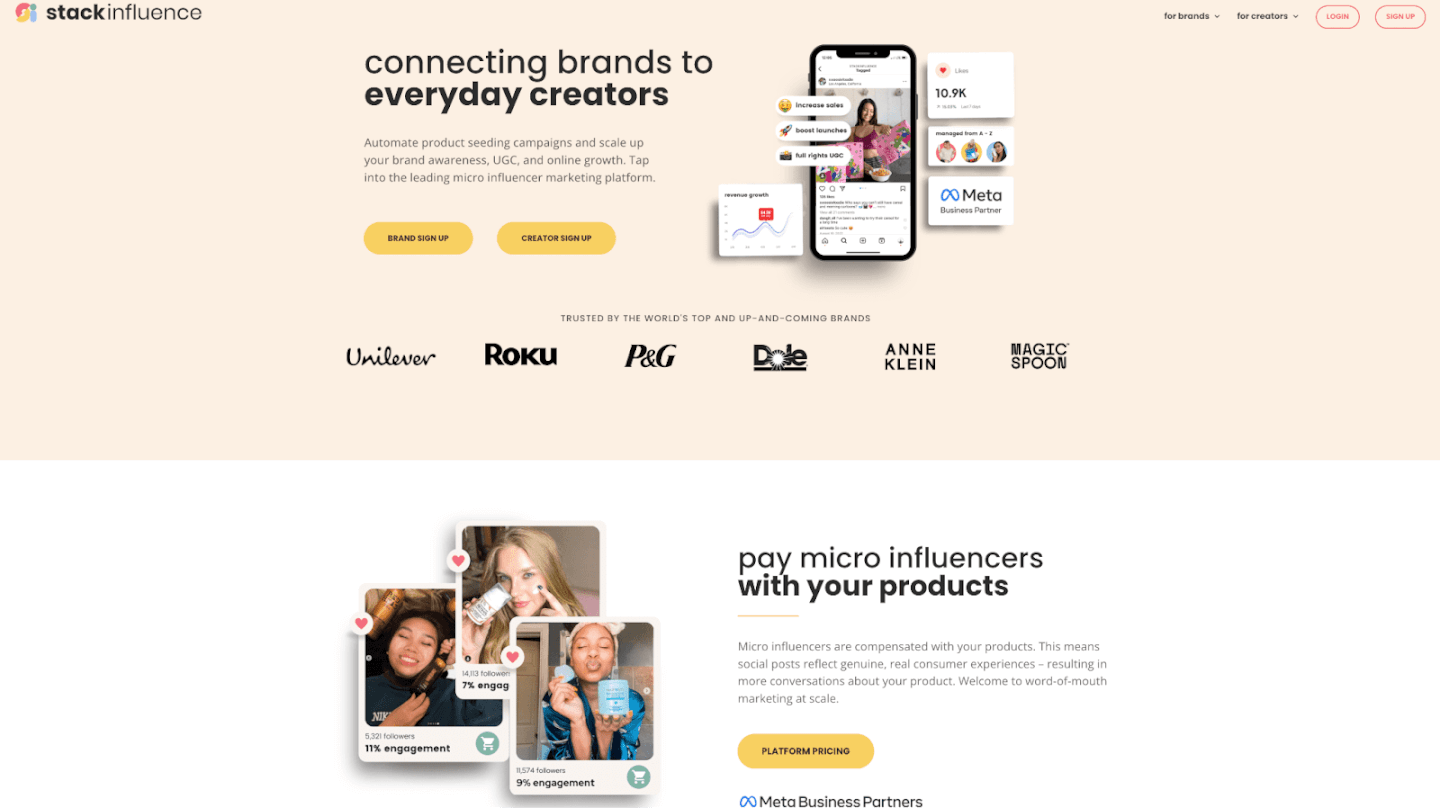
Hands-off micro-influencer campaigns at scale (large vetted network of 11M+ micro creators); pay-for-performance model (product-only compensation, brands pay only when a creator posts). Performance-based (pay per successful post; custom quote).
Seamless Shopify integration; robust content licensing & workflow tools. Custom (enterprise-level)
Strong gifting automation + affiliate tracking combo; deep e-commerce integration. Subscription, from ~$499/month.
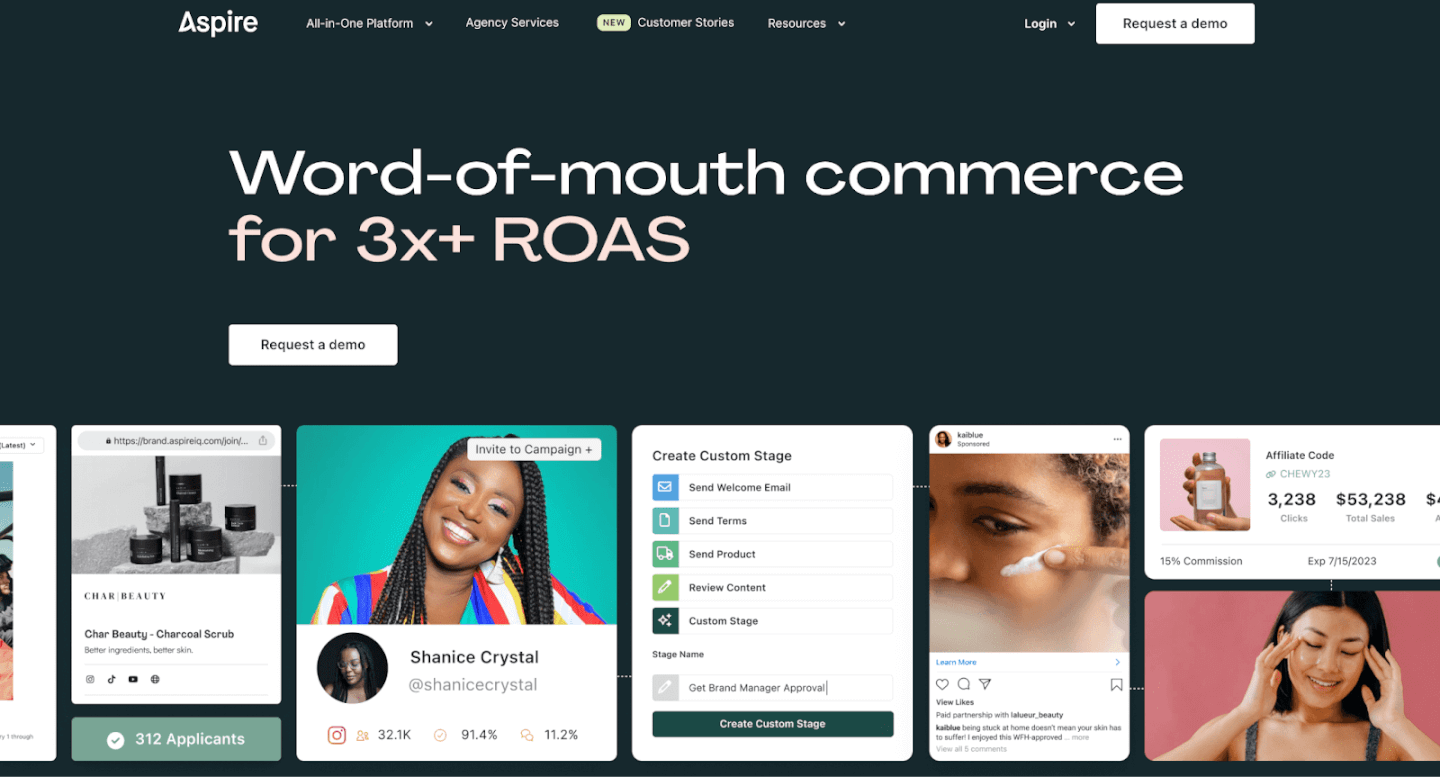
End-to-end campaign management with advanced analytics dashboard. Custom (starts ~$1,500/month)
AI-powered creator matching; content calendar and storytelling focus. Free basic gifting tools (paid plans for full suite).
As the comparison shows, different platforms cater to different needs. Stack Influence stands out for companies that want a turnkey micro-influencer solution – it handles campaigns from start to finish, leveraging a huge network of everyday content creators. Uniquely, Stack Influence uses a product-only gifting model (influencers are rewarded with free product instead of cash), which keeps costs low and aligns incentives. Brands only pay a fee when an influencer actually posts about the product, making it a performance-driven option. This approach is especially appealing to Amazon marketplace sellers and emerging DTC brands that need to maximize ROI on a lean budget.
Meanwhile, enterprise-oriented platforms like GRIN and AspireIQ offer comprehensive influencer relationship management and Shopify integrations, but typically at a higher price point (they often require demos and custom pricing). Mid-range solutions like Upfluence provide a balance of affordability and functionality – for example, Upfluence integrates with your e-commerce backend to automate product gifting and also supports affiliate programs in one system. There are even free or freemium options like Fohr, which has a free tier for basic gifting outreach, making it great for small brands just testing the waters.
Which platform is right for you? It largely depends on your scale and goals. If you’re a small brand running a pilot gifting program, a platform with a low-cost or free tier (like Fohr) might be enough to start. Mid-sized companies often benefit from a platform like Upfluence, which balances price and robust features for scaling campaigns. Large e-commerce players or those with complex needs may prefer the expansive integrations and legal safeguards of an enterprise platform such as GRIN or AspireIQ. And for brands focused on micro-influencer seeding (high volume, lower cost), Stack Influence is a top pick, offering a hands-off, performance-based approach tailored to e-commerce sellers. Ultimately, the best influencer gifting platform for your business will be the one that fits your budget, integrates with your workflow, and provides the data you need to turn gifting into real growth.
In the end, the best influencer gifting platform isn’t just a piece of software – it’s a strategic partner in your marketing success. By automating the busywork of influencer outreach, product fulfillment, and performance tracking, the right platform lets you focus on crafting meaningful relationships with creators. For e-commerce brands and Amazon sellers, this means you can rapidly scale up micro-influencer campaigns that generate authentic UGC, spark social buzz, and ultimately drive more sales. The key is to choose a platform that aligns with your goals and to use it thoughtfully: target the right influencers, provide a great product experience, and follow up to nurture long-term brand advocates. Do that, and your gifting campaign can transform from a simple freebie giveaway into a powerful growth engine for your business. Now’s the time to leverage micro influencers and gifting to amplify your brand – pick your platform, send out those products, and watch the genuine engagement and ROI roll in!
Staying ahead in e-commerce means learning from those who set the trends. With over 80% of U.S. companies now using influencers for marketing, there’s no shortage of advice out there – but which voices should e-commerce brands and Amazon sellers really tune into? In this post, we highlight the Top E-Commerce Influencers to Follow in 2025. These individuals (from content creators on TikTok and Instagram to micro-influencers and industry veterans) are sharing game-changing insights on influencer marketing, direct-to-consumer (DTC) growth, and user-generated content (UGC). Follow them, and you’ll gain practical tips on everything from social media strategy to scaling your Amazon store. Let’s dive into the influencers driving e-commerce success this year and how they can inspire your brand’s next big move.
Influencer marketing is booming: Brands large and small are leveraging influencers to humanize their marketing. Influencers often share real-world strategies for boosting online sales, engaging customers, and navigating platform changes. By following them, e-commerce brands, Amazon sellers, and DTC founders get free, up-to-date education on what’s working now in digital commerce.
Micro-influencers offer big ROI: Not all influencers have millions of followers – and that’s a good thing. Micro-influencers (those with smaller, niche followings) often deliver higher engagement and trust. In fact, studies show micro-influencer campaigns can return around a 20:1 ROI, compared to roughly 6:1 for macro-influencers. Additionally, 56% of marketers report better ROI with micro and nano influencers. Their audiences are highly targeted and loyal, which means recommendations feel more authentic. (See the comparison table below for a quick look at micro vs. macro influencer metrics.)
UGC builds trust: Influencers are also prolific creators of user-generated content – think unboxing videos, reviews, or tutorials featuring your product. UGC is marketing gold: 92% of consumers trust word-of-mouth and UGC more than traditional brand ads. By collaborating with content creators, brands can inject authenticity into their campaigns and social feeds, turning customers into a community. Even if you’re not ready to launch an influencer campaign, simply following these influencers can spark ideas for your own content and UGC strategy.
Learning and inspiration: Finally, following top influencers is like having a free mastermind group of e-commerce mentors. Many share case studies, experiment results, and candid lessons from their own successes (and failures). As an e-commerce entrepreneur or Amazon seller, you can adapt these insights to avoid pitfalls and capitalize on new opportunities – whether it’s a TikTok trend that’s driving product virality or a new email marketing tactic to recover abandoned carts.
Below, we’ve compiled 10 of the most insightful e-commerce influencers to follow in 2025. They cover a range of specialties – from Shopify experts and DTC growth hackers to Amazon pros and creative micro-influencers. Let’s meet them!
View this post on Instagram A post shared by Tobi Lutke (@tobi)
Who he is: Tobi Lütke is the co-founder and CEO of Shopify, the platform powering millions of online stores. Under his leadership, Shopify grew into Canada’s most valuable company (market cap ~$200 billion), making Lütke a pivotal figure in e-commerce.Why follow: Tobi often shares forward-thinking views on entrepreneurship, technology, and the future of online retail. Following his posts on X (Twitter) and LinkedIn gives you a window into upcoming commerce trends and Shopify developments. For example, when Lütke discusses a new Shopify feature or an e-commerce innovation, it’s a clue for brands to pay attention. His perspective can help Amazon sellers and DTC founders understand the “big picture” of where digital commerce is headed in 2025.
Who he is: Chase Dimond is an email marketing expert and co-founder of an agency specializing in email for e-commerce brands. He’s renowned for turning email lists into revenue: his campaigns have generated over $150 million in email-driven sales for online stores.Why follow: If you’re looking to boost customer retention and lifetime value, Chase’s content is a goldmine. On X (Twitter), LinkedIn, and through his newsletter, he shares actionable tips on crafting subject lines, designing high-converting email flows (welcome sequences, cart recovery, etc.), and leveraging newsletters for e-commerce. His advice, often presented in easy-to-digest threads or videos, helps brands of all sizes step up their email marketing game. For Amazon sellers expanding to their own websites or Shopify stores, Chase’s strategies are perfect for nurturing customer relationships beyond the marketplace.
Who he is: Nik Sharma, nicknamed the “DTC CEO,” is an investor and advisor behind numerous fast-growing direct-to-consumer brands (think names like Feastables and Caraway). He runs a popular weekly newsletter and Twitter feed breaking down DTC marketing wins.Why follow: Nik is all about data-driven marketing and growth hacking for online brands. He frequently posts case studies of campaigns that drove ROI – for instance, how a particular landing page design increased conversions, or how tweaking ad creative lifted a brand’s sales. Sharma’s threads usually start with a bold claim or insight, then unpack the exact tactics and tools to achieve it. For e-commerce entrepreneurs, this is like getting a play-by-play from a marketing agency insider. You’ll also catch Nik discussing broader trends (like privacy changes or algorithm shifts) and how to adapt. His content will help you optimize everything from Facebook ads and influencer campaigns to site UX, keeping your brand on the cutting edge.
View this post on Instagram A post shared by Gretta van Riel (@gretta)
Who she is: Gretta van Riel is a serial e-commerce founder who built 5 multi-million dollar brands by her late twenties. Her first brand, SkinnyMe Tea, famously won Shopify’s Build-a-Business contest and grew explosively through Instagram. Gretta is also known for pioneering influencer marketing tactics in e-commerce – turning social media trends into sales.Why follow: Gretta shares invaluable advice on starting and scaling brands, especially around leveraging influencers and UGC. On Instagram and LinkedIn, she often discusses how she tests product ideas, validates markets, and uses influencer partnerships to drive brand awareness. For example, Gretta might outline how to structure a giveaway campaign with micro-influencers or how to turn customer feedback into new product features. She’s a champion of community-driven brands. E-commerce sellers can learn from her how to authentically engage audiences and create products that practically sell themselves (thanks to social proof and savvy marketing). If you’re curious about viral marketing hacks or building a brand with little ad spend, Gretta’s content is a must-follow.
View this post on Instagram A post shared by Gary Vay-Ner-Chuk (@garyvee)
Who he is: Gary Vaynerchuk – popularly known as GaryVee – is a serial entrepreneur and one of social media’s biggest influencers. He started by growing his family wine business via YouTube and now runs VaynerMedia, a major digital agency. With an online following in the multi-millions (including 10M+ Instagram followers as of recently), GaryVee is an authority on marketing, branding, and hustle culture.Why follow: Energy and practicality. GaryVee delivers high-octane advice on using social platforms (TikTok, Instagram, YouTube, even emerging channels) to build a brand and connect with customers. He often emphasizes content creation and engaging your audience: “Document, don’t create” is one of his famous mantras for posting more authentically. For e-commerce folks, Gary’s constant encouragement to try new trends (like leveraging TikTok influencers or starting a podcast for your niche) can be the push you need to innovate your marketing. He also shares tips on mindset – handling entrepreneurial stress, being patient but persistent, and focusing on customer value. Follow Gary for daily motivation and a firehose of ideas to amplify your online store’s presence.
Who she is: Savannah Sanchez is a performance marketing consultant who specializes in paid social ads for e-commerce. Known as “The Social Savannah,” she’s an expert in crafting scroll-stopping ad creatives – particularly using user-generated content. Savannah has helped numerous DTC brands scale with TikTok, Instagram, and Facebook ads that feel organic and engaging.Why follow: Ad fatigue is real – but Savannah’s content teaches you how to beat it. She regularly shares examples of high-converting ad creatives, breaks down why they work, and offers tips for brands to produce their own. A big theme in her advice is leveraging UGC and influencer-style videos in ads because they come off as more genuine (and we know consumers trust authentic content). On her TikTok and X feeds, you might find breakdowns like “5 reasons this TikTok ad went viral” or “UGC vs. studio content – which sold more?.” Savannah’s insights can help e-commerce marketers improve their return on ad spend by focusing on creative that drives clicks and sales. If you run paid campaigns – or plan to – following Savannah will keep your strategies fresh and effective.
Who he is: Jordan Welch is a young e-commerce entrepreneur who made a name by building successful Shopify stores (particularly in dropshipping) and sharing his journey on YouTube. He’s the creator of the Viral Vault ecom tool and has documented the ups and downs of launching online businesses, amassing a large following of aspiring entrepreneurs.Why follow: Jordan offers a transparent, in-the-trenches look at what it takes to build a profitable Shopify store from scratch. His YouTube channel and Instagram posts cover practical how-tos: product research methods, store design tips, winning ad strategies, and even store teardowns where he analyzes what makes a website convert. In 2025, with Shopify continuing to evolve, Jordan’s content helps you stay on top of platform updates and new tactics (for example, he often discusses the latest dropshipping trends or quick experiments like launching a one-product store in 24 hours). For Amazon sellers interested in expanding into their own independent store, Jordan’s guidance on branding and customer acquisition is especially useful. He’s relatable and focuses on actionable advice, making e-commerce feel doable for newcomers.
Who he is: Ezra Firestone is a veteran e-commerce entrepreneur and the co-founder of multiple 7- and 8-figure brands (including BOOM! by Cindy Joseph, a prominent skincare line). He also founded Smart Marketer, a training platform where he coaches business owners on scaling e-commerce ventures. Ezra’s been in the game for over a decade and is respected for his comprehensive knowledge of digital marketing.Why follow: Think of Ezra as a mentor who has “seen it all” in e-commerce. On social media and through his blog/videos, he shares strategies on scaling from six to seven figures and beyond – covering everything from Facebook ad tactics and email sequences to improving average order value and customer retention. One day, Ezra might post about a new funnel hack (say, a post-purchase upsell that boosted revenue by 30%); another day, he could talk about work-life balance as an entrepreneur. For brands aiming for serious growth, Ezra’s emphasis on sustainable scaling, team building, and optimizing operations is invaluable. He often provides templates and frameworks, making his advice very concrete. Following Ezra will give you a blend of high-level strategy and nitty-gritty marketing techniques to accelerate your store’s growth.
Who he is: Andrew Foxwell is the co-founder of Foxwell Digital, a consultancy that has managed millions in social media ad spend for e-commerce brands. He’s a go-to expert for Facebook/Instagram ads and is deeply knowledgeable about social media algorithms and analytics.Why follow: Running profitable ad campaigns in 2025 requires staying on top of constant platform changes – and that’s exactly what Andrew helps you do. On X (Twitter) and LinkedIn, he shares bite-sized case studies and test results from real campaigns. For example, Andrew often breaks down how iOS privacy changes impact ad tracking or how a new Facebook Ads feature can be leveraged by brands. He also provides creative tips, like which styles of Instagram Story ads are currently yielding the best click-through rates. If you’re an Amazon seller considering external traffic for your listings, or an online store owner scaling up ads, Andrew’s insights on targeting, budgeting, and ROAS (return on ad spend) optimization are gold. He has a talent for explaining complex ad metrics in plain language, so you’ll improve your marketing savvy just by following his commentary.
Who he is: Mike Jackness is an experienced e-commerce entrepreneur and co-founder of EcomCrew, a popular blog and podcast for online sellers. He has built and sold multiple e-commerce businesses (spanning niche sites and Amazon brands) and shares lessons learned along the way. Notably, Mike once grew a brand (Treadmill.com) to over $1 million in sales in its first year, showcasing his skill in launching successful products.Why follow: Mike’s content is particularly relevant for Amazon sellers and those running their own storefronts in tandem. On the EcomCrew podcast and blog, he dives into tactical topics like Amazon SEO, inventory management, and conversion rate optimization for Shopify stores. He’s very open about failures too – which means you can learn from common mistakes (such as selecting the wrong product or mismanaging cash flow) without experiencing the pain yourself. In 2025, with Amazon constantly updating policies and the e-commerce landscape shifting, Mike’s updates will keep you informed. He also brings on guests (often other top sellers or experts) who share their strategies. Following Mike and EcomCrew gives you a well-rounded education in running a sustainable, profitable e-commerce business across marketplaces and your own site.
Following these top e-commerce influencers is like having a customized news feed for online business success. You’ll get a daily dose of inspiration – whether it’s a new TikTok hashtag that’s driving product sales or an email subject line formula to re-engage customers. But the real key is to turn those insights into action for your brand:
The Top E-Commerce Influencers to Follow in 2025 are more than just social media personalities – they’re educators, trend-spotters, and industry leaders who can help inform your business decisions. By incorporating their tips on influencer marketing, micro-influencers, content creation, and growth strategy, you equip your brand to thrive in the competitive online marketplace. Whether you’re an Amazon seller aiming for that next $1M in sales or a DTC startup looking to build a community, there’s an influencer on this list offering guidance tailored to your journey.
Now it’s your turn: follow these experts, soak up their knowledge, but most importantly, put it into practice. Test a new strategy, launch a micro-influencer campaign, or tweak your store based on an insight – and watch your e-commerce business reap the benefits. Here’s to learning from the best and achieving e-commerce success in 2025 and beyond!
Imagine this scenario: a niche gadget on Amazon sells out overnight after a TikTok video goes viral with the hashtag #TikTokMadeMeBuyIt. This isn’t luck – it’s the result of a savvy influencer ads strategy.
In 2025, influencer-driven advertisements are helping e-commerce brands and Amazon sellers connect with customers in more authentic, effective ways than traditional ads. These campaigns harness the trust and reach of content creators on platforms like TikTok and Instagram to showcase products through relatable stories and reviews.
In this blog, we’ll explore how influencer ads work, why they’re so powerful for online sellers, and how you can leverage micro influencers, user-generated content (UGC), and the latest social platforms to drive sales and boost ROI. You'll see real campaign examples, learn actionable tips to craft your own influencer advertising campaign, and discover tools to make the process easier.
Influencer ads feel more like personal recommendations than polished promotions. Consumers tend to trust people over brands – one study found 84% of consumers trust peer recommendations above traditional ads. This means when a creator authentically showcases a product, their followers are more inclined to believe in it. Unlike a generic banner ad, an influencer’s post comes with built-in social proof.
Influencer content, especially from micro influencers, often sparks far more engagement than brand posts. Smaller creators cultivate tight-knit communities, so their audience pays attention. In fact, micro-influencers routinely achieve engagement rates 2–5× higher than macro-influencers. That active dialogue – think comments, DMs, shares – can translate directly into more conversions and sales driven by genuine interest.
It’s no wonder marketers are investing heavily in influencer marketing. Over 80% of marketers now say influencer marketing is highly effective. On average, brands earn about $5.20 in value for every $1 spent on influencer campaigns – a return that rivals or beats many other advertising channels. E-commerce companies see this payoff in tangible terms: lower customer acquisition costs and higher sales per ad dollar.
Platforms like TikTok and Instagram amplify this impact. TikTok in particular has turned into a shopping discovery engine for Gen Z and millennials. A whopping 78% of TikTok users have purchased a product after watching a creator’s content about it. From viral “Amazon finds” to hashtag challenges, social video creates instant demand. When an influencer’s authentic review or demo resonates, viewers often click through to buy on the spot – boosting e-commerce sales fast.
In short, influencer ads work because they combine word-of-mouth credibility with the reach of social media. They inject human storytelling into marketing. For e-commerce brands and Amazon sellers, that means more engaged customers, more trust in your products, and ultimately more sales.
Each of these campaigns shows a different angle of influencer advertising. Nike tapped an elite athlete’s voice to inspire millions. Fenty turned micro influencers into everyday brand ambassadors. Heinz co-created content with a megastar for viral effect. The common thread? Influencers were at the heart of the creative idea, not an afterthought. By trusting influencers to help tell the story, these brands achieved outsized results.
Ready to put this into practice? Follow these steps to kick off an influencer-powered advertising campaign for your product:
By following these steps, even a small Amazon seller or niche online store can launch an influencer-driven campaign that punches above its weight. The key is to focus on the authentic connection between the influencer and the audience at every stage – from content creation to ad targeting – so that your promotions never feel forced.
In today's social-media-driven marketplace, influencer ads have moved from a trendy experiment to a reliable growth engine. By weaving authentic creator content into your advertising, you can cut through the noise and earn the trust of jaded consumers. For e-commerce entrepreneurs and Amazon sellers, this strategy offers a powerful way to showcase products with built-in social proof – whether it’s a beauty micro-influencer demonstrating a skincare routine or a tech guru unboxing your gadget on TikTok.
The successful campaigns we discussed prove that influencer partnerships, when done right, drive real results – from viral brand moments to sustained sales lifts. The beauty is that any brand, big or small, can leverage these principles. The playbook is clear: find the right creators, empower them to share your story, amplify their content to reach more shoppers, and watch the engagement translate into revenue.
Influencer advertising is dynamic and always evolving, but one thing remains constant: people crave genuine connections. Brands that embrace this – by letting creators infuse authenticity into their ads – are the ones that will thrive in 2025 and beyond. So, start building those relationships with influencers who genuinely love what you offer. By turning happy customers and passionate creators into your brand advocates, you’ll not only boost your immediate sales but also cultivate a loyal community that keeps your business growing for the long run.
Ready to dive in? There’s no better time to experiment with influencer ads and see the impact on your own e-commerce success story. Tap into the creative power of content creators, and let their influence fuel your next wave of growth.
The spa and wellness industry is booming again – in 2024 it reached $22.5 billion in revenue with nearly 22,000 spa locations across the U.S.. That means competition for customers is fiercer than ever. Spas (and brands selling spa products online) need creative marketing strategies to stand out. How can a day spa or e-commerce beauty brand attract and retain clients in this climate? The answer lies in going digital and thinking outside the box – from partnering with micro influencers to encouraging user-generated content (UGC).
In this post, we’ll explore 10 actionable spa marketing ideas for 2026. You’ll learn how to strengthen your online presence, engage customers on social media (hello TikTok!), leverage influencer marketing, and turn happy clients into your best marketers. These tips apply whether you run a local spa or sell wellness products as an Amazon seller or DTC brand. Let’s dive in and get your spa marketing strategy in top shape for 2026.
Start with the basics: ensure your spa’s online foundation is rock-solid. Today’s consumers almost always search online first – nearly 46% of all Google searches seek local information like nearby services. So, if someone looks for “day spa near me,” you want to be front and center.
Pro Tip: Many spa owners are also expanding into online retail. If you sell skincare or wellness products on Shopify or Amazon, integrate those stores with your site. A “Shop” section can tap into e-commerce revenue streams and let your spa fans conveniently buy products for at-home spa days.
In a world flooded with generic ads and AI-written posts, authenticity wins. Make your spa’s online content personal, helpful, and true to your brand voice. By doing so, you’ll turn casual visitors into an engaged community.
Above all, be consistent and real. An engaged audience will not only listen to your story – they’ll amplify it by sharing and participating, which is marketing gold.
Social media is one of the most powerful (and free) marketing tools for spas. But success on platforms like Instagram, Facebook, and TikTok requires consistent effort. The goal is to stay on your audience’s radar without overwhelming them.
A picture is worth a thousand words – and for spas, gorgeous photos can be worth countless bookings. People come to a spa seeking a beautiful, relaxing experience. If your online photos are dark, dull, or unflattering, potential clients may assume the same about your business. Investing in professional photography can elevate your entire marketing presence.
While smartphone cameras have improved, a seasoned pro brings an artistic eye and equipment that can truly make your spa shine. Think of it as an investment in your brand’s first impression. You might even barter services (e.g., offer a free spa day to a photographer in exchange for a photo shoot) if budget is a concern. The end result – beautiful, scroll-stopping images – will pay off by attracting more eyeballs and building trust in your quality.
If photos are powerful, video can be magnetic. From quick TikTok clips to longer YouTube demos, video content allows you to convey atmosphere, personality, and results in a dynamic way. In fact, viewers retain 95% of a message when they watch it on video, compared to only 10% via text. That means your marketing message is far more likely to stick if delivered as a video.
Short-Form Video (TikTok, Reels): Short videos (15–60 seconds) are ideal for showcasing fun snippets of spa life: a time-lapse of a manicure, a therapist sharing a quick wellness tip, or a before-and-after skin treatment transformation. These bite-sized videos are highly shareable. TikTok and Instagram Reels also have huge organic reach potential – the right quirky or informative video can go viral, introducing your spa to thousands of new viewers. Some ideas:
Longer Video (YouTube, Website): While short-form is hot, longer videos still have their place. A 2-3 minute promo video on your website or YouTube can tell your spa’s story more fully – introduce your team, walk through the facility, and highlight signature services. This works like a virtual tour for potential clients browsing online. You could also host slightly longer educational content, like interviews with your wellness experts or product reviews, which build credibility over time.
Live Streaming: Don’t overlook live video on platforms like Instagram Live, Facebook Live, or TikTok Live. Live streams are fantastic for real-time engagement – viewers can ask questions in the chat and feel like they’re hanging out at your spa virtually. Consider doing a monthly “Ask Me Anything” live Q&A about skincare or a live tour during a calm morning before customers arrive. You might also live stream special events (e.g., a grand opening of a new section or a charity event you host). Promote the live session ahead of time so followers know to tune in. To encourage attendance, maybe offer a live-only perk (like a discount code revealed during the stream). The spontaneity of live video humanizes your brand – mistakes and all – and fosters a personal connection with your audience.
Whether pre-recorded or live, video content allows people to experience a taste of your spa from their screens. It’s the next best thing to an in-person visit. In 2026, video isn’t just a nice-to-have; it’s quickly becoming an expectation. So grab your phone or camera and start filming those soothing scenes and expert tips – your audience is ready to watch!
Two brands are often better than one when it comes to marketing reach. Cross-promotions and partnerships allow you to tap into an audience that’s already established – someone else’s customers. For spas, the best partners are businesses that serve a similar demographic but aren’t direct competitors. Think about the other ways your ideal client likes to indulge or maintain wellness, and start there.
When forming partnerships, aim for win-win. Both parties should gain exposure and credibility. Also, ensure the partner’s values align with yours – you want to recommend services that will make your customers happy. With a bit of creativity, partnering up can amplify your marketing efforts without a lot of extra budget. Locals trust locals, so when businesses unite, it sends a strong message of community support. Keep your eyes open for collaboration opportunities in your network – sometimes a simple conversation with a fellow business owner can spark a great idea!

One of the most impactful spa marketing ideas today is leveraging influencer marketing – specifically, collaborating with micro-influencers. These are content creators on social media who have a modest but highly engaged following (often in the range of 5,000 to 50,000 followers). In the wellness and beauty space, you’ll find plenty of local yoga instructors, beauty bloggers, or lifestyle content creators whose audiences are exactly the people you want to reach.
Why micro-influencers? They tend to have strong trust with their followers and budget-friendly rates. In fact, micro-influencers often achieve significantly higher engagement rates (up to 60% higher than big influencers) – and 82% of consumers say they’re more likely to act on a micro-influencer’s recommendation. That’s because these creators feel like relatable “friends” rather than distant celebrities. Their endorsements come across as genuine word-of-mouth.
Here’s how to make the most of influencer partnerships:
When they post, engage with that content: leave a thank-you comment, answer any questions their followers ask in the comments, etc. This shows you’re attentive and helps convert onlookers into actual customers.
Internal Tip: If managing influencer outreach feels daunting, consider using an influencer marketing platform (for example, Stack Influence) to streamline the process. These platforms help brands discover relevant micro-influencers, manage communication, and track results, making it easier for even small e-commerce teams to scale their influencer campaigns.
In the age of social media, a well-chosen influencer’s shoutout can create a buzz that traditional ads struggle to match. A glowing YouTube vlog review or an Instagram post about how relaxed and glowing they felt after your treatment can send curious new clients your way. Embrace these content creators as brand partners – their influence, though “micro,” can have a macro impact on your spa’s growth.
Your happy customers can be your best marketers. People naturally trust user-generated content (UGC) – things like real customer photos, videos, or stories – far more than they trust slick advertisements. We’re in an era where 92% of consumers trust word-of-mouth and UGC more than traditional ads, so turning your customers into advocates is key.
How can you spark more UGC for your spa? A few ideas:
Always acknowledge and thank users who create content about your spa. Engage with their posts, drop a comment, or feature them on your channels. This positive reinforcement makes others more eager to join in. Also, consider UGC rights: if you want to use a customer’s photo in a broader marketing campaign (like on your website or an ad), ask for permission and perhaps offer a small gift or credit.
By cultivating UGC, you build a cycle of social proof – potential clients see real people raving about you, which lowers their skepticism and FOMO kicks in (“I want that relaxing experience too!”). Plus, UGC is essentially free marketing material that often outperforms professional content in engagement. It’s authentic, it’s trustworthy, and it’s coming straight from your delighted customers.
When was the last time you tried a new service without checking reviews first? For most people, reviews and testimonials are a make-or-break factor. A spa might look great on its website, but seeing a quote from Jane Doe saying “That was the best massage of my life!” is often the final nudge someone needs to book. Make sure you’re actively collecting and showcasing these nuggets of praise.
Remember, even negative reviews can be turned positive. How you respond publicly is on display for all to judge. A gracious recovery response can sometimes impress readers more than a slew of perfect reviews (which can even look fake if there’s not a single critique). So view feedback as a chance to improve and show off your customer service skills.
In summary, make reviews an integral part of your marketing. They cost you nothing but a bit of time and attentiveness, yet they carry immense weight in influencing decisions. A solid testimonial from a stranger often carries more weight than your own marketing copy – it’s the voice of the customer, and that voice is trusted.
Techniques like social media and influencer partnerships are exciting, but don’t neglect the slow-and-steady workhorse of digital marketing: Search Engine Optimization (SEO). Especially for a local spa or an e-commerce wellness store, SEO can continuously funnel interested customers to you with little to no ongoing ad spend. The key is to ensure your business ranks well when people search for relevant terms.
Here are fundamental SEO steps for spa marketing:
SEO may sound technical, but it largely boils down to being relevant and reputable. Relevance comes from using the right keywords and content; reputation comes from good reviews and other sites linking to you (for instance, if a local news site lists your spa in a “Top 5 Spas” article – that backlink is gold). While results aren’t overnight, a few months of consistent SEO efforts can significantly improve your visibility. And unlike paid ads, those organic search clicks don’t cost you, making SEO a high-ROI tactic in the long run.
Finally, consider taking your marketing beyond the everyday and into the experiential. Hosting events – whether in-person or virtual – can generate buzz and give people a direct taste of what you offer.
In-Spa Events: Host special events at your spa to draw in both loyal and new customers. For example:
Virtual Events: If 2020 taught us anything, it’s that virtual experiences can supplement real ones. Not everyone can physically come to your spa (maybe they follow you from afar online, or you sell products nationally). That’s where virtual engagement can help:
The key with events – real or virtual – is to offer value and create FOMO (fear of missing out). Promote these happenings on all your channels, share highlights afterward, and make those who missed it think, “Wow, that looked amazing… I won’t miss the next one.” Even a one-time exciting event can lead to a lasting customer relationship or at least a flurry of social media word-of-mouth.
By embracing these spa marketing ideas, you can set your business up for success in the year ahead. Whether you’re a spa owner, an e-commerce beauty brand, or an Amazon seller offering self-care products, the core principle is the same: engage your audience with authentic content and build trust at every touchpoint. It’s time to put these ideas into practice and watch your customer base and revenue grow. After all, a little innovation in marketing can lead to a lot of relaxation for your clients – and a healthy boost for your bottom line. Ready to elevate your spa’s presence? Start today with one new strategy and see the difference it makes!
Launching a new product is exciting – but it can also be daunting for e-commerce brands and Amazon sellers. In today’s fast-paced digital market, traditional tactics (basic ads, standard promotions) aren’t enough to make a splash. You need creative product launch ideas that leverage social media trends, influencer marketing, and authentic community engagement. This post will explore six proven strategies – from harnessing user-generated content to partnering with micro influencers – to give your product the impactful debut it deserves. By the end, you’ll learn how to create buzz that translates into real sales and loyal customers.
Consumers crave connection. Storytelling around your product can transform a simple item into a meaningful experience. Instead of just listing features, frame why your product exists and the problem it solves. For example, share the founder’s inspiration or a customer’s success story that led to the product’s creation. This emotional narrative builds trust and memorability – in fact, people are 22 times more likely to remember facts when they’re told within a story. It’s no surprise that 92% of consumers prefer ads that feel like stories.
To put this into action, incorporate your product story across channels:
This narrative approach humanizes your brand. It makes shoppers feel emotionally invested, which can set you apart in a crowded e-commerce market. A compelling story not only sparks initial interest but also fosters brand loyalty over time (one study found 55% of people who love a brand point to its compelling storytelling as a key reason for their loyalty). Whether you sell on Amazon or your own site, leading with your story gives your product launch a memorable, relatable hook.
Nothing generates buzz like an exclusive event. People love to feel like insiders – so give your target audience a VIP experience. This could be a private virtual launch party, a live demo webinar, or an invite-only in-person event if feasible. By making it invitation-only (for top customers, email subscribers, or select content creators and industry influencers), you tap into FOMO and excitement. Over 35% of online shoppers admit they’re influenced by exclusive deals or events – scarcity and exclusivity motivate people to pay attention and act.
How to execute an exclusive launch event:
During the event, showcase your product in action and highlight its story or unique features. Encourage participants to share on social media for added reach (perhaps a custom hashtag for the event). The key is to make attendees feel special – they are part of an exclusive first-look. This sense of privilege can amplify buzz as they brag about it to others. And if you’re working with influencers, their live reactions and endorsements provide social proof to all their followers. Just ensure to record or repurpose the event content to keep the momentum going after it’s over. An exclusive launch event, done right, creates a ripple effect of awareness and demand that extends beyond the guest list.
Your happiest customers can be your best marketers. User-generated content (UGC) – like customer photos, videos, unboxings, or reviews – is pure gold for a product launch. It’s authentic social proof that builds trust. Consider seeding your product to a small group of early users or brand fans before the official launch, and encourage them to share their honest experiences on social media. If you’re launching a new fitness gadget, for example, give a few fitness enthusiasts a trial run and have them post their workouts with it. Their content will serve as testimonials that excite others.
UGC is powerful because people trust real people more than marketing departments. 84% of consumers trust peer recommendations over branded advertising, and 79% say UGC from other customers highly impacts their purchasing decisions. In other words, when shoppers see others (just like them) genuinely loving a product, it greatly boosts credibility and purchase intent. This is especially relevant for e-commerce, where buyers can’t touch the product – seeing everyday folks using it reduces skepticism.
To generate UGC around your launch:
One tip: Engage with the UGC creators. Comment on their posts, say thank you, and foster that community. It shows that you see and value your customers. Plus, engaging and sharing UGC fuels a cycle – more customers will be inspired to create content if they know the brand might feature them. By launch day, you could have a bank of customer-made photos, videos, and testimonials ready to share – far more persuasive than any polished ad copy. UGC not only amplifies your launch reach but also creates a sense of community around your product from day one.
Leveraging influencer marketing is a launch strategy that can quickly put your product in front of a targeted, trusting audience. The key is to find influencers whose followers align with your niche – and often, micro-influencers (those with roughly 5K–100K followers) are the sweet spot for e-commerce brands. They may have smaller reach than celebrities, but their audiences are highly engaged and niche-specific. In fact, micro-influencers inspire up to 60% more engagement than macro-influencers. Their content feels more authentic, and followers tend to genuinely pay attention to their recommendations.
For example, if you’re launching an organic skincare line, a skincare micro-influencer on Instagram or TikTok who focuses on clean beauty could be ideal. Their followers are already skincare enthusiasts, meaning any product they endorse is immediately more credible to that audience. And it’s cost-effective – micros often charge far less than big influencers, which is likely why 44% of marketers prefer working with micro-influencers for affordability. You can often engage multiple micro-influencers for the price of one celebrity, expanding your reach across different communities.
How to maximize an influencer partnership for launch:
Speaking of ROI, influencer campaigns can pay off big. On average, businesses earn about $5–$6.50 in revenue for every $1 spent on influencer marketing, making it one of the highest-ROI marketing tactics. And micro-influencers can exceed even that, thanks to the trust they’ve built with tight-knit communities. Platforms like Stack Influence specialize in connecting brands with micro and nano influencers at scale – a useful option if you want to run a broad micro-influencer campaign without doing all the legwork. By collaborating with the right influencers, you effectively borrow the influence and credibility they’ve built. Their followers trust their recommendations, so a well-placed endorsement or review during your launch can rapidly translate into traffic and sales that would be hard to achieve with brand advertising alone.
Don’t underestimate the power of anticipation. A countdown campaign in the days or weeks leading up to your launch can turn a casual observer into an excited prospective buyer. The concept is simple: you tease and hype your product incrementally, often doing a daily countdown (e.g., T-minus 7 days, 6 days… etc. until launch day). By revealing a little bit at a time – whether it’s a feature highlight, a behind-the-scenes snippet, or a mystery clue – you keep your audience engaged and curious. This sustained engagement creates a sense that “something big is coming,” and people will tune in each day to see what’s new.
Here are some effective tactics for a countdown campaign:
Urgency is your friend here. The psychological effect of a ticking clock can spur action – people hate to miss out. Approximately 60% of consumers make a purchase within 24 hours after experiencing FOMO (Fear of Missing Out). A well-executed countdown heightens that FOMO right before launch: “Only 1 day left until you can get this – don’t be the last to know!” By launch day, your audience should be not only fully aware of when it’s happening, but genuinely excited for it. They’ve been on the journey, counting down with you, and the payoff is finally here. This means your launch isn’t a cold start – it feels like an event that everyone’s been talking about. When you finally drop the product, you’ll already have a warm pool of eager potential buyers primed to convert, which can lead to a strong launch day and solid initial sales momentum.
When possible, let your biggest fans secure the product before it’s officially out – and reward them for it. Pre-orders are a fantastic way to gauge interest and generate revenue upfront. More importantly, they create a sense of exclusivity and urgency. Shoppers who are truly excited won’t want to wait; by offering a pre-order, you’re catering to that enthusiasm and locking in early sales. To sweeten the deal, include special incentives for pre-order customers:
Such perks make the act of pre-ordering a no-brainer for fans. They know they’ll get the product first, and get something extra. It leverages the scarcity principle – you might even cap the pre-order quantity (“limited to the first 500 orders”) to amplify FOMO. Scarcity and exclusivity have been shown to significantly boost consumer action, so a limited pre-order window can encourage fence-sitters to jump in early.
For e-commerce brands, pre-orders can also help you manage inventory and supply. If you see a huge number of pre-orders, that’s a strong signal of demand (and great hype to mention in marketing – “over 1,000 people already secured theirs!”). If you’re an Amazon seller, you can utilize Amazon’s pre-order feature (available in certain categories like books, and for established sellers in other categories) to capture orders ahead of the release date – this can boost your product’s ranking momentum once it officially launches, as those orders all process on launch day. Off Amazon, if you run a DTC site, you could set up a pre-order product page with clear shipping dates.
Pro tip: Keep communicating with pre-order customers. Since they pay early and then wait, send them updates to maintain excitement. For example, “Your pre-order is confirmed – here’s a sneak peek of the packaging!” or a countdown update (“30 days until your order ships!”). This keeps them engaged and less likely to cancel. Plus, they’ll be more likely to rave about the experience on social media if they feel taken care of.
By launch, you’ll already have a core group of customers locked in and cheering for your product. Not only does that guarantee some revenue, but it also helps build a community of early adopters. These are the folks who will often leave the first reviews, refer friends, and create additional UGC. All of that compounds to give your product a stronger start. Pre-order incentives and early access programs are essentially about rewarding your most eager customers – a win-win that drives early sales for you and special value for them.
In 2026, a successful product launch is about more than just listing a product online and hoping for the best. It’s about crafting an experience and a narrative that captivates your audience. The product launch ideas we’ve covered – storytelling, exclusive events, UGC, influencer partnerships, countdowns, and pre-order incentives – all center on creating excitement and trust. They engage customers emotionally and socially, which ultimately drives them to take action. Whether you’re a scrappy Amazon seller launching your next private-label item, or a growing DTC e-commerce brand rolling out an innovative product line, these strategies can help you maximize impact.
Remember, you don’t have to use every idea for every launch. Consider your target audience and pick the tactics that fit your brand and resources. You might start by, say, building a compelling brand story and teaming up with a couple of micro-influencers for your first launch, then layer in more strategies like UGC campaigns or a live virtual event as you grow. Monitor the results, learn from each launch, and refine your approach.
The common thread is authentic engagement. By making your launch interactive, inclusive, and buzz-worthy, you’ll do more than drive one-time sales – you’ll lay the foundation for a loyal customer base and ongoing brand momentum. In an era where consumers are flooded with choices, launching with creativity and community can be the difference between a product that flops and one that soars. So plan ahead, get creative, and make your next product launch not just an introduction, but an event to remember. Your brand’s growth will thank you for it!
Ready to launch? Start putting these ideas into action now, and watch the excitement (and sales) build. In the ever-evolving e-commerce landscape, a smart launch strategy sets the tone for your product’s success – so take the leap and give your product the spotlight it truly deserves.