Stack tools

Free Amazon FBA calculator

Calculate Amazon FBA fees and profit for free. Enter your price and costs to see net profit, margin, ROI, and breakeven, with Amazon's 2026 fee rates built in.

how to use this tool

Get started with the Free Amazon FBA Calculator
1

Enter your price and costs

Type in your sale price, product cost, inbound shipping, and any prep or ad spend per unit. These are the numbers only you know, so the more accurate they are, the sharper your profit.

3

Read your profit instantly

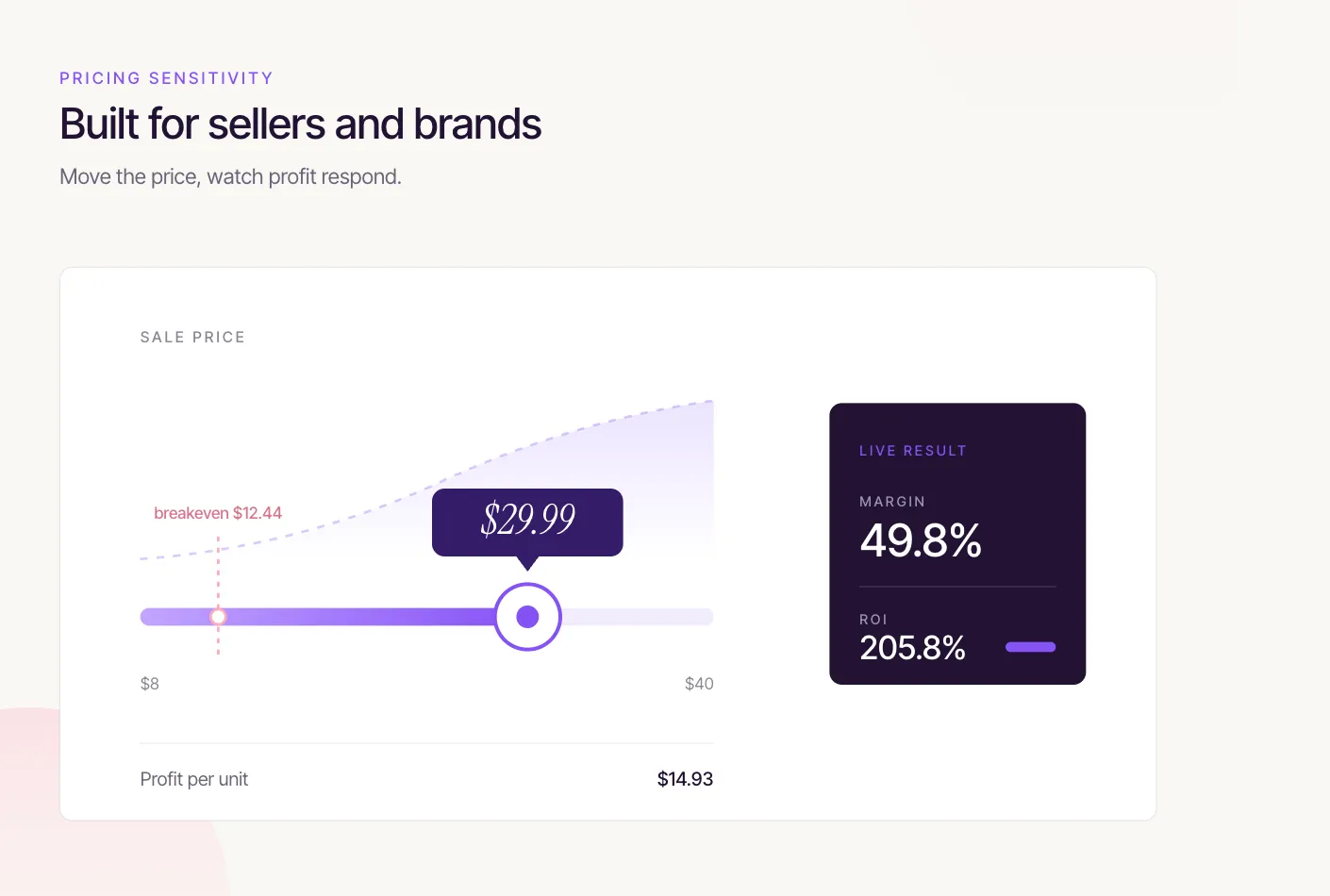
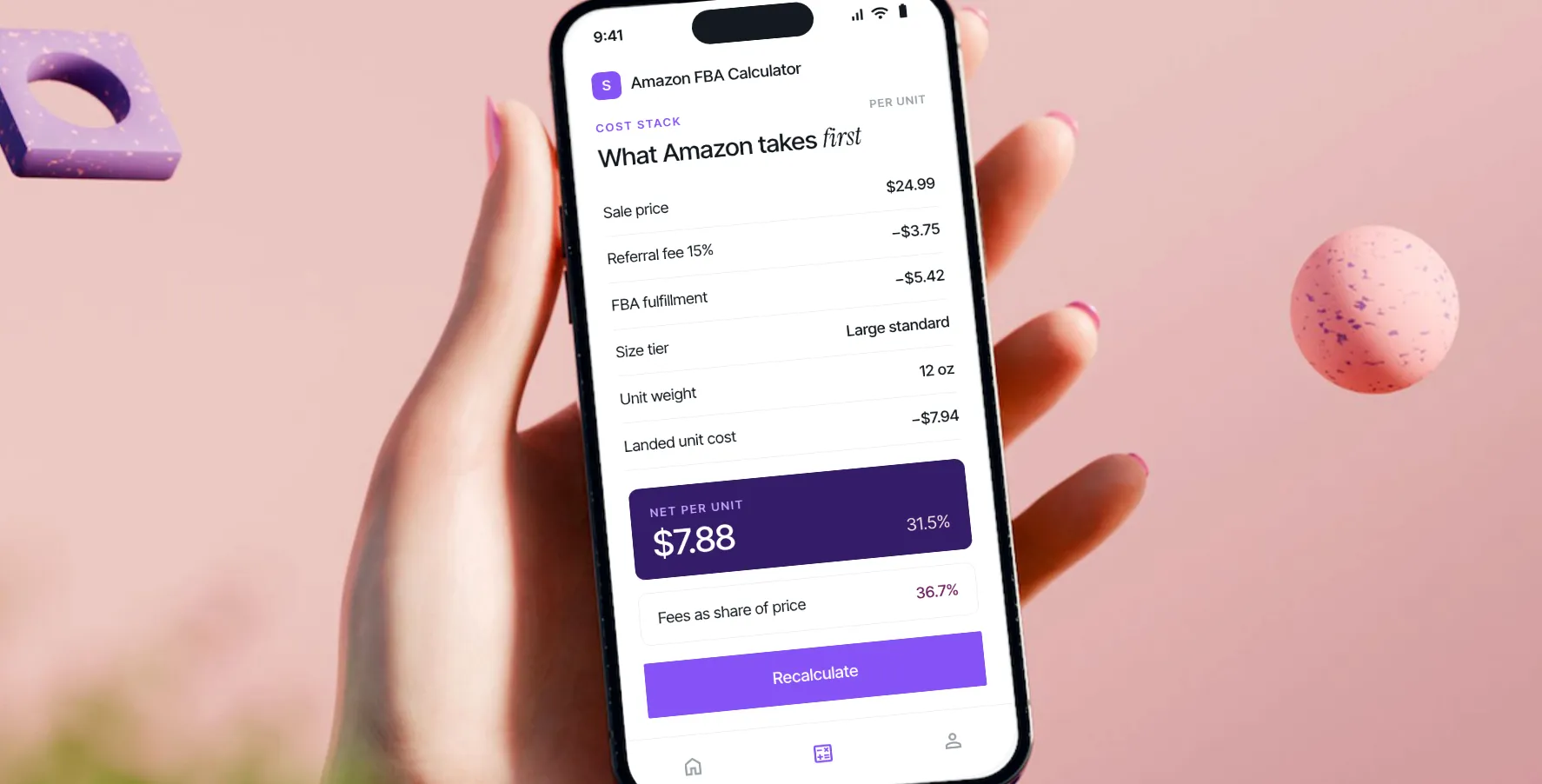
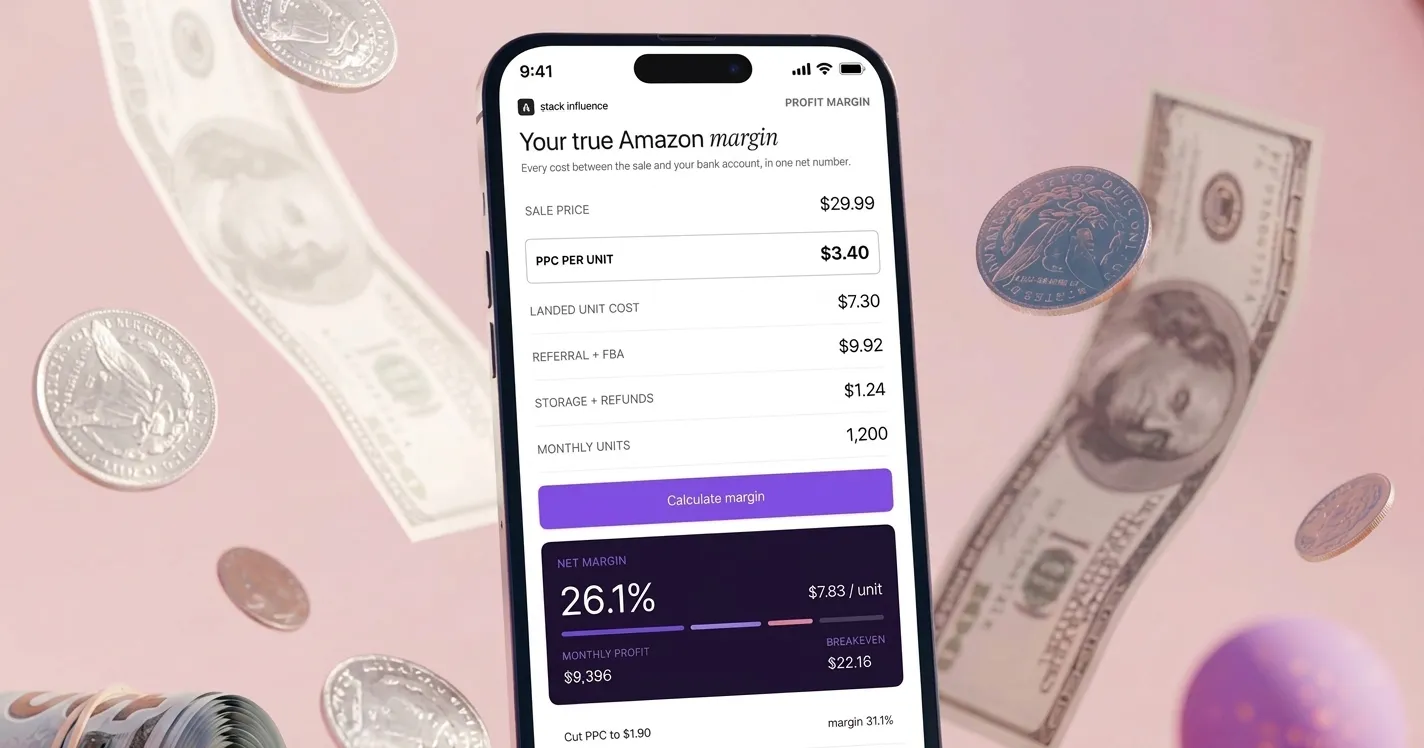
Watch net profit, margin, ROI, and breakeven update live as you type. A full fee breakdown shows where every dollar goes, so you know if a product is worth selling before you commit.

2

Pick your category and size

Choose your product category and size tier. The calculator auto-fills Amazon's referral and fulfillment fees from the 2026 rate card. Know your exact fees? Type right over the estimates.

benefits
Why use our Free Amazon FBA Calculator

100% Free

No signup, no subscription, no limits. Run as many products as you want and never enter a payment method or connect an account.

2026 FBA Rates

Referral and fulfillment fees are estimated from Amazon's current 2026 fee schedule, so your numbers reflect what you will actually pay this year, not last year.

Download high res content

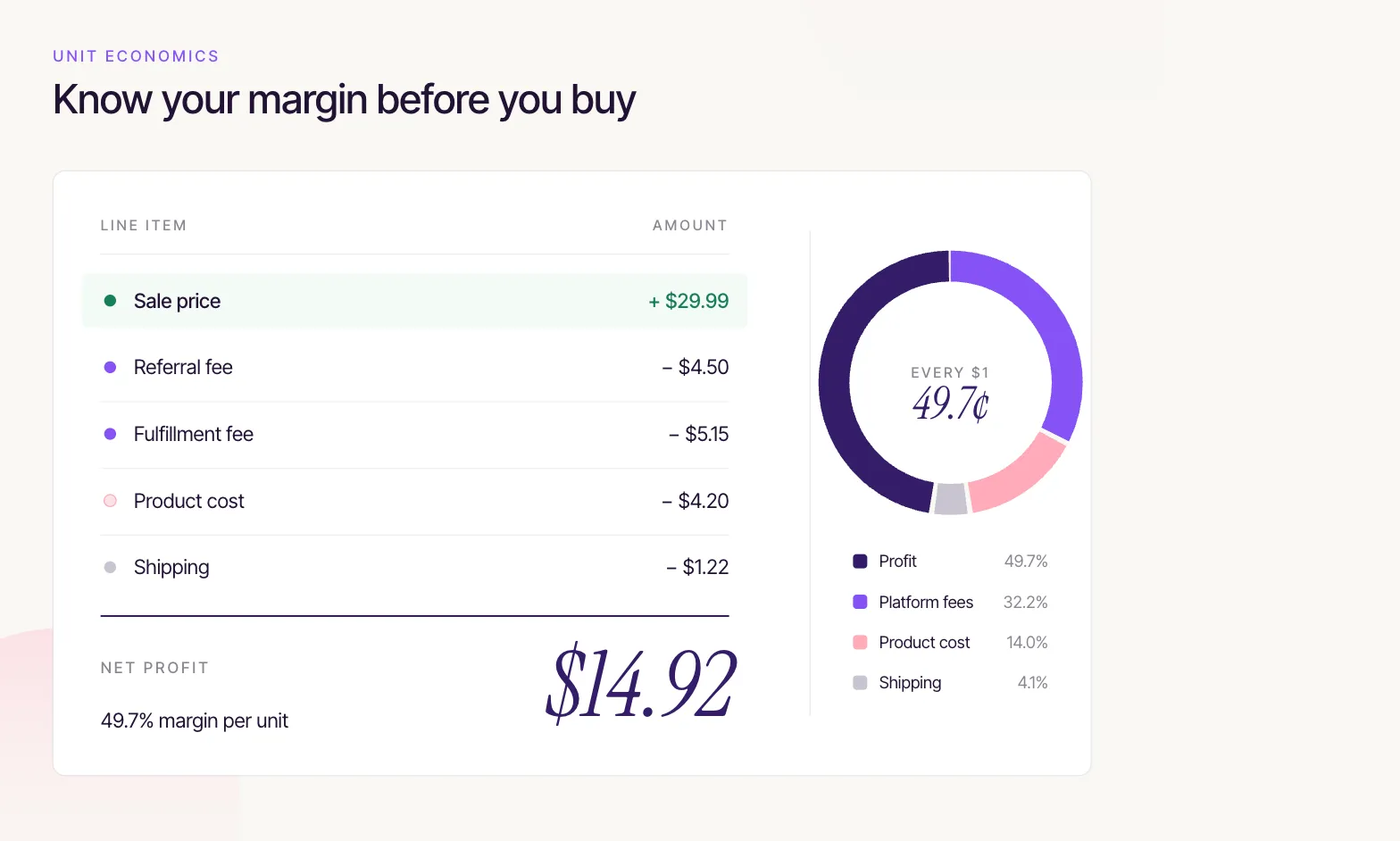
Product cost, shipping, referral fee, fulfillment fee, and storage all in one view. You see true net profit, not just revenue minus one fee.

Know your margin {before you buy}

The fastest way to lose money on Amazon is to source a product without running the numbers first. Between the referral fee, the FBA fulfillment fee, storage, shipping, and your unit cost, a product that looks profitable at a glance can quietly break even or worse. This calculator does the full math in one view, so you can see your real net profit and margin before you place a purchase order, not after the first payout lands.
Built for new or veteran {sellers}

Whether you are validating your first private label product, comparing suppliers on landed cost, or pricing a new SKU against thin margins, the answer comes down to the same question: what do you actually keep per unit. Adjust your price and watch margin and ROI move in real time, find the breakeven point that protects you on promotions, and pressure test a product before you invest. No spreadsheet required, just the numbers you already have.

Frequently asked questions

Help with the Free Amazon FBA Calculator

Is this Amazon FBA calculator really free?

Yes, completely. There is no signup, no subscription, and no cap on how many products you can run. Use it as often as you like without ever creating an account or entering a payment method.

How accurate are the fee estimates?

Referral and fulfillment fees are based on Amazon's published 2026 US fee schedule and are auto-filled from the category and size tier you pick. They are strong estimates for planning, but Amazon fees vary by exact dimensions, weight, and price band, so confirm the final numbers in Seller Central before making pricing decisions.

What does the calculator actually work out?

Four things, live as you type: net profit per unit, profit margin as a percent of your sale price, ROI on your cost of goods, and the breakeven price where profit hits zero. A full fee breakdown shows every cost subtracted from your sale price.

Can I enter my own fees instead of the estimates?

Absolutely. The referral and fulfillment fees auto-fill from your category and size tier, but both fields are fully editable. If you already know your exact fees from Seller Central, just type them in and the profit updates instantly.

What is the difference between margin and ROI?

Margin is your net profit as a percentage of your sale price, so it tells you how much of each sale you keep. ROI is your net profit as a percentage of what you spent to get the unit ready to sell, so it tells you how hard your money is working. Both matter, and the calculator shows them side by side.

Do I need an Amazon seller account to use it?

No. You can run the numbers on any product without logging in or connecting anything. It works just as well for validating a product you are researching as it does for a SKU you already sell.
more free tools

Trusted by top & up-and-coming brands

Scale your eCommerce brand

Join 1000's of brands already growing with Stack Influence
Sign up as a brand

Join our creator community

You only need 200+ followers to get paid for your social posts
Sign up as a creator

What our creators say